Blog

Explore our tips & tricks to find some extra content to help you unlock the full potential of our tool. Whether you’re looking to enhance your map-making skills or discover hidden features, this page is for you!

New feature ✨

Choropleth maps in Mapcreator just got easier

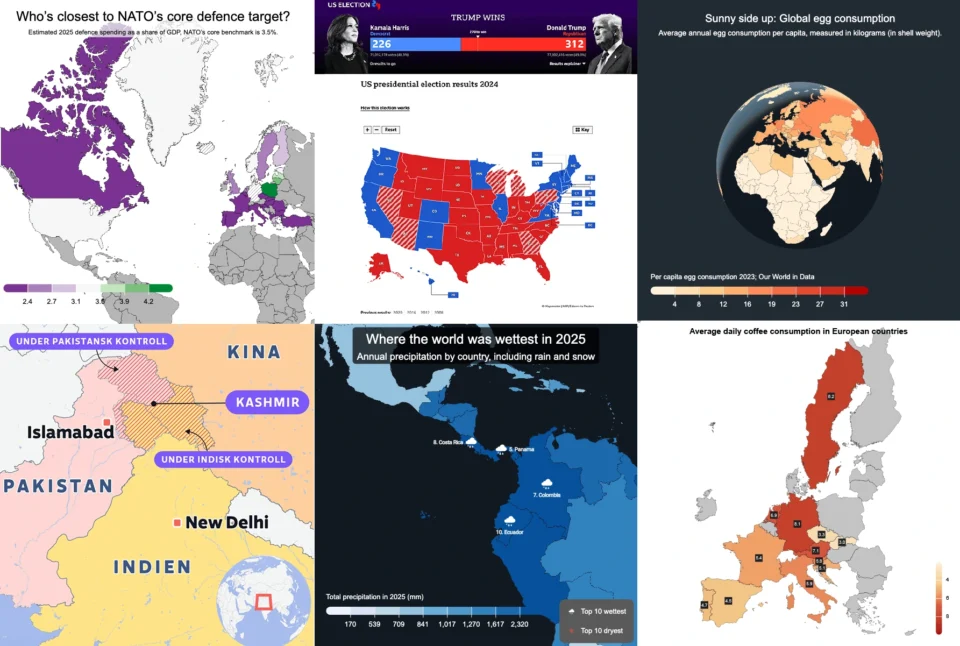
A choropleth map is a color-coded map that shows how values differ between geographic areas, such as countries, regions, or districts. Election results, population density, regional sales, risk levels, tourism numbers — when your data is linked to countries, regions, or other areas, a choropleth map helps people understand the pattern faster. Instead of asking […]

Read more

Why bringing your own data can make for better maps

Some maps do not begin as maps. They begin as bits and pieces of information waiting to make sense together. They start in spreadsheets, route files, design folders, exports, downloads, and sometimes in a file name that has seen far too many versions of the word “final”. Useful, yes. Map-ready? Not always. Eventually, that data […]

Read more

Your 2026 Winter Olympics maps are here!

Italy is getting ready for the 2026 Winter Olympics. Snow, ice, roaring crowds, and at least one person asking if curling really requires athletic skill (spoiler: yes). No matter if you are preparing coverage for TV, online, or print, one thing is clear: you need accurate visuals to show where every event is taking place. […]

Read more
New feature ✨

New! Render Globe Maps as Vector Files

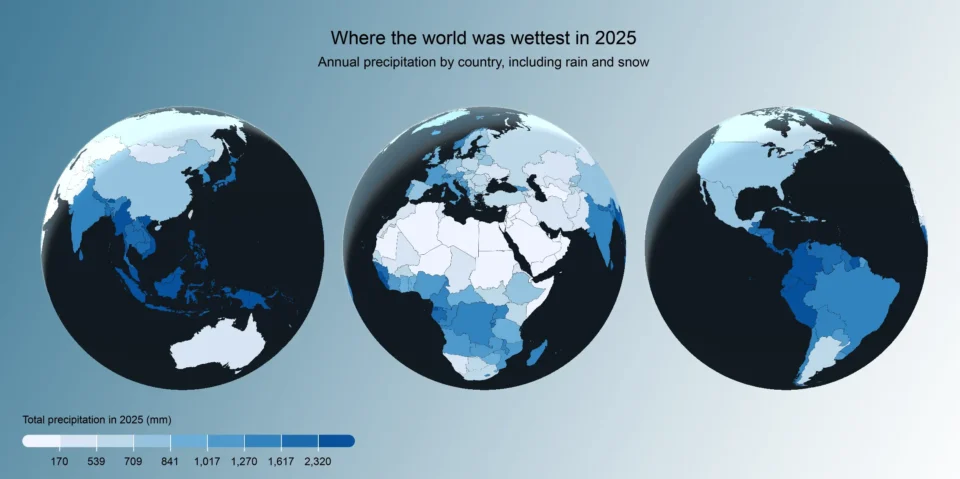
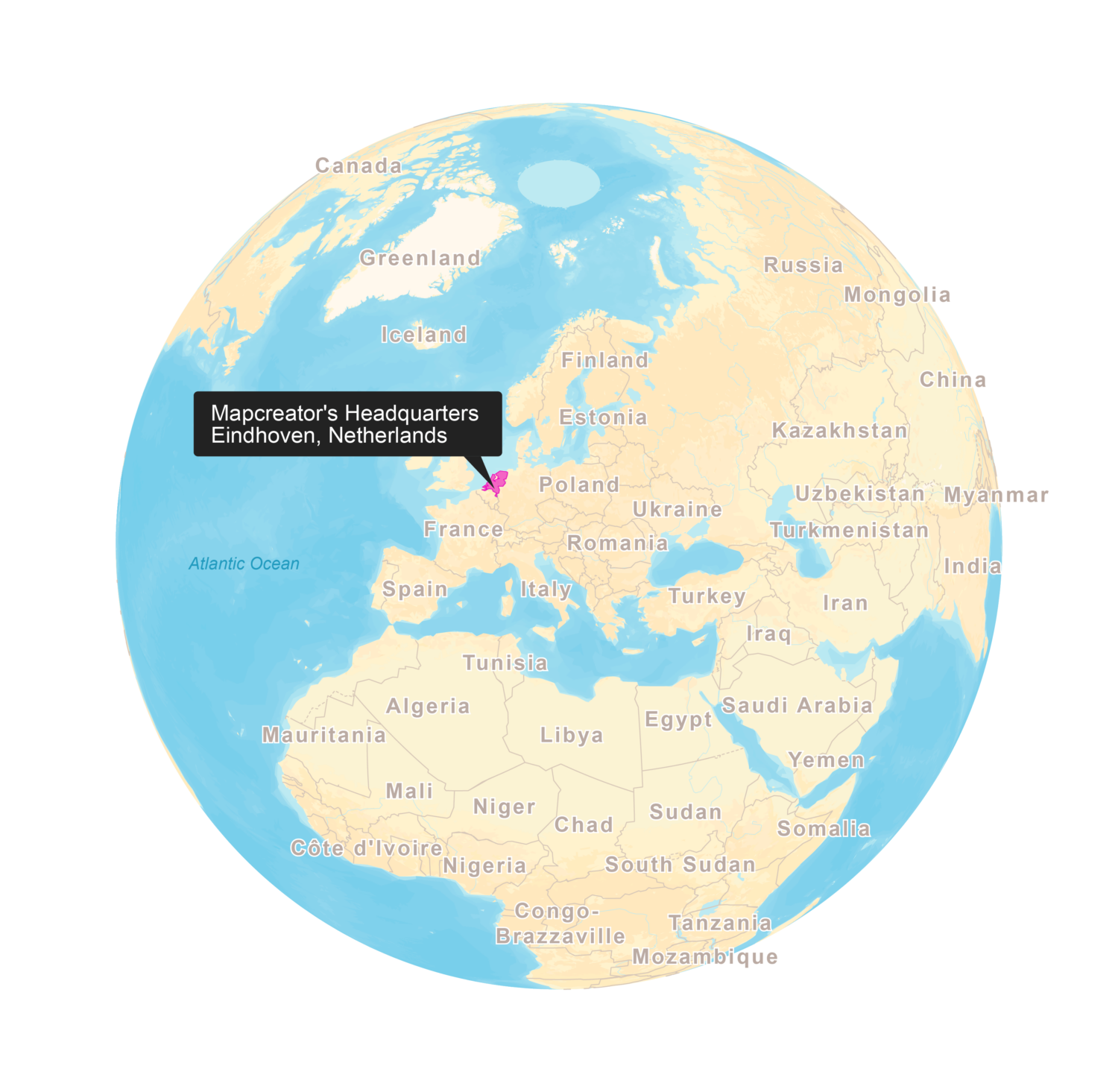
We don’t like world maps. There, we said it. Most world maps you come across are distorted. When you flatten a 3D planet onto a 2D surface, you always end up making compromises. That’s why we love globes! They let you see the world just as it really is. Mapcreator now supports globe rendering in vector files […]

Read more
New feature ✨

Import a spreadsheet with automatically numbered icons

If you’re manually placing numbered icons one by one onto a map, stop right there; we need to have a chat. There’s a better way. A faster, smarter, easier way. Over 1k locations to import? No problem. Enter: data binding in Mapcreator. With data binding, you can upload a spreadsheet that automatically adds locations with […]

Read more

Mapcreator’s default map styles for all your mapping needs

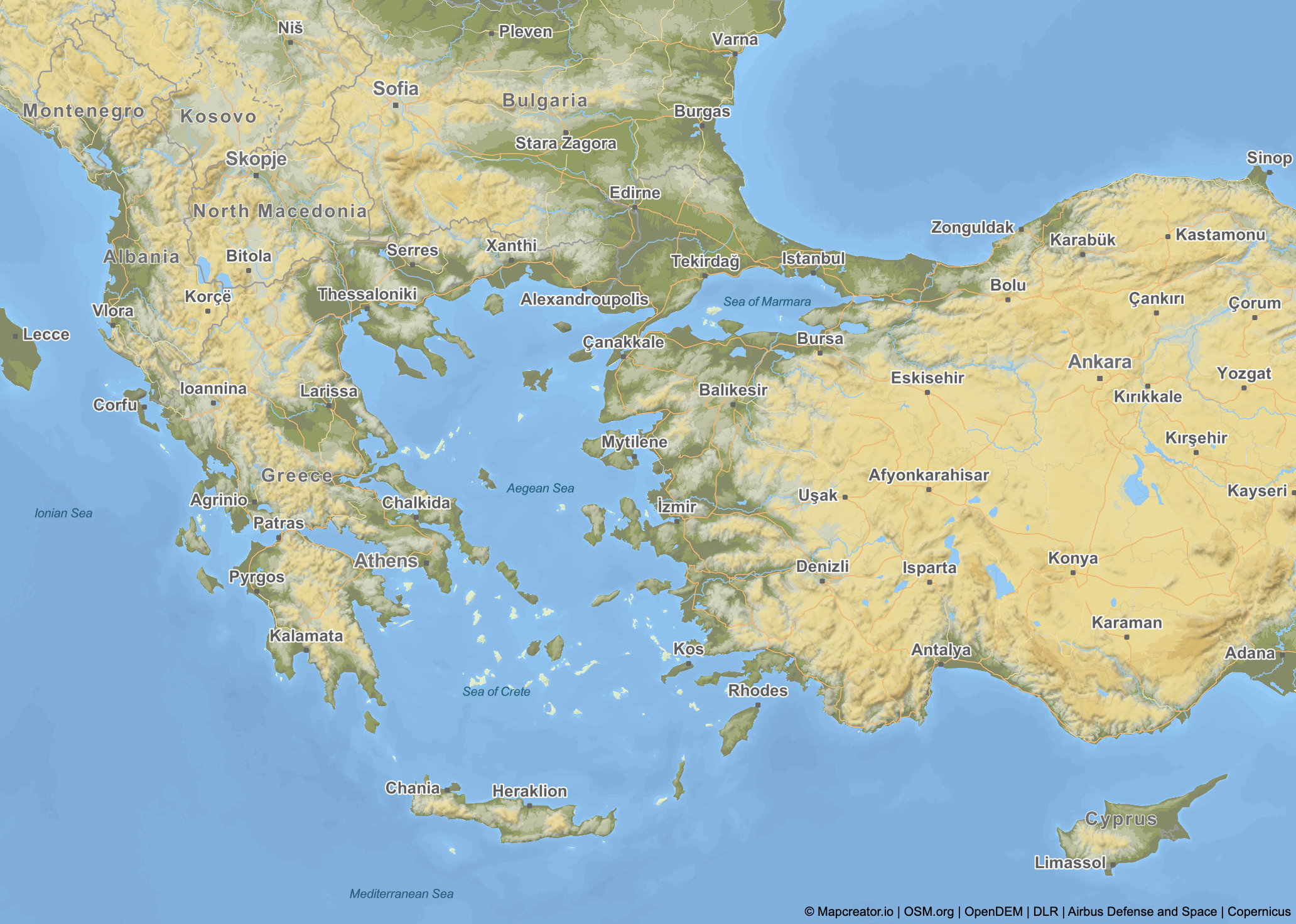
Whether you just need a simple map or you’re aiming for something with a bit more personality, Mapcreator’s built-in styles are a great place to start. They give you a solid base to bring your ideas to life. In addition to custom work, we offer a selection of ready-made map styles. You can use them […]

Read more

Create isolated country shape maps in Adobe Illustrator

A clear and focused map conveys a story faster than a thousand words. Isolated country maps, where just one area is highlighted without surrounding borders or visual clutter, are especially powerful in media and communications. And now, there’s a faster, more intuitive way to work with maps in your design workflow. Simply generate the map […]

Read more

How to create a flight map in Mapcreator 

From breaking news stories to travel magazines, flight maps help audiences visualize movement, distance, and connection at a single glance. From complex routes through various locations or simply moving a curved line from A to B, Mapcreator makes it easy to create a flight map in minutes. In this short guide, we’ll walk you through […]

Read more

Hidden features in Mapcreator you might not be using (but should!)

Mapcreator is a powerful tool for designing customized maps, but did you know it has some hidden features that can take your map-making to the next level? In this article, we’ll explore four lesser-known, yet incredibly useful tools within Mapcreator that can help you improve your maps. 1. Grid and label-free zone: fine-tune label placement […]

Read more

Create custom maps in Mapcreator

Maps are more than just tools for navigation; they’re a powerful way to tell stories, showcase data, and communicate ideas effectively. At Mapcreator, we understand that every project has unique needs. That’s why we offer extensive customization options, enabling you to create custom maps that reflects your vision. Whether it’s a one-time adjustment or custom […]

Read more

Unlimited interactive maps with Mapcreator’s new personal plan

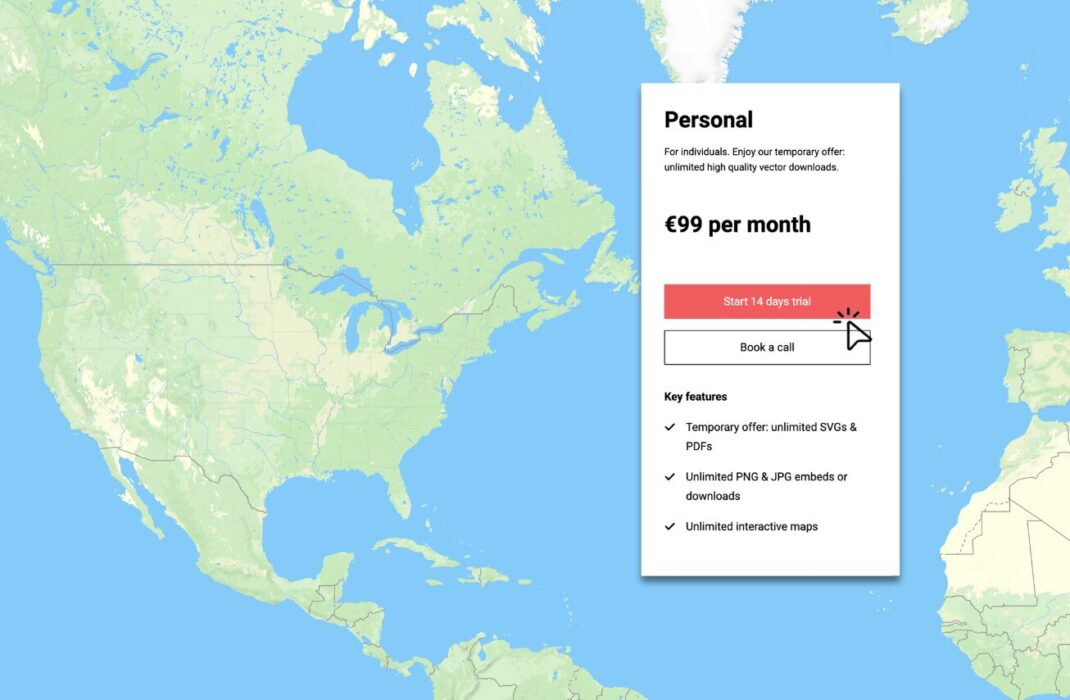
For only €99 per month, users can now create unlimited interactive maps with our new personal plan. This plan offers a brand new, affordable and accessible way for everyone—from beginners to seasoned professionals—to explore Mapcreator. It’s the perfect entry point to get to know our platform. Plus, Mapcreator provides access to an extensive data library […]

Read more
New feature ✨

Folder management and map templates in Mapcreator Next

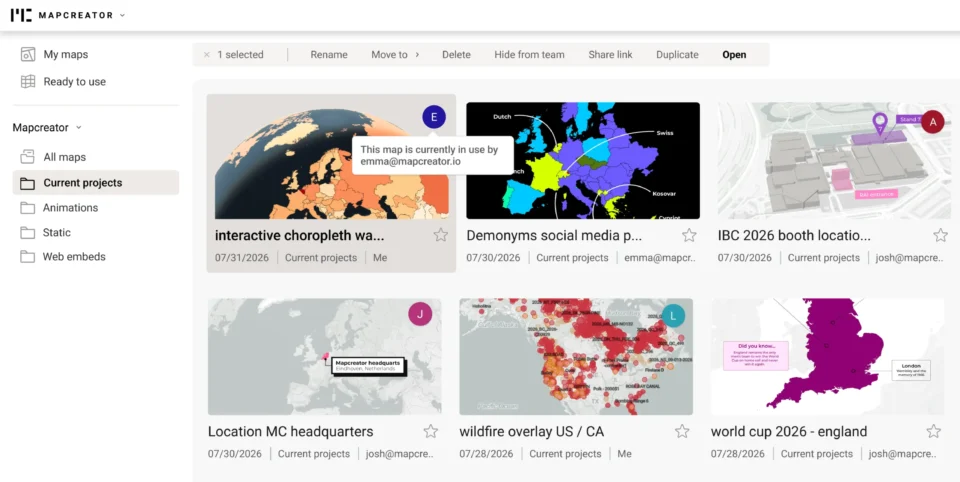
We hope you are enjoying and discovering all the exciting features of Mapcreator Next during this early bird phase! As we continue refining this new version, we’d like to take this opportunity to highlight one of its standout functionalities: the new dashboard and folder management tools. Designed to make your workspace more organized and efficient, […]

Read more

Mapcreator’s integration in nxtedition

We’re excited to share Mapcreator’s integration in nxtedition platform! With this collaboration, Mapcreator is bringing our accessible, intuitive mapmaking solution directly into the trusted enviorment of production teams. This partnership enables reporters, editors, and producers to create professional-grade, visually engaging maps within nxtedition, without needing specialized design skills. By embedding our HTML-based map solution, nxtedition […]

Read more

Map beautiful landmarks around the world with Mapcreator

In today’s digital world, maps are more than just geographical tools. They tell stories, visualize data, and you can bring unique elements to your projects. Whether you’re focusing on landmarks, natural features, or urban layouts, with Mapcreator you can take your maps to the next level. Use SVG imports, 3D buildings, 3D terrain or satellite […]

Read more

The Power of Image Sequences: A Look Beyond MP4

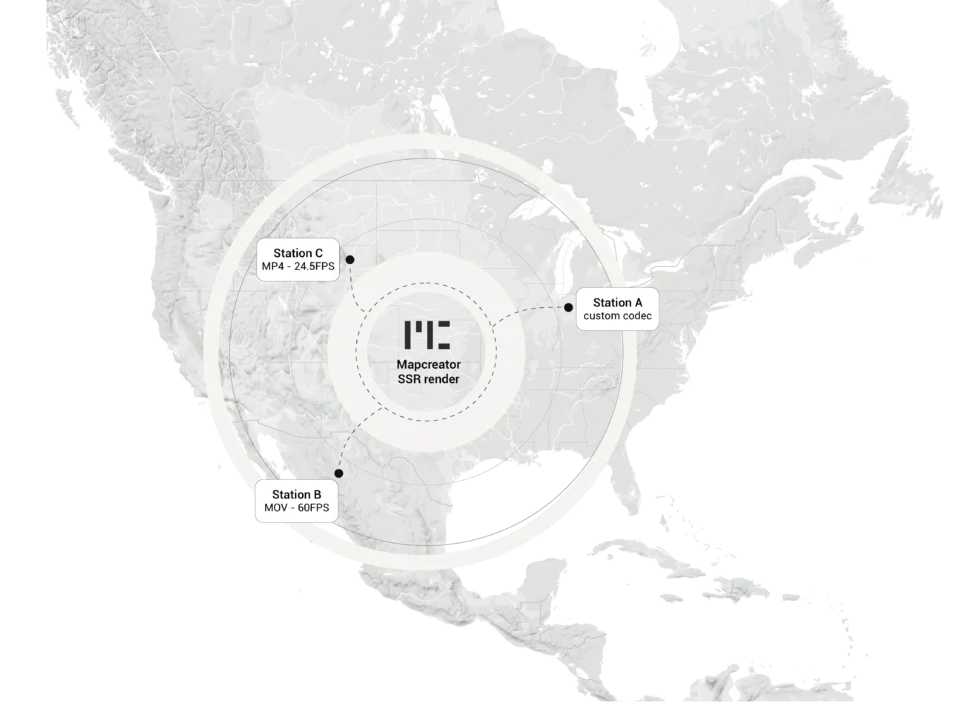
In the dynamic world of mapping, the choice of export format for animations plays a big role in determining the quality and flexibility of your final product. While MP4 files have been a staple for video exports, there’s a compelling case for considering PNG sequences as a superior alternative. Let’s find out why image sequences […]

Read more

This content is available in English

Would you like to switch?

Diese Inhalte gibt's auch auf Deutsch

Möchtest du wechseln?

Contenu disponible en français

Changer de langue ?

Esta página está disponible en español

¿Te gustaría cambiar?

Deze pagina is ook beschikbaar in het Nederlands

Zullen we je doorverwijzen?