


Create fully editable vector maps
Create fully editable, layered vector maps in minutes. Export in SVG or CMYK PDF for web or print, or generate maps directly inside Adobe Illustrator with our custom extension.














Design without limits
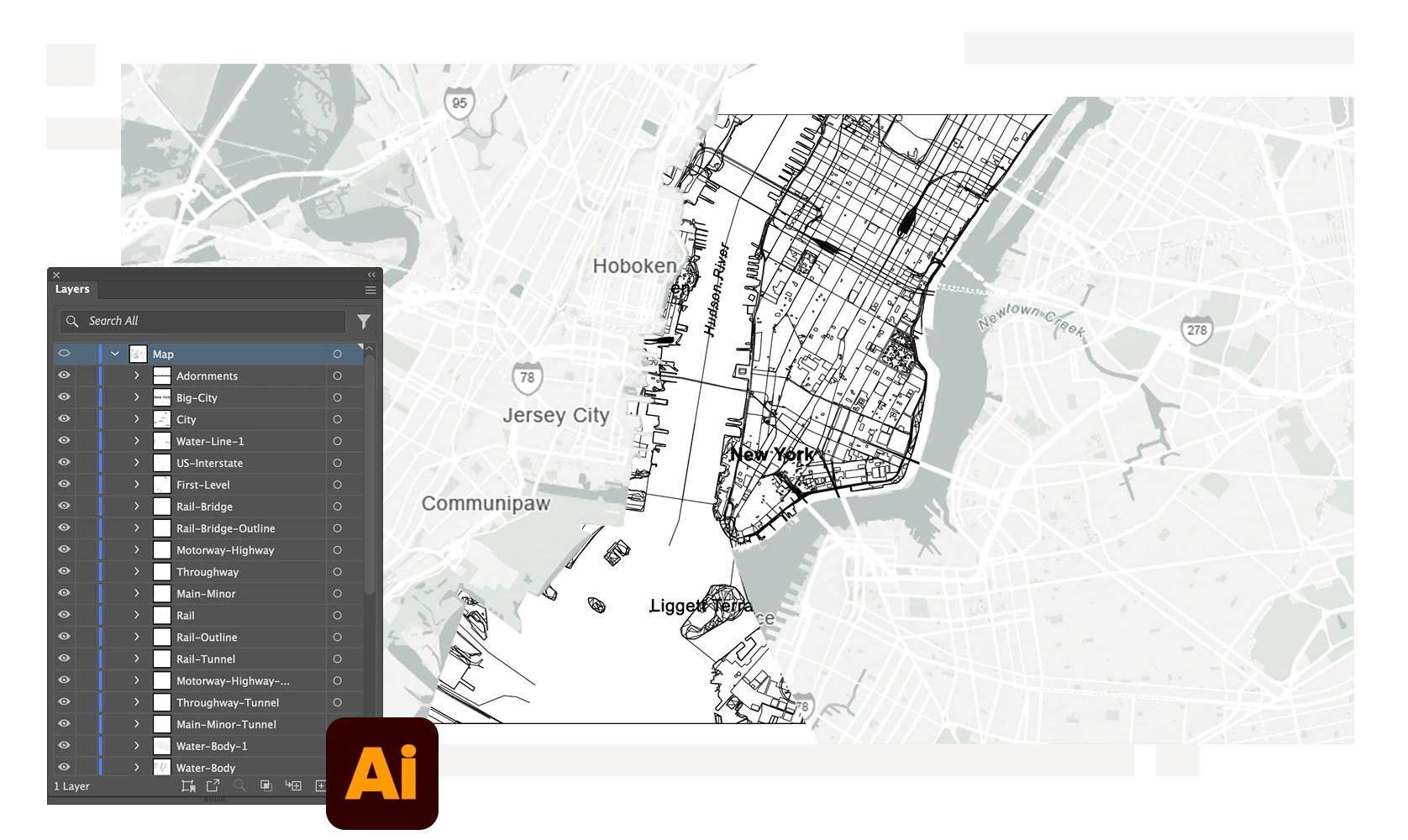
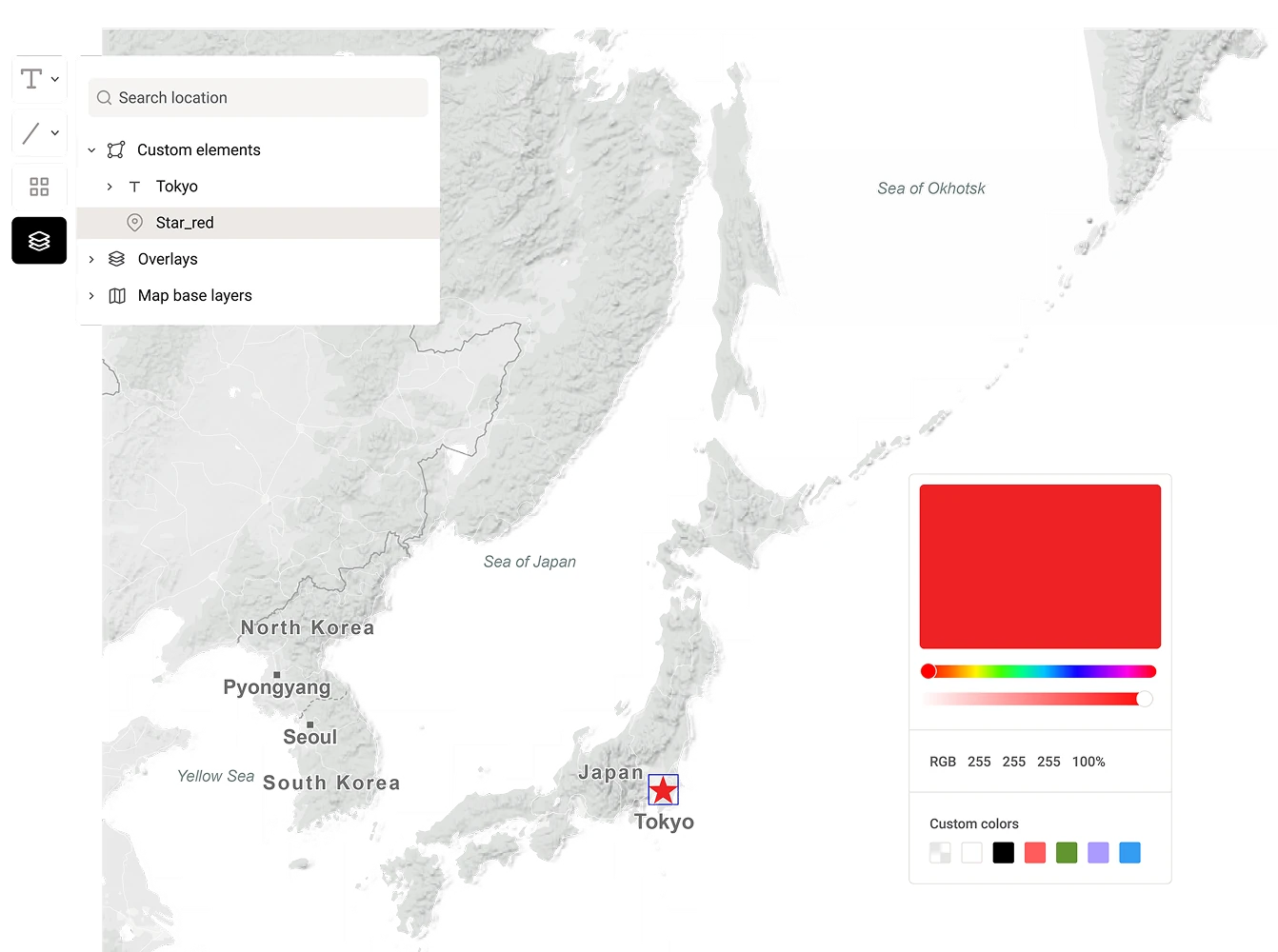
Every vector map exported from Mapcreator mirrors the element structure you see in the tool — neatly layered and ready for editing. Open your SVG or PDF in Adobe Illustrator and adjust each detail, from roads to labels, with complete precision.
Work directly in Adobe Illustrator
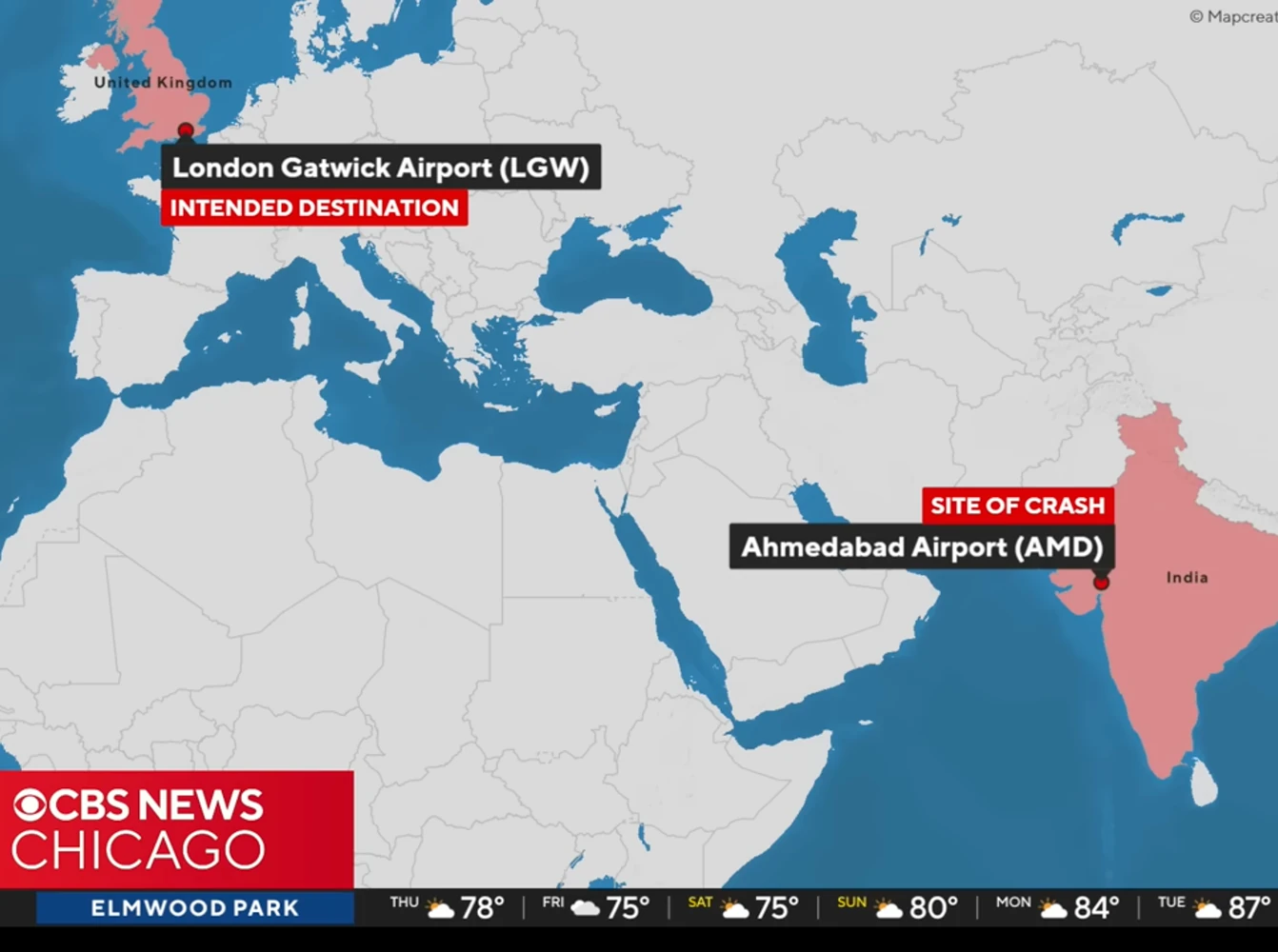
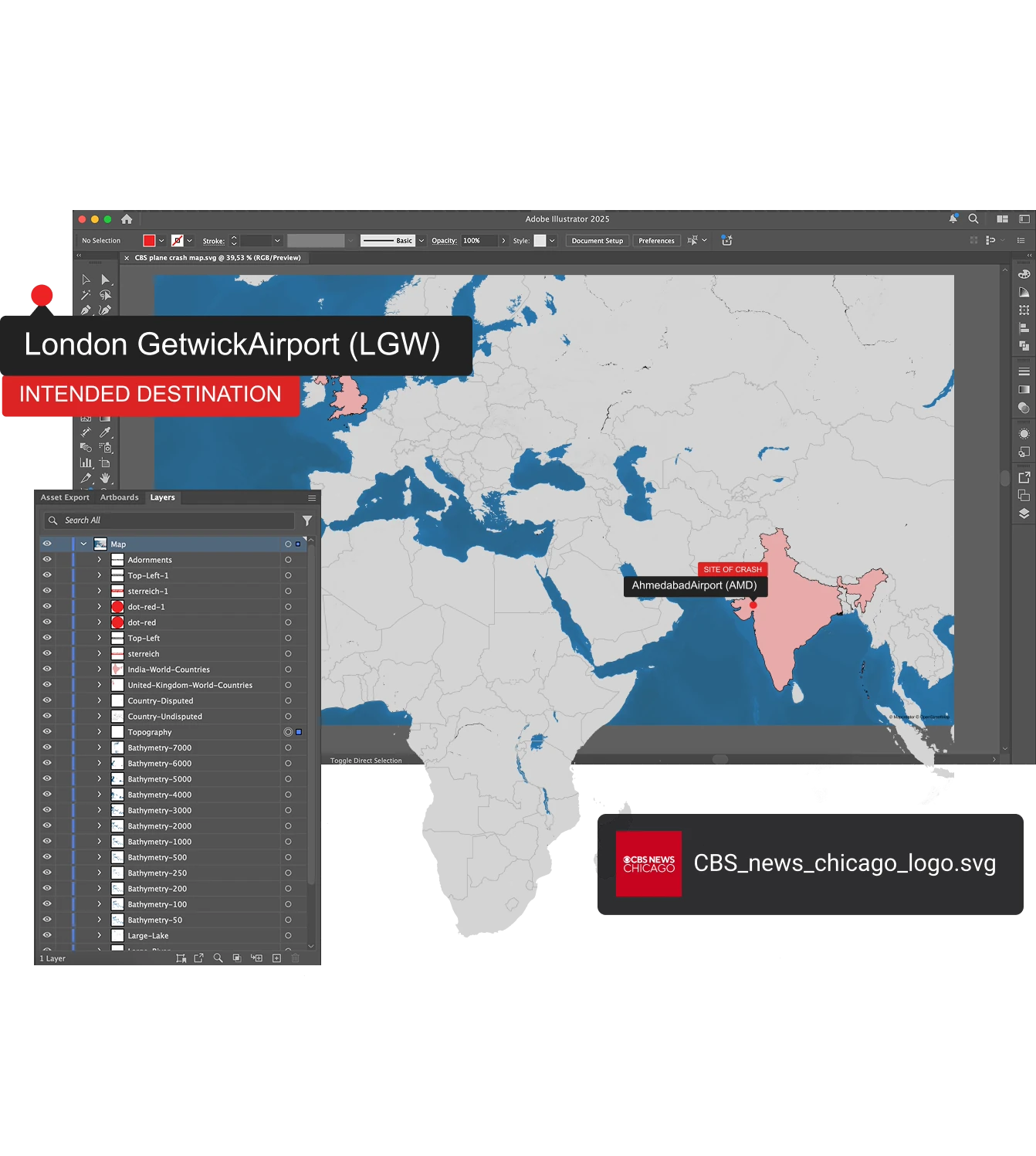
With the Mapcreator Adobe Illustrator Extension, you can create and edit maps without leaving Illustrator. Import, style, and update maps as part of your existing design workflow. The perfect solution for print layouts, infographics, or branded visuals.
Optimized for web and print
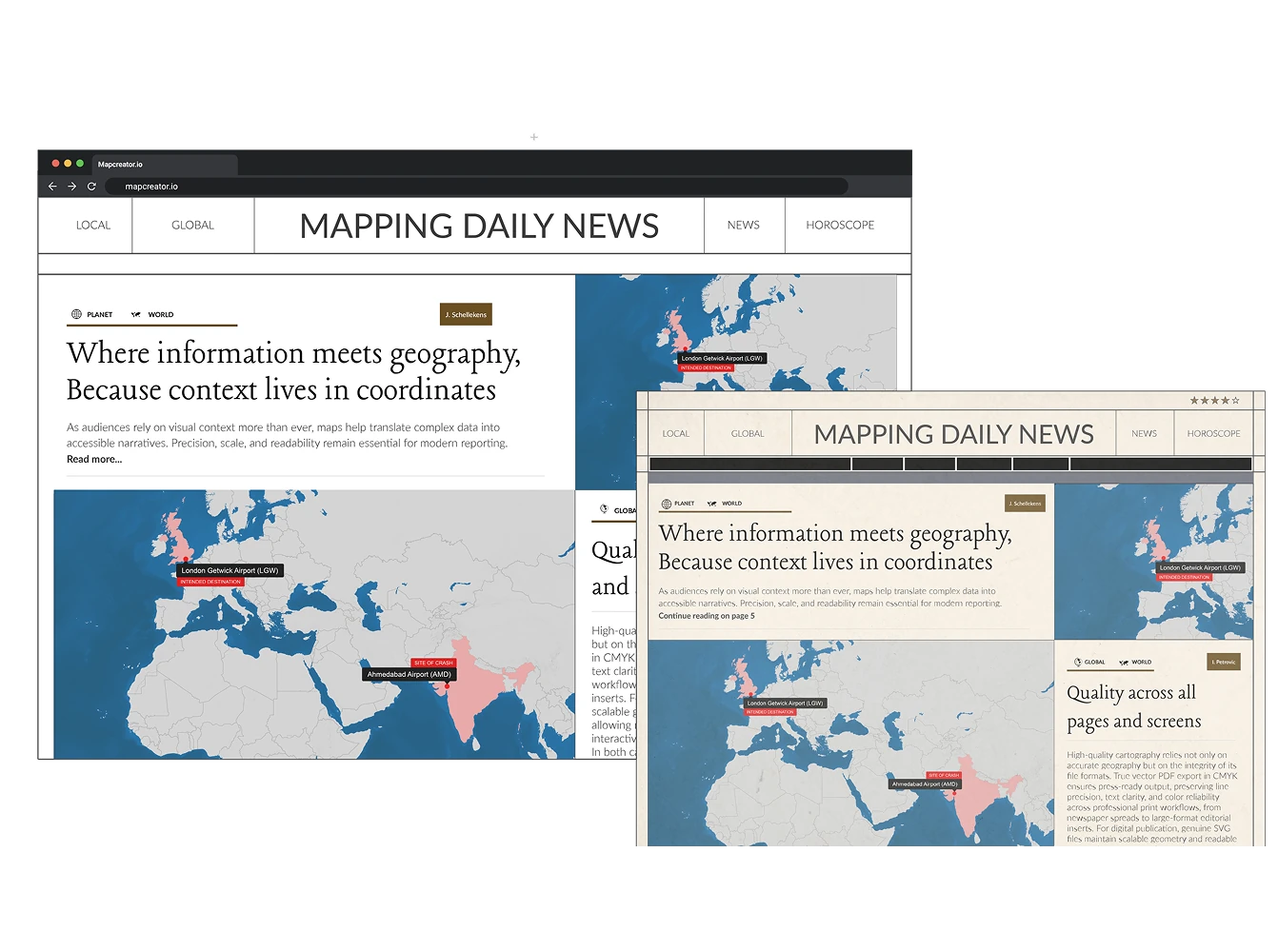
Export vector maps as SVG for online publishing or as PDF in CMYK for high-quality print. Every export maintains sharp lines, clean typography, and scalable geometry, no matter the size or resolution.
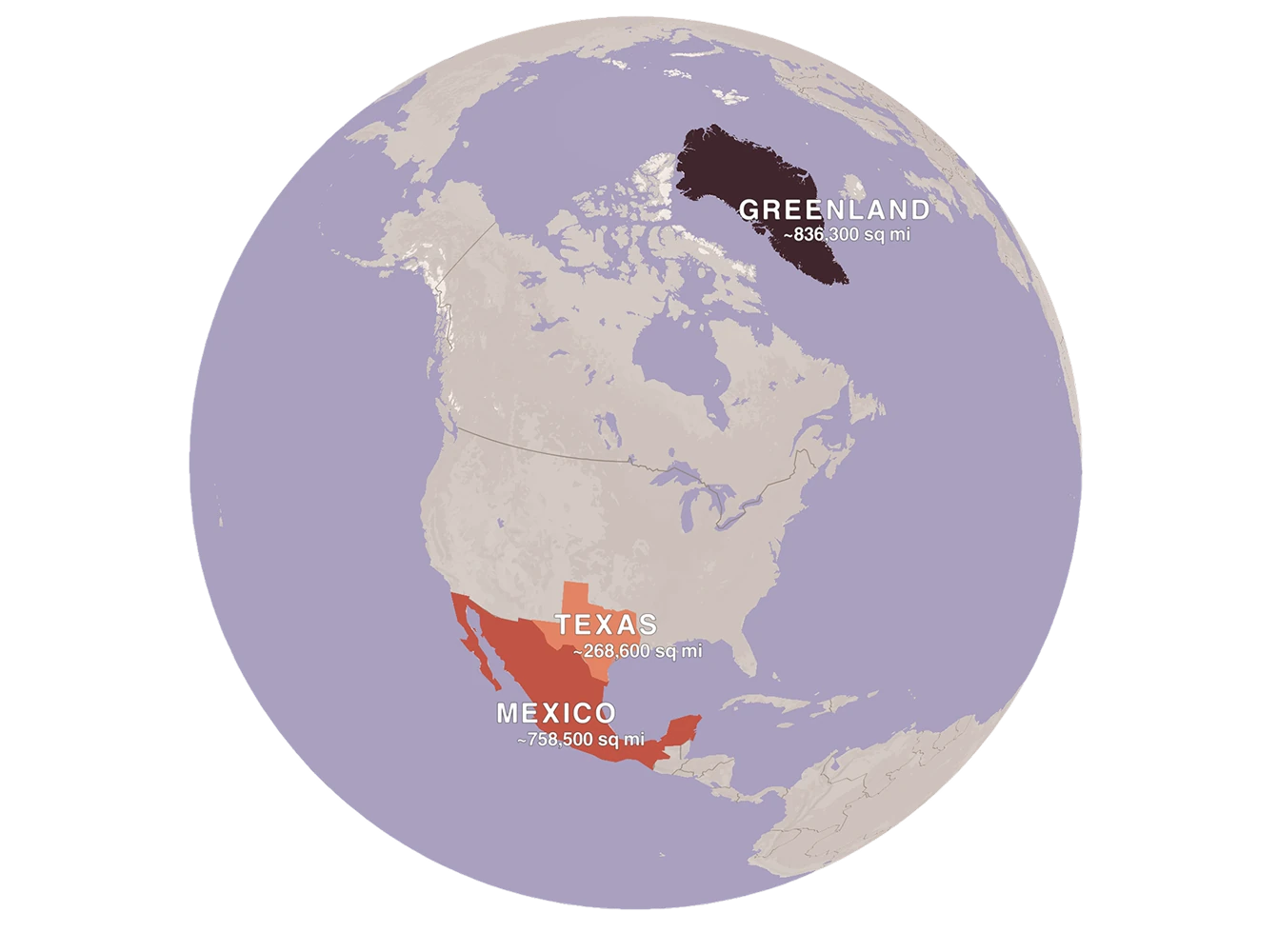
A new perspective: Vector globe view
Most world maps distort reality because a 3D planet never flattens perfectly onto a 2D surface. With Mapcreator, you can render true vector globes that stay crisp, editable, and infinitely scalable. Highlight any region accurately — from Antarctica to Greenland — and export as SVG or CMYK PDF for print or design projects. Ideal for world-scale data, flight routes, or simply providing a different perspective of our world.
Why designers choose Mapcreator
Whether you’re crafting detailed infographics, editorial layouts, or branded reports, Mapcreator’s vector maps give you the control and quality you need. Edit, restyle, and repurpose your designs endlessly — no loss of detail, no pixelation.
Streamline your Illustrator workflow
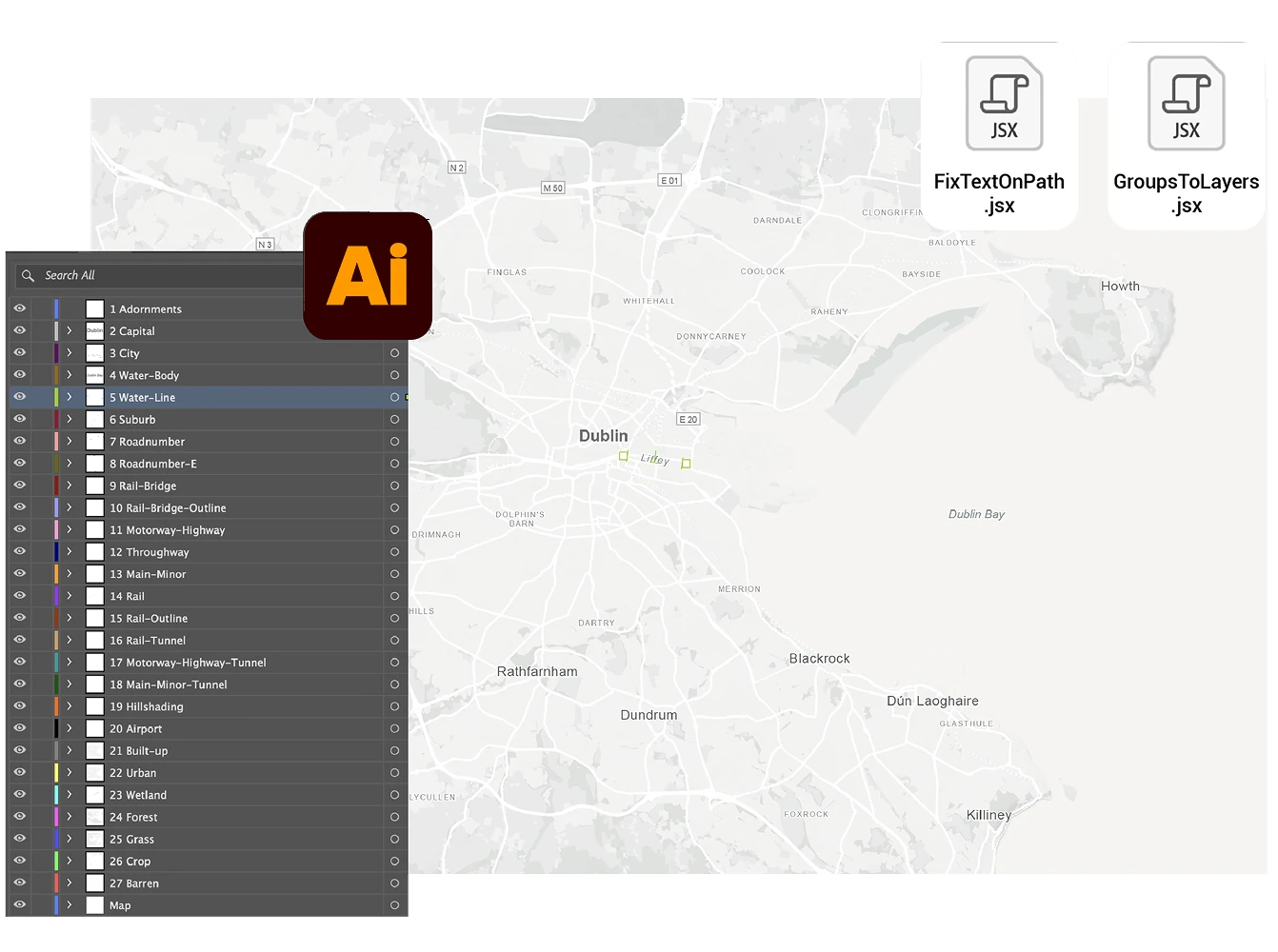
Enhance your post-editing with Mapcreator’s free Adobe Illustrator scripts: Turn groups to layers and fix text on path elements inside your SVGs. They simplify layer management and make curved text editable again, giving you full creative control inside Illustrator.
Map smarter now.
No spam, just high-quality mapping insights. Unsubscribe anytime.
Frequently asked questions
Got a question? Start with these essential FAQs, or explore our Knowledge Base for more Mapcreator guidance.
What makes Mapcreator’s vector maps different from image exports?
Mapcreator lets you export both standard Mercator map projections and globe maps in vector formats. This means you can create scalable SVG or PDF files that stay sharp and editable for print, digital design, editorial graphics, and branded visual content.
Can I edit Mapcreator maps in Adobe Illustrator?
Yes. You can open exported SVG or PDF maps in Adobe Illustrator, or use the Mapcreator Adobe Illustrator Extension to create and edit maps directly inside Illustrator. This is ideal for editorial graphics, reports, infographics, and print layouts.
Which vector file formats can I export?
You can export vector maps as SVG for web and digital publishing, or as CMYK PDF for high-quality print. Both formats keep your maps sharp, scalable, and ready for professional production.
Are vector maps suitable for branded design work?
Yes. Vector maps are ideal for branded visuals because every detail can be restyled, resized, and refined without losing quality. You can adjust colors, labels, icons, line styles, and layout details to match your brand or publication style.




