Map your listings beautifully
Mapcreator makes it easy for real estate professionals to design and update maps that showcase properties, highlight amenities, and bring clarity to your listings — in print, online, animations or interactive formats.
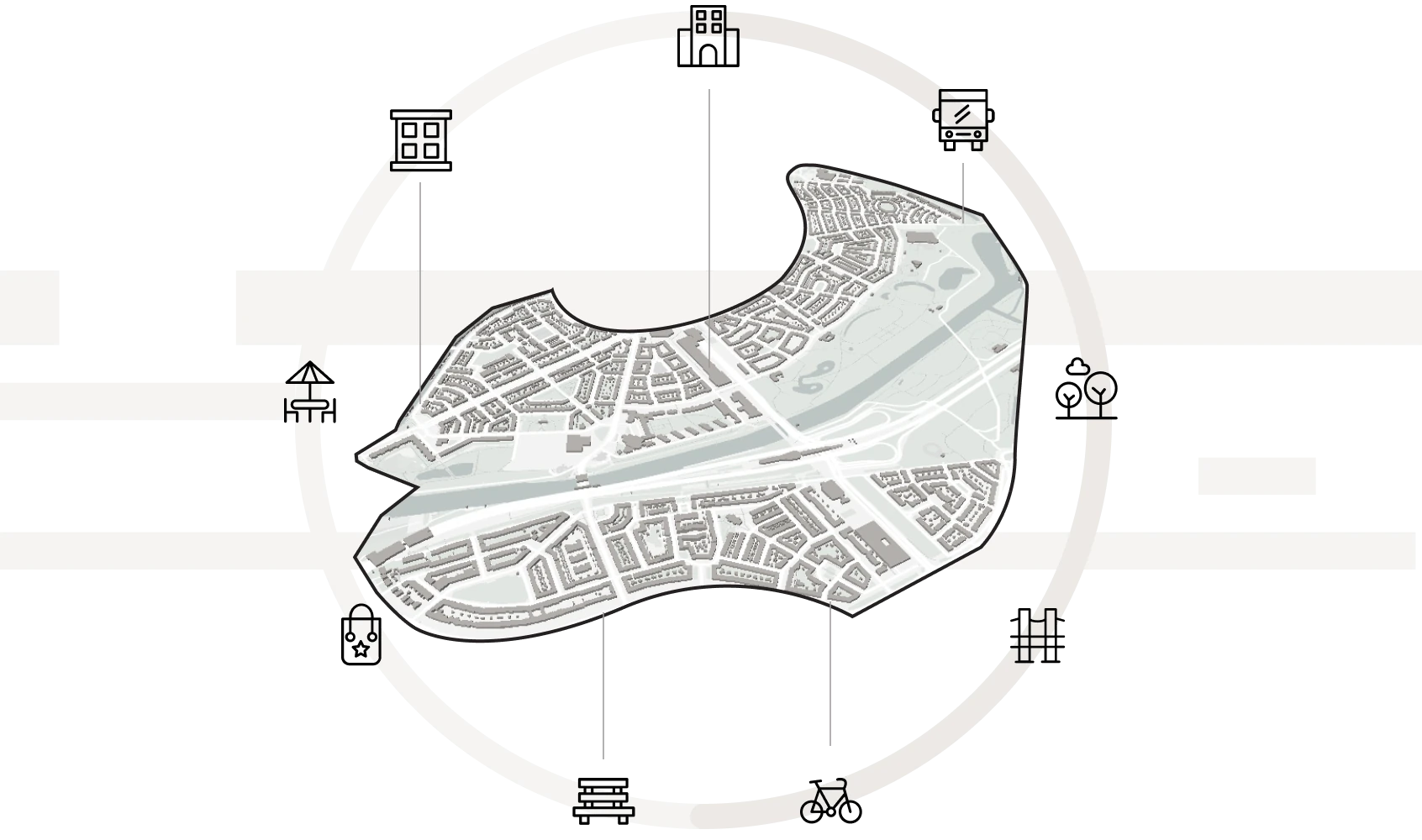







Showcase your brand on every map
Apply your brand’s colors, fonts, and icons. Our experts create custom map styles that match your visual identity, ensuring every property map aligns perfectly with your marketing materials.
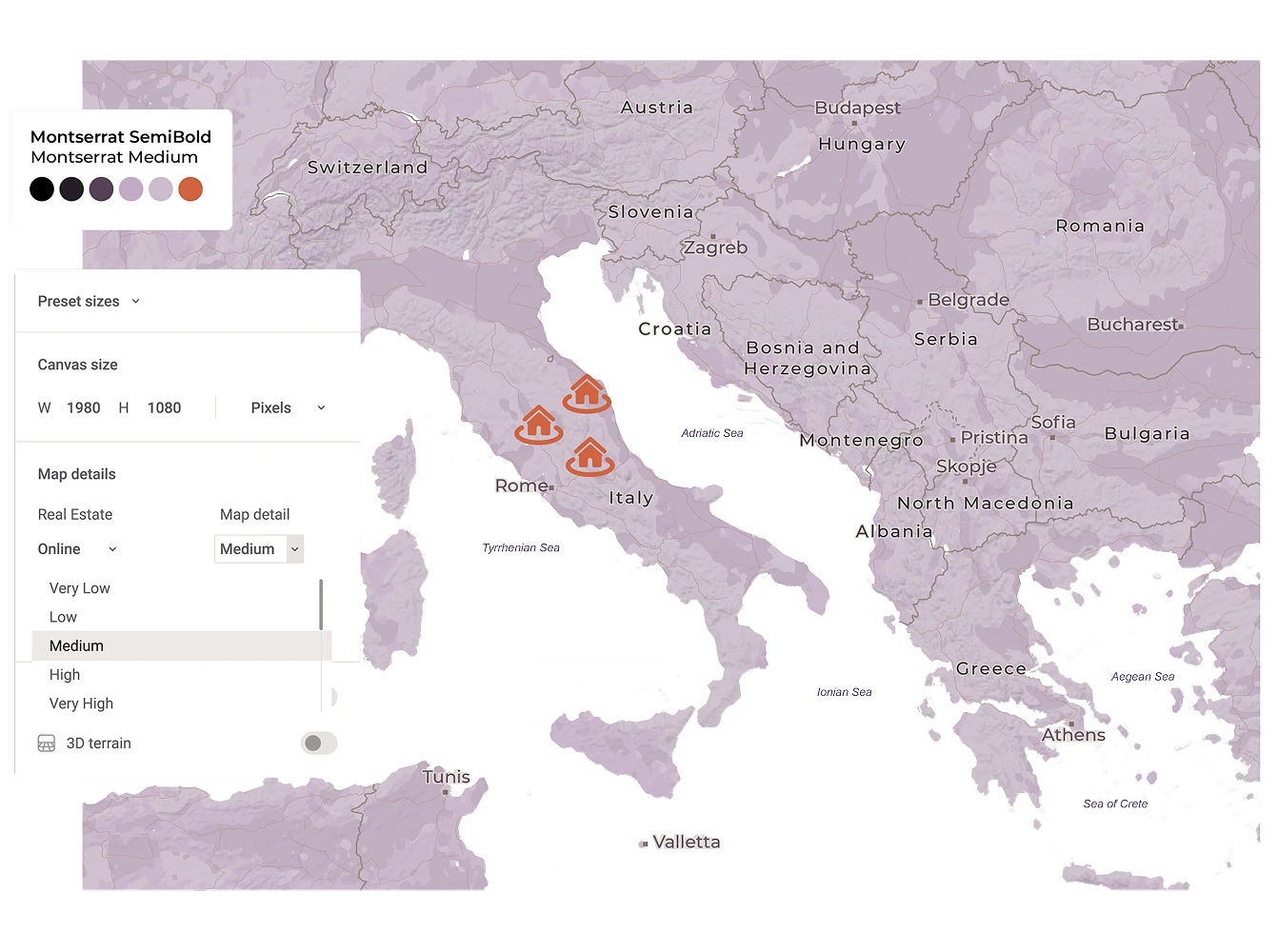
Precision made simple
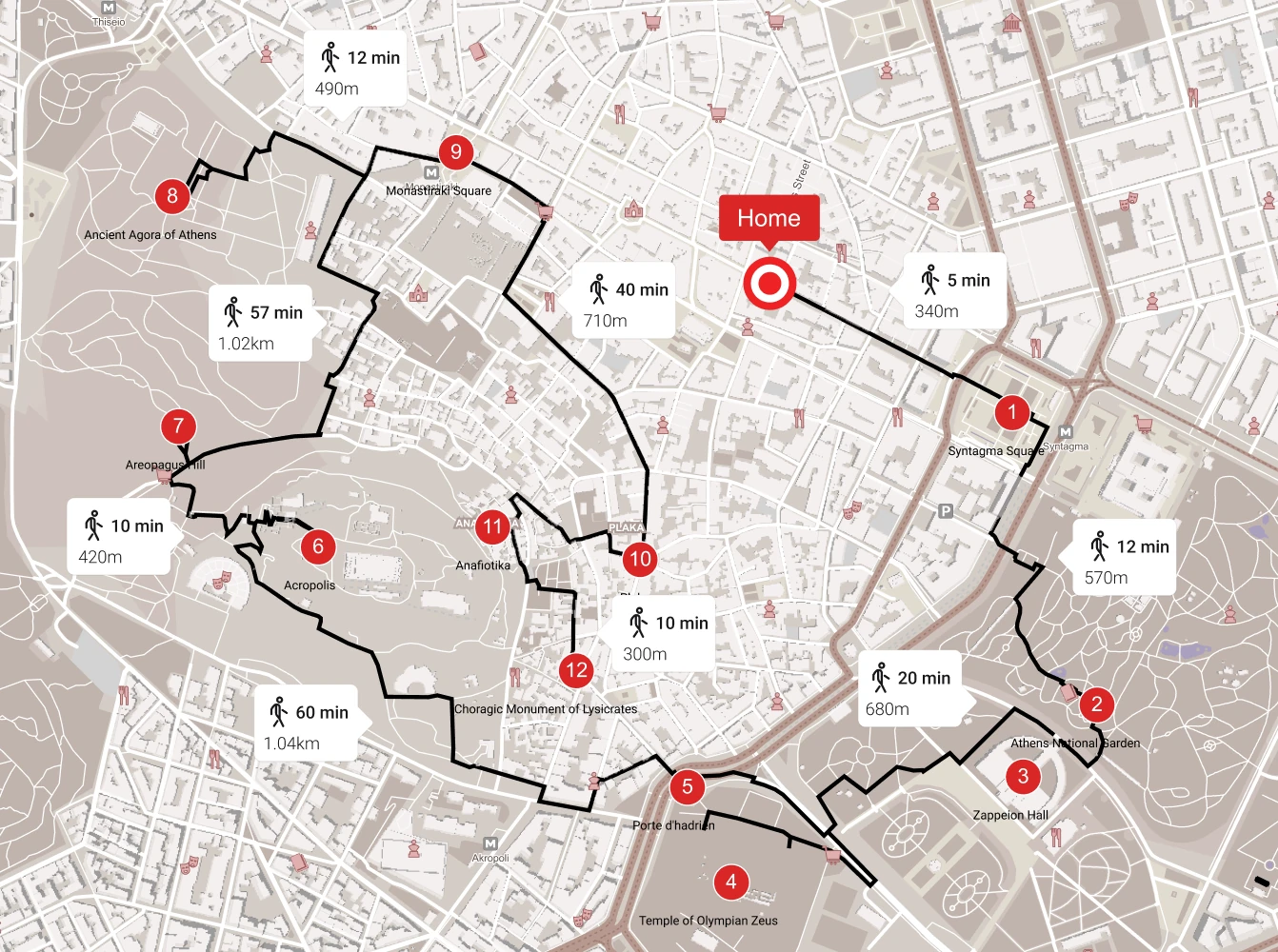
Upload your spreadsheet with property addresses, and Mapcreator automatically places them with street-level accuracy. Add range rings to show travel distances in miles, kilometers, or nautical miles. Your clients will instantly understand how close each property is to key infrastructure such as airports, ports, railway stations, or major business districts.
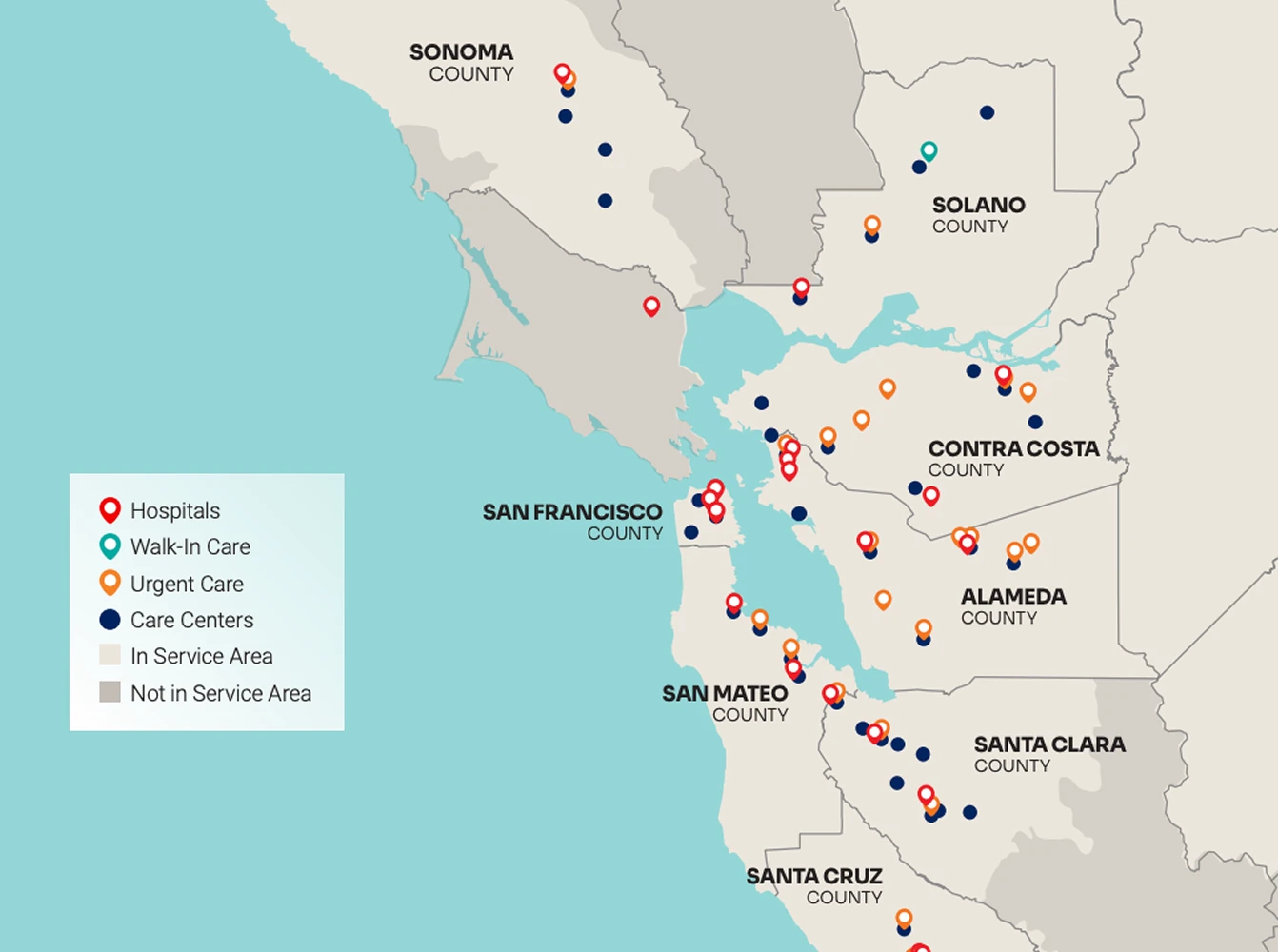
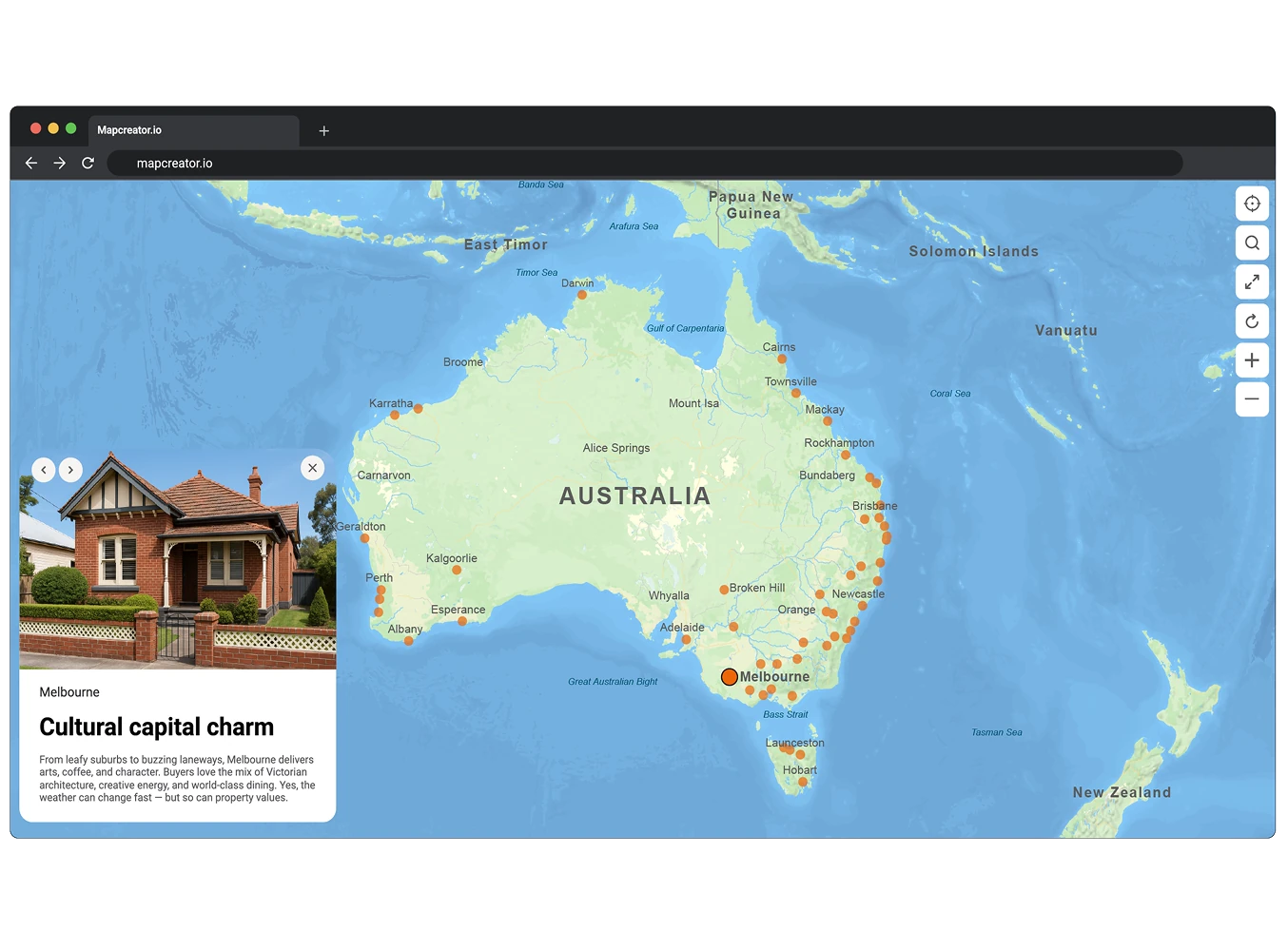
Interactive maps that sell
Add popups with photos, links, or videos that are automatically bound to your property data and nearby highlights. Each map element stays connected to your dataset, so updates to listings or locations are reflected instantly. The interactive map works seamlessly on desktop, tablet, and mobile, helping buyers explore listings, compare areas, and understand the local context.
Bring movement to your maps
With Mapcreator’s animation tools, you can show digital walk-throughs or routes between properties and points of interest. Add movement to your marketing videos or presentations, and let clients experience the journey — not just the address.
Map smarter now.
No spam, just high-quality mapping insights. Unsubscribe anytime.
Frequently asked questions
Got a question? Start with these essential FAQs, or explore our Knowledge Base for more Mapcreator guidance.
Which Mapcreator plan is best for real estate teams?
The right plan depends on your team size, map types, and level of customization. You can try Mapcreator for free to explore the tool. Enterprise pricing is tailored around users, interactive maps with iframe exports, custom mapstyles, and so on. Mapcreator does not charge based on the number of maps created. Get in touch for a custom quote.
Can we use Mapcreator for both property marketing and internal planning?
Yes. Real estate teams can use Mapcreator for listing maps, development brochures, investor presentations, location analysis, site selection, and internal reports. The same tool can support both polished client-facing visuals and practical planning maps.
Can we turn property data into a map?
Yes. You can upload property data from a spreadsheet and use data binding to control what appears on the map. Sheet fields can be linked to labels, colors, icons, and popups. Popups can also include URLs, images, and videos, making it easy to show availability, pricing, amenities, or property details directly on the map.
Can our maps match our brand or project style?
Yes. You can customize map colors, fonts, icons, labels, routes, and overall map styles to match your brand, client, or development project. This helps maps feel consistent across listings, brochures, pitch decks, websites, and reports.
Can we use the same map across print, web, and presentations?
Yes. Mapcreator supports static exports for brochures and reports, interactive maps for websites, and animated maps for pitch decks, videos, or location tours. This makes it easier to reuse map content across different real estate marketing and sales workflows.