Quick maps for fast-moving stories
Locator Map lets you create clean, professional maps right from your browser, tablet, or phone. It’s fast, intuitive, and ready whenever or wherever you are.





Mapping made simple
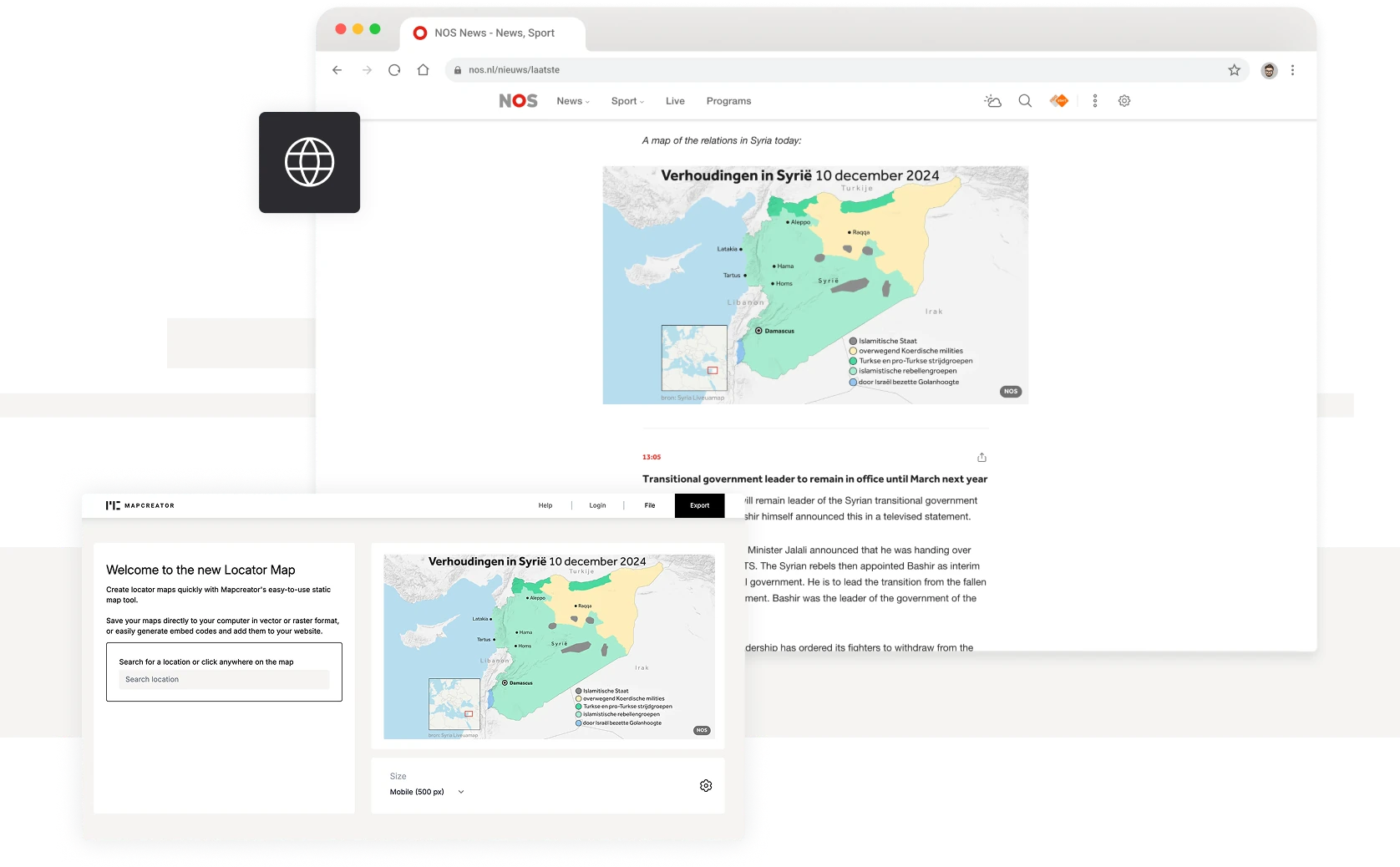
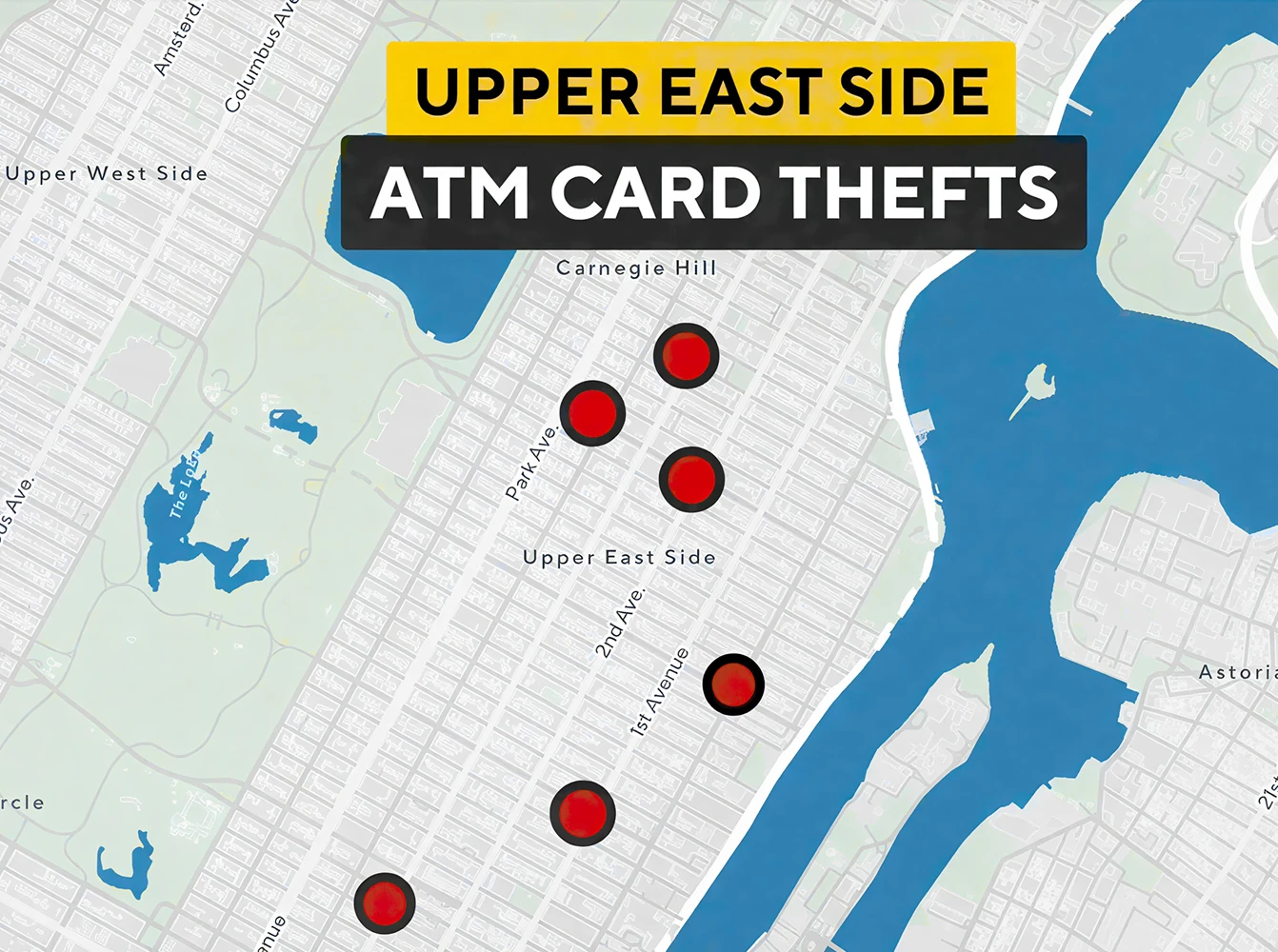
Locator Map is a lightweight version of Mapcreator made for speed and simplicity. Whether you are in the newsroom, on site, or preparing a report, just search for a location or click anywhere to create your map in seconds. Add multiple points, adjust the zoom, or rely on automatic area matching to place your label in the right geographic context.
Quick, clear, and customizable
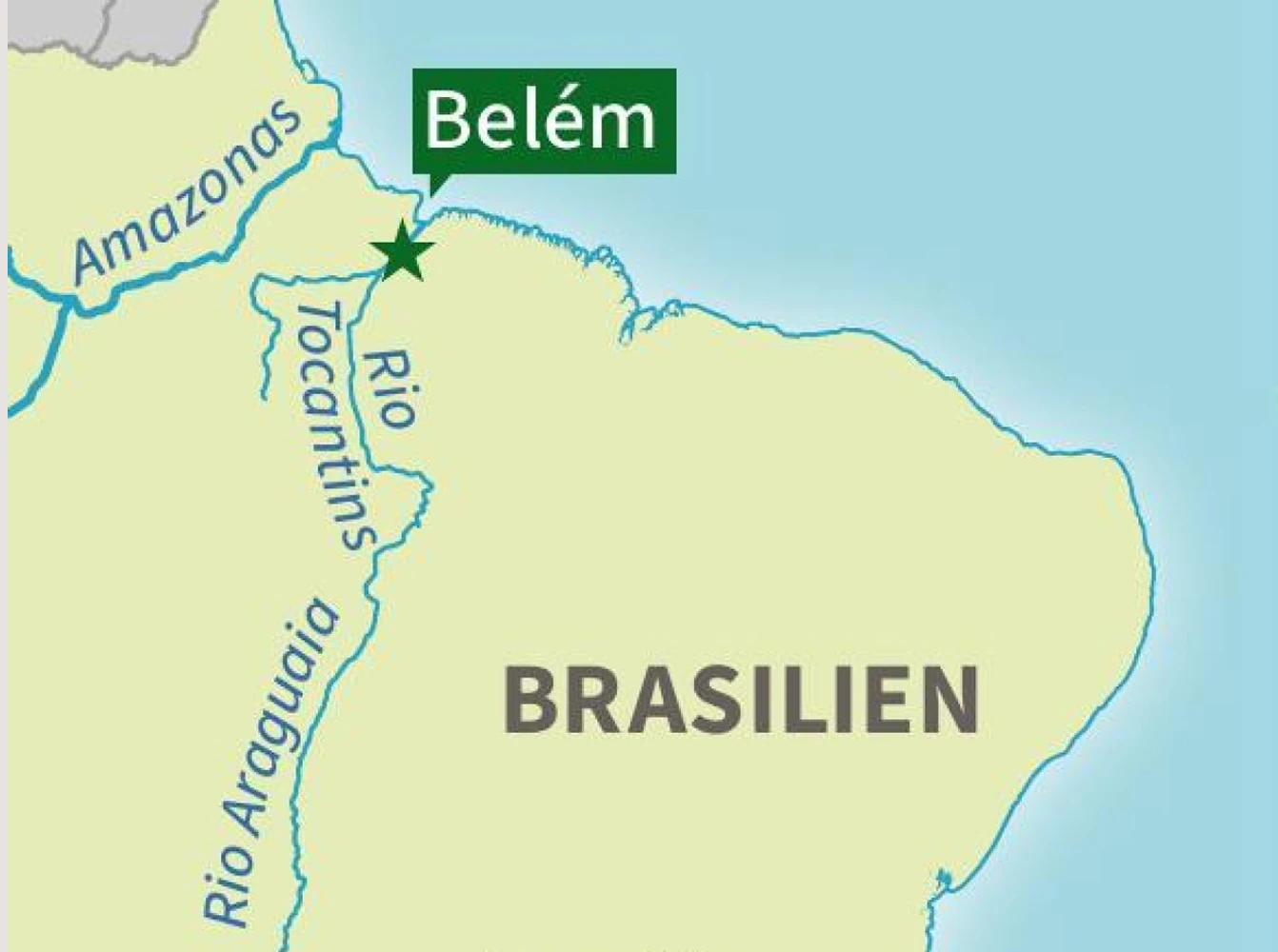
Stay consistent with your visual style while keeping customization just a click away. Upload your own logos or SVG icons, or use the built-in icon library. Add titles, legends, safe space, and inset maps that adjust to your content automatically — and tweak them manually for full control. Spotlight regions, fade surroundings, and hide labels for a clean, focused look. Locator Map remembers your last settings so you get a cohesive design every time, without the extra clicks.
Embed or export anywhere
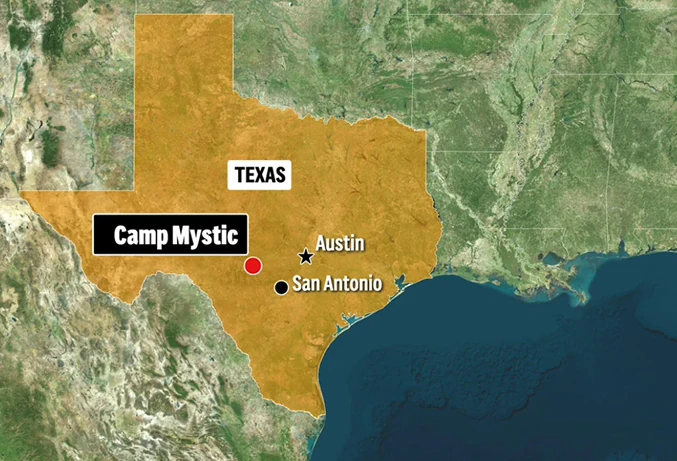
Embed maps using our lightweight HTML picture tag for faster loading and easy updates across multiple articles. Export maps as PNG or SVG for digital use, or download vector files compatible with Adobe Illustrator for print and further editing. SVG exports are optimized for AI2HTML, making responsive web integration simple.
Built for every screen
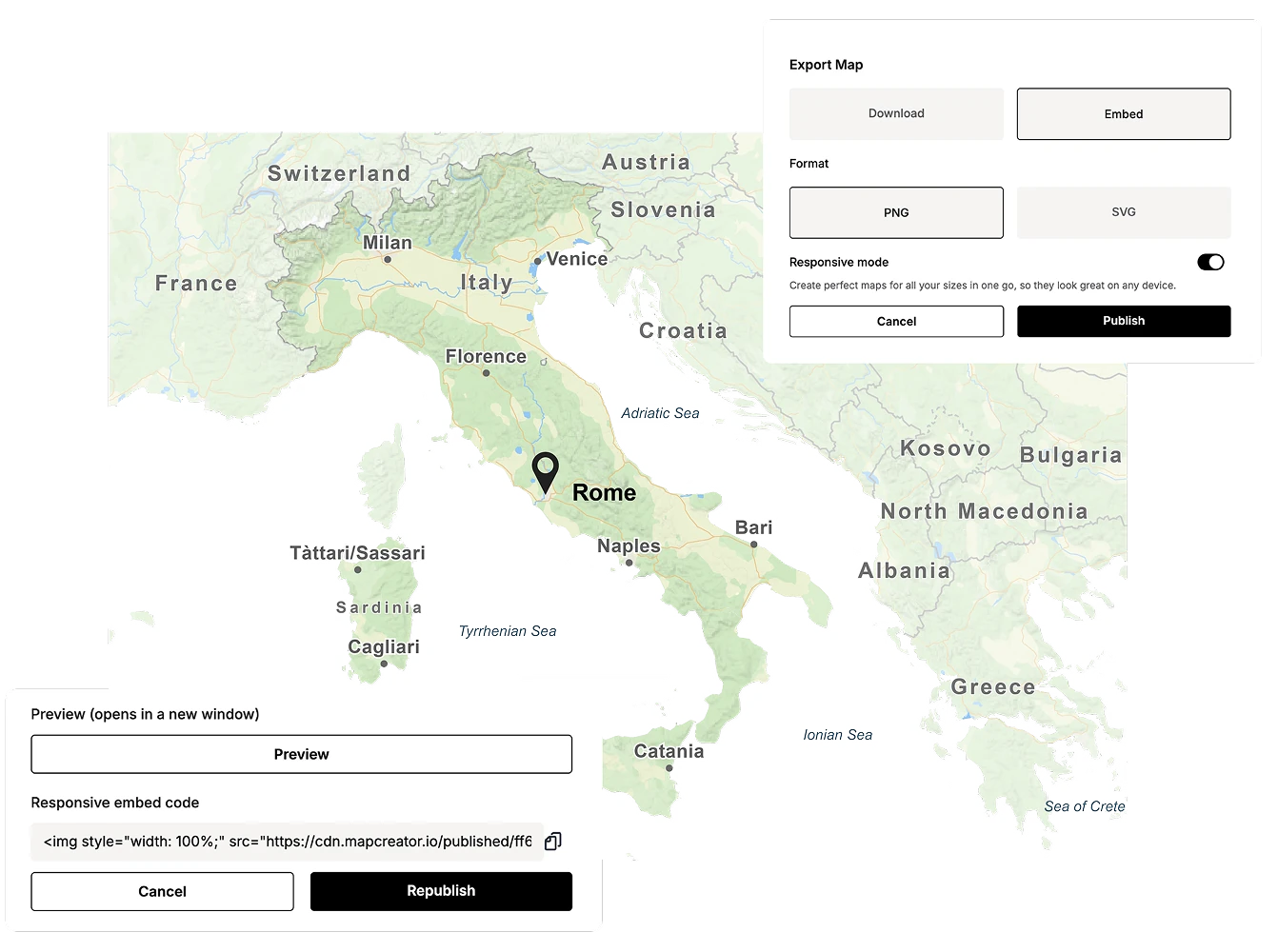
Locator Map works seamlessly on desktop, tablet, and mobile. Maps automatically adjust to every screen size for perfect display and fast performance.
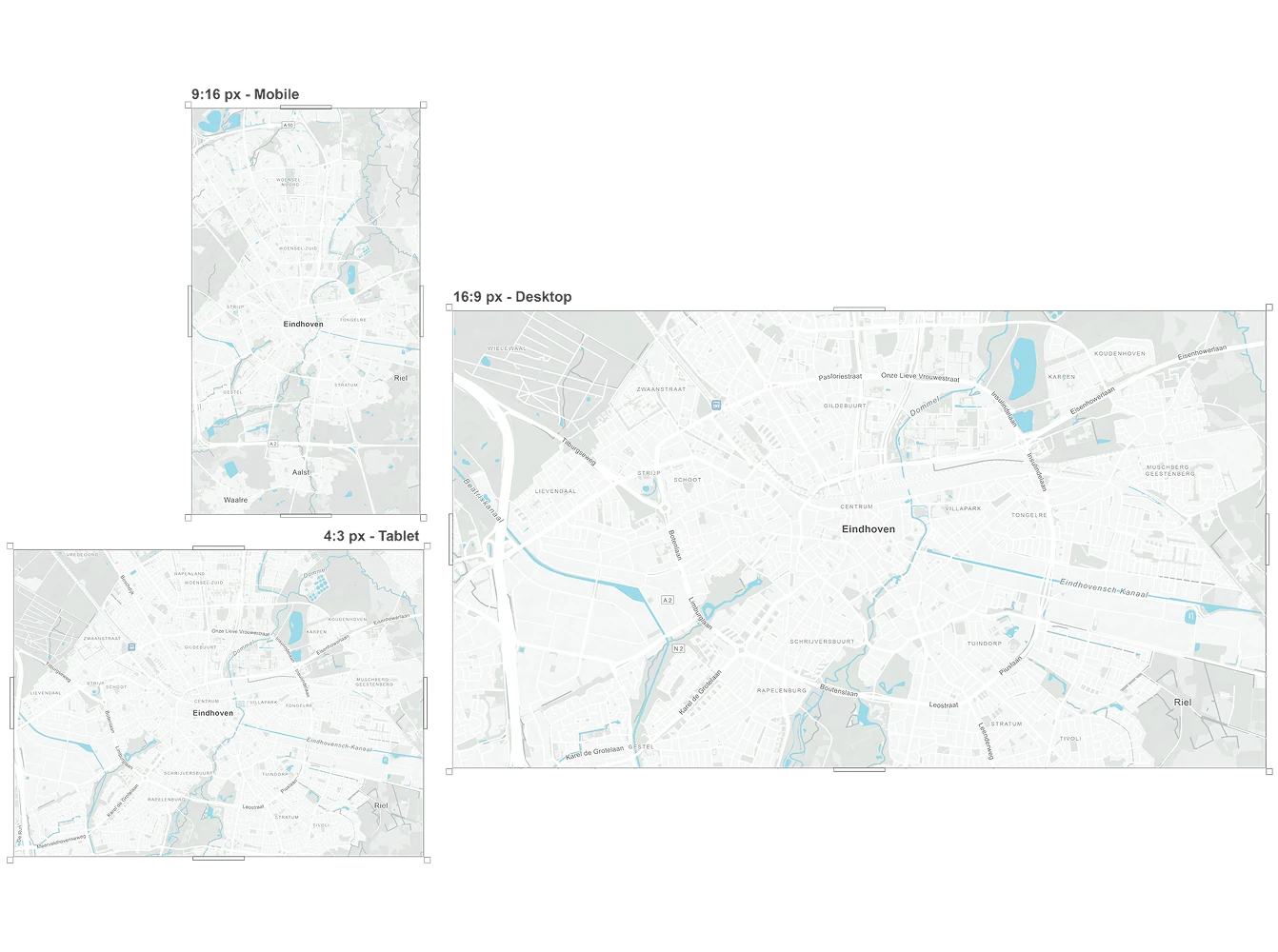
Why static maps can be the better choice
Static downloaded maps stay online for your users exactly as you publish them, which makes them a reliable choice. They also load instantly because the user’s device doesn’t need to process any interactive elements, resulting in no CPU load and a smoother experience overall. If speed and long-term availability matter, static maps offer a clean and efficient solution.
Locator Map vs. Mapcreator
Locator Map is built for quick, simple visuals. Mapcreator offers advanced features like animations, data visualizations, and interactive projects. Not sure which tool or combination is right for your use case? Our team is happy to help you figure out the best fit for your goals and workflow.

Map smarter now.
No spam, just high-quality mapping insights. Unsubscribe anytime.
Frequently asked questions
Got a question? Start with these essential FAQs, or explore our Knowledge Base for more Mapcreator guidance.
What’s the difference between Mapcreator and Locator Map?
Mapcreator is our feature-rich online editor, designed for in-depth customization and advanced features. Locator Map, on the other hand, is a free, simplified version aimed at quick and easy map creation for immediate use. While Mapcreator offers extensive functionalities for detailed projects, Locator Map focuses on providing essential tools for creating basic yet effective locator maps quickly and efficiently.
What is Locator Map best used for?
Locator Map is best for creating quick, clear location maps when speed matters. It is ideal for news stories, reports, articles, presentations, and any content that needs a simple map to show where something happened.
Can I create locator maps on mobile or tablet?
Yes. Locator Map works on desktop, tablet, and mobile, so you can create and adjust maps wherever you are. Search for a location, place a marker, add context, and export or embed the map from any device.
Can I customize the look of my locator maps?
Yes. You can add titles, legends, logos, icons, inset maps, highlighted regions, and safe space. You can also hide labels, spotlight areas, and reuse your last settings to keep maps consistent across your team.
How can I publish or export a locator map?
You can embed locator maps on a website or export them as PNG or SVG files. SVG exports can also be used in Adobe Illustrator or responsive web workflows when you need more control over the final design.