


Co-editing is here: Maps now move between teammates
Some map designs start with one person and stay that way. Nice and tidy.
Others? Not so much. Maps rarely stop changing just because the first version is finished. New information comes in, projects evolve and someone else may need to take over.
A news story develops. New real estate assets are added. A travel route gets updated. A geopolitical team receives new insights from the ground. Suddenly, the map is not just something to finish, it is something that needs to keep up.
And the person with the latest information is not always the person who created the original map. Because in many teams, creating a map is not a solo task. It is a shared workflow. And when maps move between people, your tools should make that easier, not more confusing.
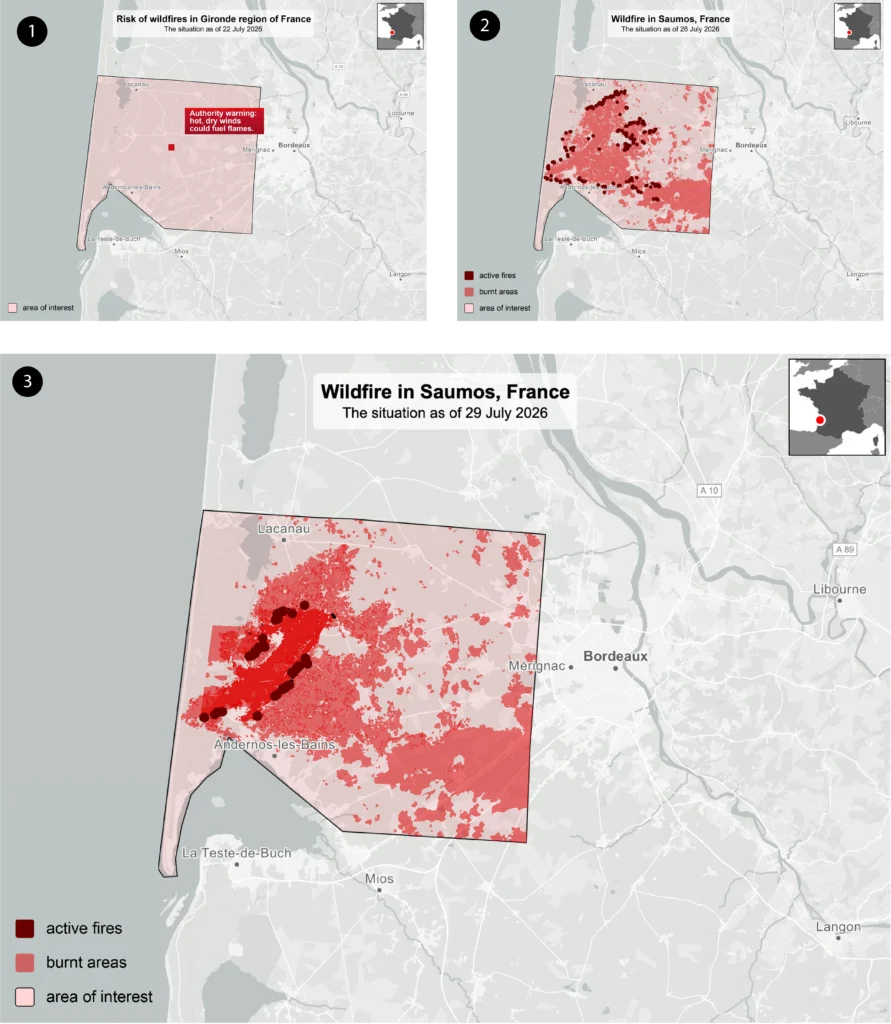
When the map starts moving faster than the Slack thread, it helps when everyone can work from the same place… And that is why we have introduced shared workspaces and map handovers in Mapcreator. All of your team’s maps can now live within one workspace, making it easier for colleagues to find a project, pick it up and continue working from the latest version.
Pick up where your team left off
Think of creating a map as a relay race. One person starts the project, and when someone else needs to make an update, they can take over and continue from where their colleague left off.
A producer might create the first version of a map. Another teammate might later update it with the latest data, adjust the styling for a different channel, turn it into an animation or make one final change before publishing.
Only one person edits the project at a time, but the map itself can move between team members whenever needed. Because all of the team’s maps are available within the shared workspace, colleagues can find the project, open it and continue working from the latest saved version.
That is especially useful for teams dealing with fast updates, recurring formats or shared templates. A map does not have to live in one person’s dashboard forever. It can become part of the team workflow.
Because even the quickest maps sometimes need a teammate.
See who is editing
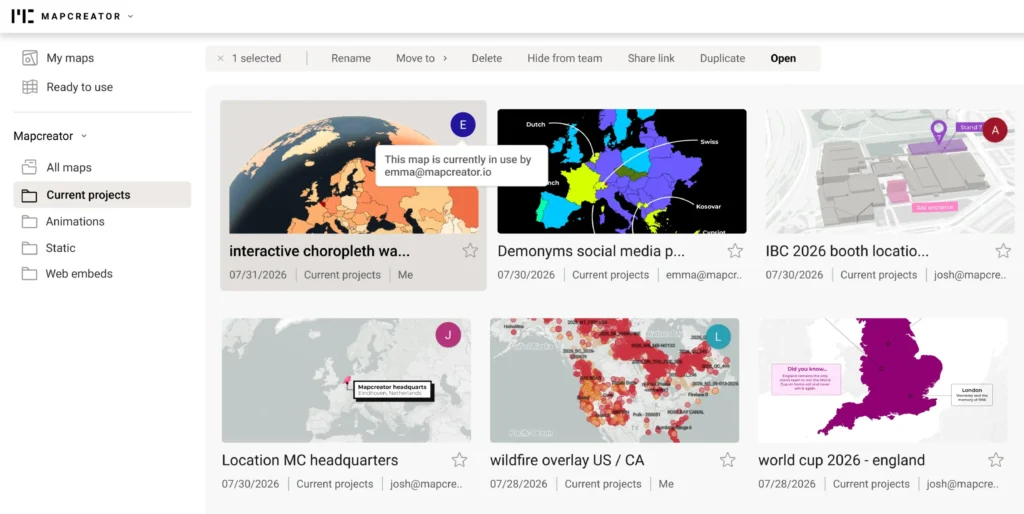
Teamwork also needs a little coordination… When someone has a map open, their initials now appear on the project in the dashboard. So before you open a project, you can see whether someone else is already working on it.
It is a small detail, but a useful one.
No need to ask around in Slack.
No need to guess who has the latest version.
No need for the classic “are you on this map right now?” message.
You can simply see it in your dashboard.
Take over when needed
What if you need to open a map that someone else already has open?
Maybe a deadline has been moved. Maybe the person editing stepped away. Maybe one last detail needs to be changed before publishing. We have all been there: one tiny label, suddenly very urgent.
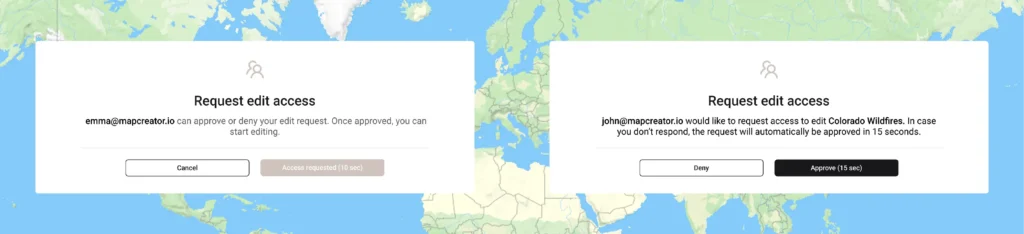
When this happens, Mapcreator will show a warning first. From there, you can request to take over the editing session. Once approved, or after a short moment, the other user’s work is autosaved and closed, so you can continue from the latest version.
And if working from a separate copy still makes more sense, the good old duplicate button is not going anywhere.
A little structure. A little flexibility. Fewer deadline-induced cartographic emergencies.
Share when you are ready
Not every map needs to be visible to the whole team right away.
Sometimes you are testing a layout. Sometimes you are preparing a rough version. Sometimes you are simply experimenting, and the rest of the team does not need to witness the cartographic chaos just yet.
If you created a project, you can hide it from company maps. The map stays visible to you, but other users in your workspace or connected organizations will not be able to access it. A small icon on the map preview shows when a map is hidden, so you can quickly see what is private and what is shared.
Share links still work as before: when someone opens a shared link, they receive a copy of the project instead of editing your original map.
So the difference stays clear: use workspace maps when your team needs to work on the same project, and shared links when you want someone to receive their own copy.
Better teamwork, better maps
A good map is not only about the right style, the right data, or labels that behave exactly as they should; although we do appreciate a well-behaved label.
It is also about the workflow around it.
Can the right person find the map? Can a teammate quickly update it? Is someone already working on it? Is this still a private draft, or is it ready for the team?
With smoother map takeovers and the updated dashboard, those questions are easier to answer.
Your team can start maps, pick them up, update them, keep drafts private, and share finished work more clearly. And when another team’s map is almost exactly what you need, you can duplicate it and make it your own. No rebuilding from scratch. No accidental edits to the original. Very civilized map behavior.
Less file-hunting, fewer version mysteries, and more time spent on the actual map. Because good maps are often a team effort. Now your workspace is too.
Don't forget to share this post!
Deeper understanding of maps
For mapping tips, updates, and deep dives for the cartographically curious.
POV: Should have been a static map
Interactive maps are powerful. They let readers zoom, pan, click, explore, and discover details at their own pace. But not...
Read more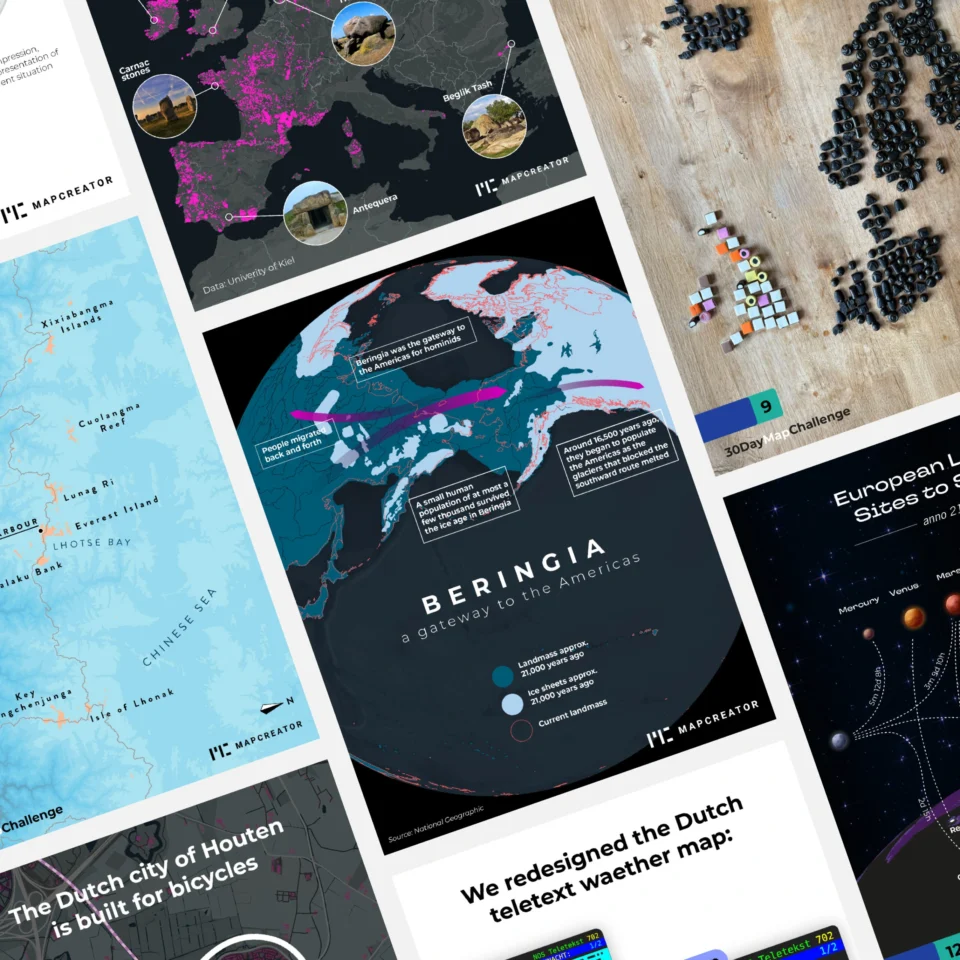
How influencers create maps that start conversations
Graphic designer, geo-influencer and Mapcreator ambassador Frans van der Vleuten uses maps to turn curiosity into conversation. We spoke with...
Read more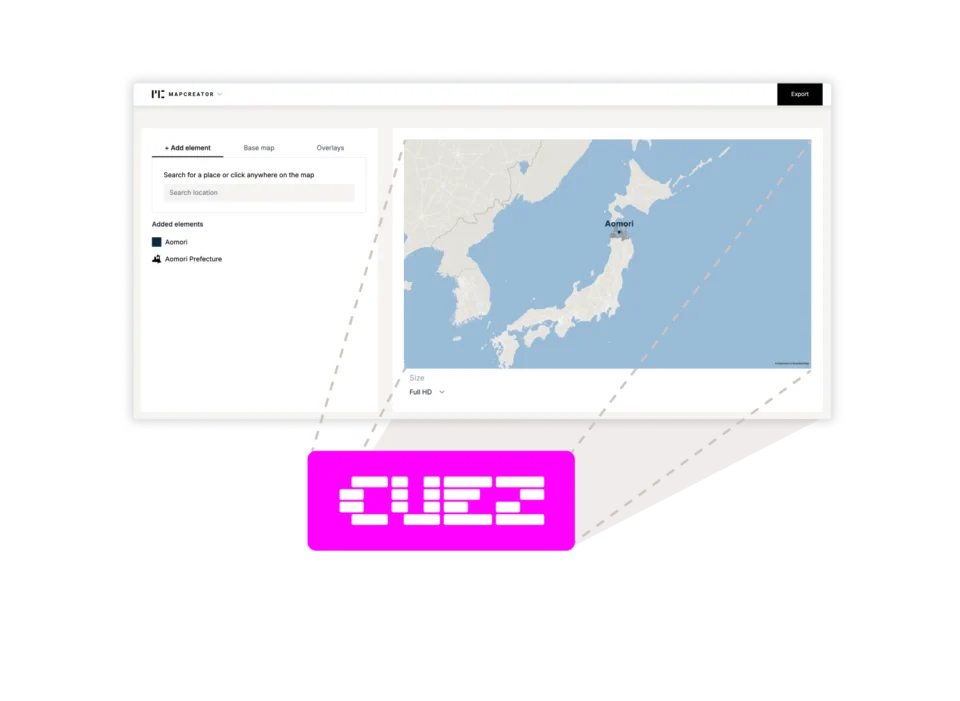
Locator maps inside your CUEZ rundown
The best newsroom tools are the ones that fit naturally into the way journalists already work. That’s why we’re excited...
Read more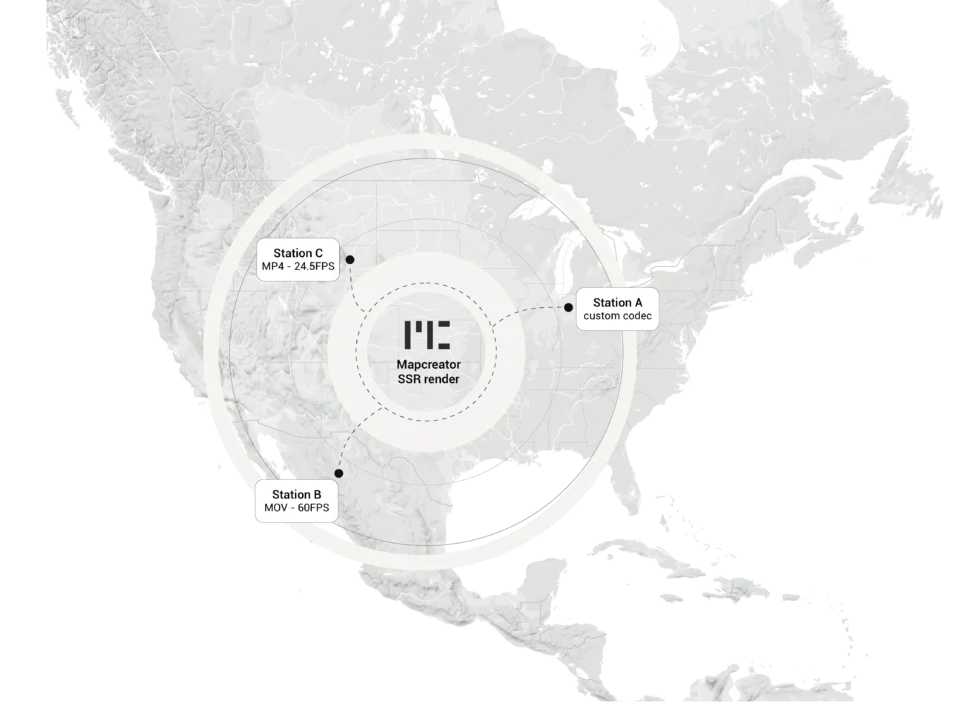
Cloud Rendering: size and speed do matter
For years, Mapcreator has made it easy to get maps out of the tool in whatever format your production workflow...
Read more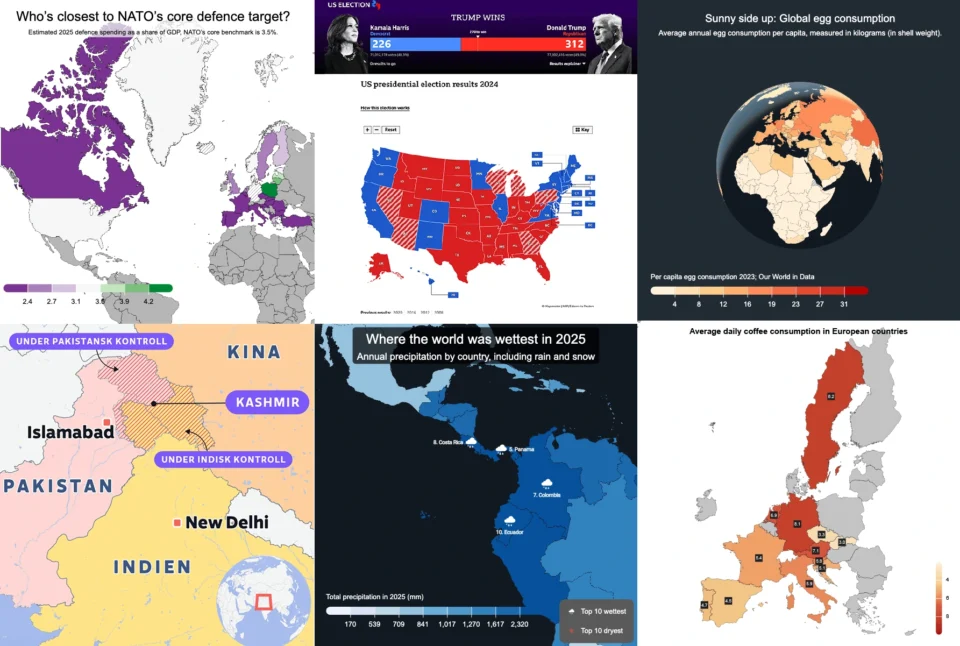
Choropleth maps in Mapcreator just got easier
A choropleth map is a color-coded map that shows how values differ between geographic areas, such as countries, regions, or...
Read more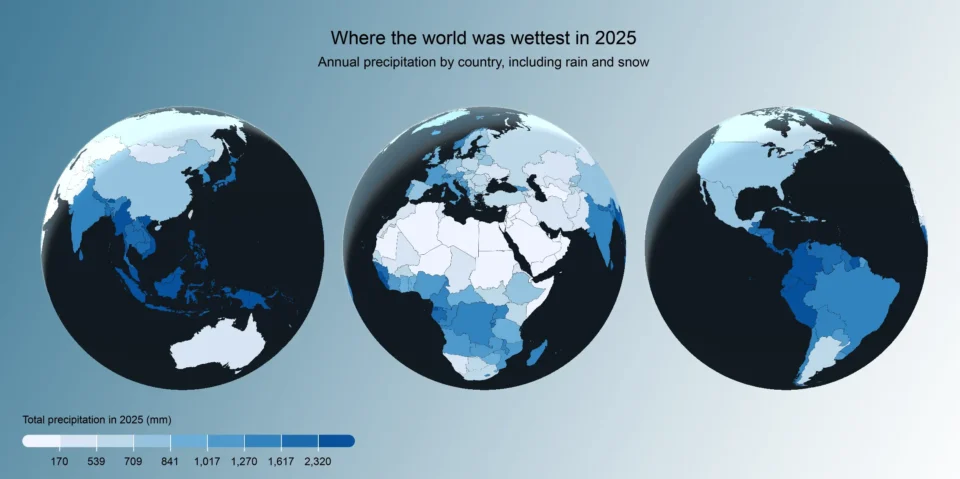
Why bringing your own data can make for better maps
Some maps do not begin as maps. They begin as bits and pieces of information waiting to make sense together....
Read more


