


New! Render Globe Maps as Vector Files
We don’t like world maps.
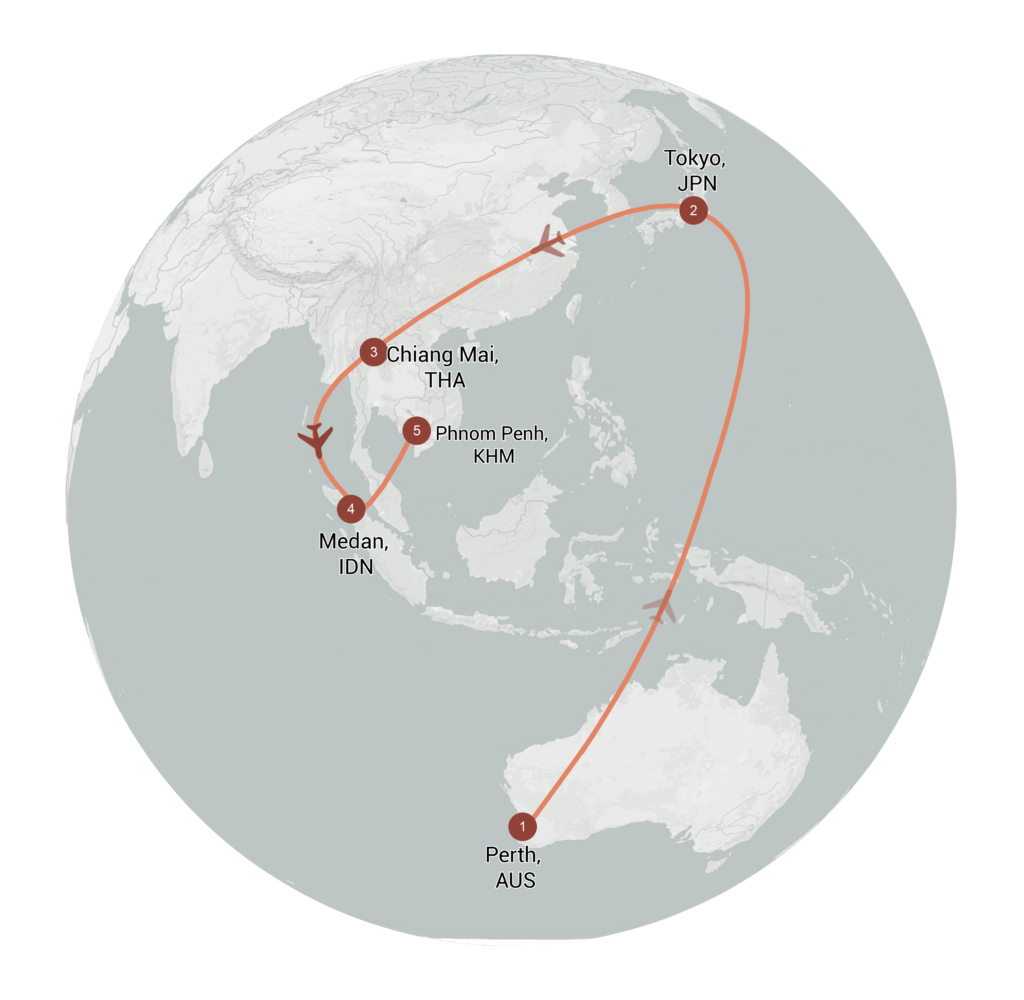
There, we said it. Most world maps you come across are distorted. When you flatten a 3D planet onto a 2D surface, you always end up making compromises. That’s why we love globes! They let you see the world just as it really is. Mapcreator now supports globe rendering in vector files — yes, true vectors, not an embedded image. Your map visualizations can now be displayed on a 3D globe surface while staying crisp, editable, and infinitely scalable. It’s the best of both worlds: 3D realism meets vector precision.

Why this is a really big deal
No more flattening the world. Now you can export globe map SVG or PDF and maintain full editability, ideal for showcasing global data with accuracy, clarity, and control.
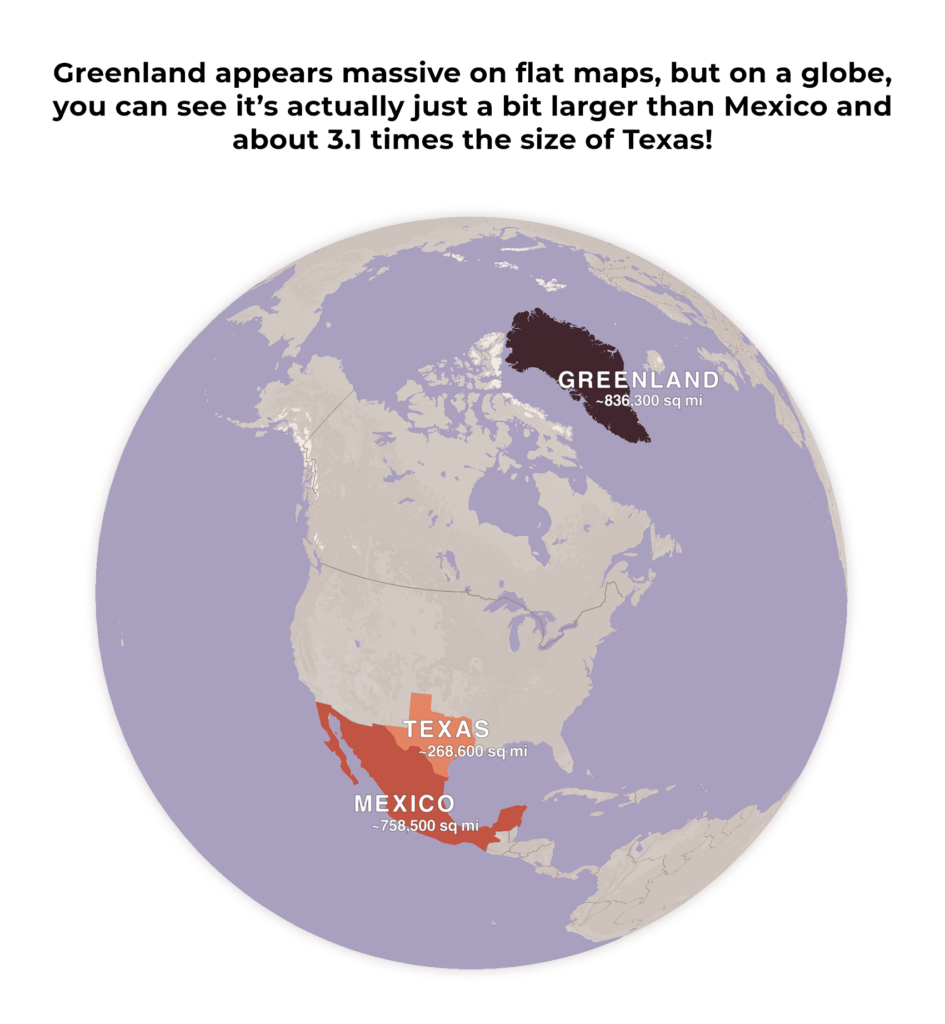
This is something no other tool does natively, and our users have been asking for it loud and clear. Well…Voilà! And the best part? You’re not limited to generic views. Want to zoom in on Greenland and show how it’s actually not the same size as Africa? Want to make a stunning Antarctica-focused visualization? You can — and it looks better than ever.
Globe map vector: Let’s get started
Here’s how to bring the world into your vector file:
- Enable Globe View:
Go to your project settings and toggle on the globe option. - Zoom Out to Level 5 or lower:
The globe view becomes visible when you are zoomed out far enough, specifically at level 5 or lower. - Edit your project like normal:
Try different map styles to see how colors and labels change in the globe context. You can still add lines, labels, icons, and other annotations as usual. - Export as a globe map vector:
And that’s it! Once you’re finished, export your map. The result is a fully vectorized SVG or PDF file, ready for use in software such as Adobe Illustrator.
Pro tip: Want to show more detail on the globe, but find that zooming in brings the map too close? The map detail drop-down in the project settings menu allows you to increase (or decrease) the detail level without changing your zoom.

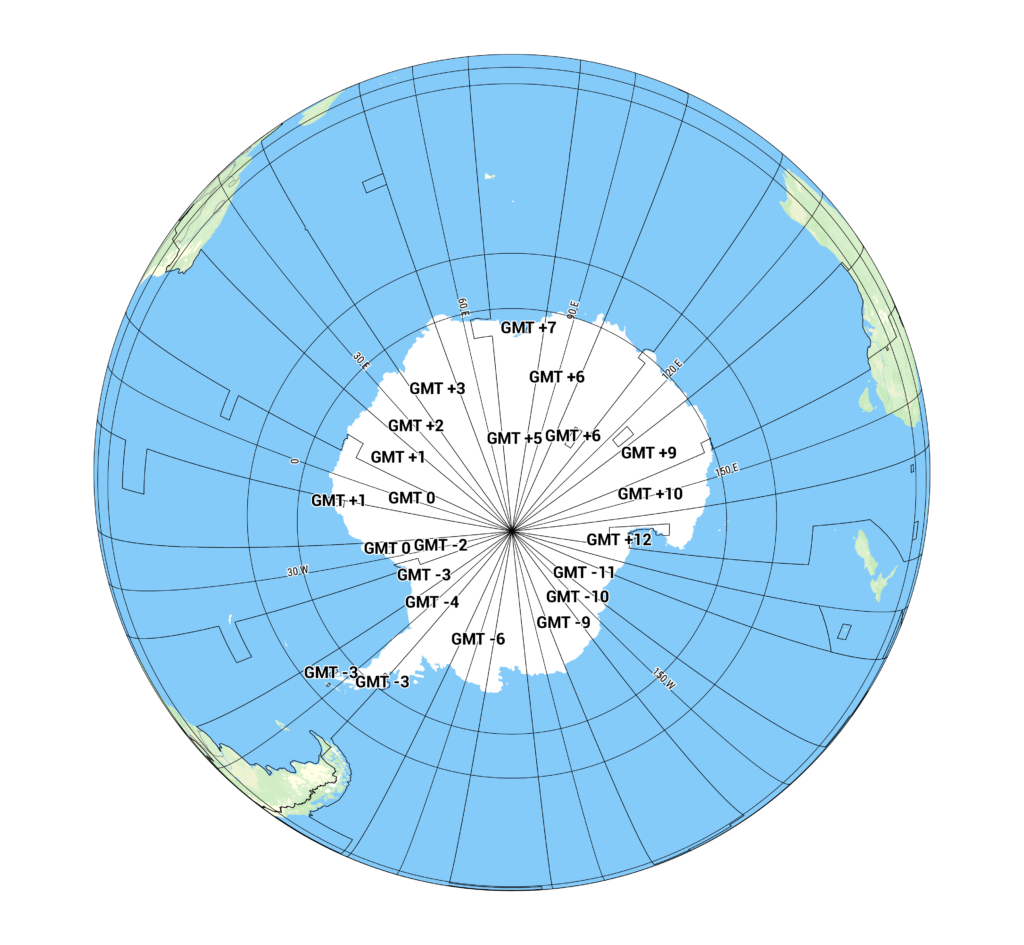
Every ”corner” of the Earth, now available as a clean, scalable vector. You asked. We delivered.
SVG or PDF globe exports maintain true vector fidelity — meaning no pixelation, ever. Every element stays editable, so you can tweak, restyle, or scale up for large-format designs.
This update is useful for anyone working with world-scale data or visualizations that benefit from a spherical rather than flat perspective.
Whether you’re a designer, journalist, broadcaster, or just someone who loves beautiful maps, this feature brings a whole new dimension (literally!) to your work.
Don't forget to share this post!
Deeper understanding of maps
For mapping tips, updates, and deep dives for the cartographically curious.
POV: Should have been a static map
Interactive maps are powerful. They let readers zoom, pan, click, explore, and discover details at their own pace. But not...
Read more
How influencers create maps that start conversations
Graphic designer, geo-influencer and Mapcreator ambassador Frans van der Vleuten uses maps to turn curiosity into conversation. We spoke with...
Read more
Cloud Rendering: size and speed do matter
For years, Mapcreator has made it easy to get maps out of the tool in whatever format your production workflow...
Read more
Co-editing is here: Maps now move between teammates
Some map designs start with one person and stay that way. Nice and tidy. Others? Not so much. Maps rarely...
Read more
Choropleth maps in Mapcreator just got easier
A choropleth map is a color-coded map that shows how values differ between geographic areas, such as countries, regions, or...
Read more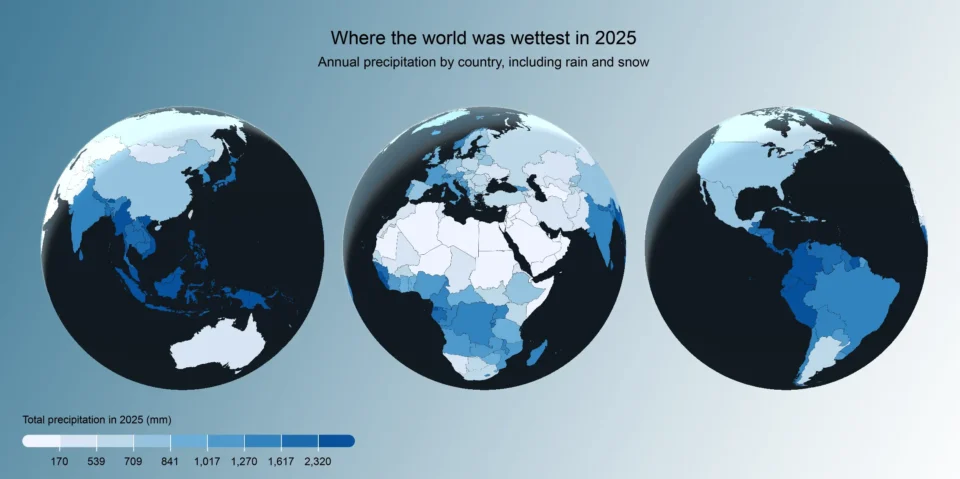
Why bringing your own data can make for better maps
Some maps do not begin as maps. They begin as bits and pieces of information waiting to make sense together....
Read more


