Create maps directly in Adobe
Mapcreator’s Adobe integrations let you design and animate maps directly within Illustrator and After Effects. Generate new maps or import layered vector exports — all fully editable, neatly organized, and ready for production.
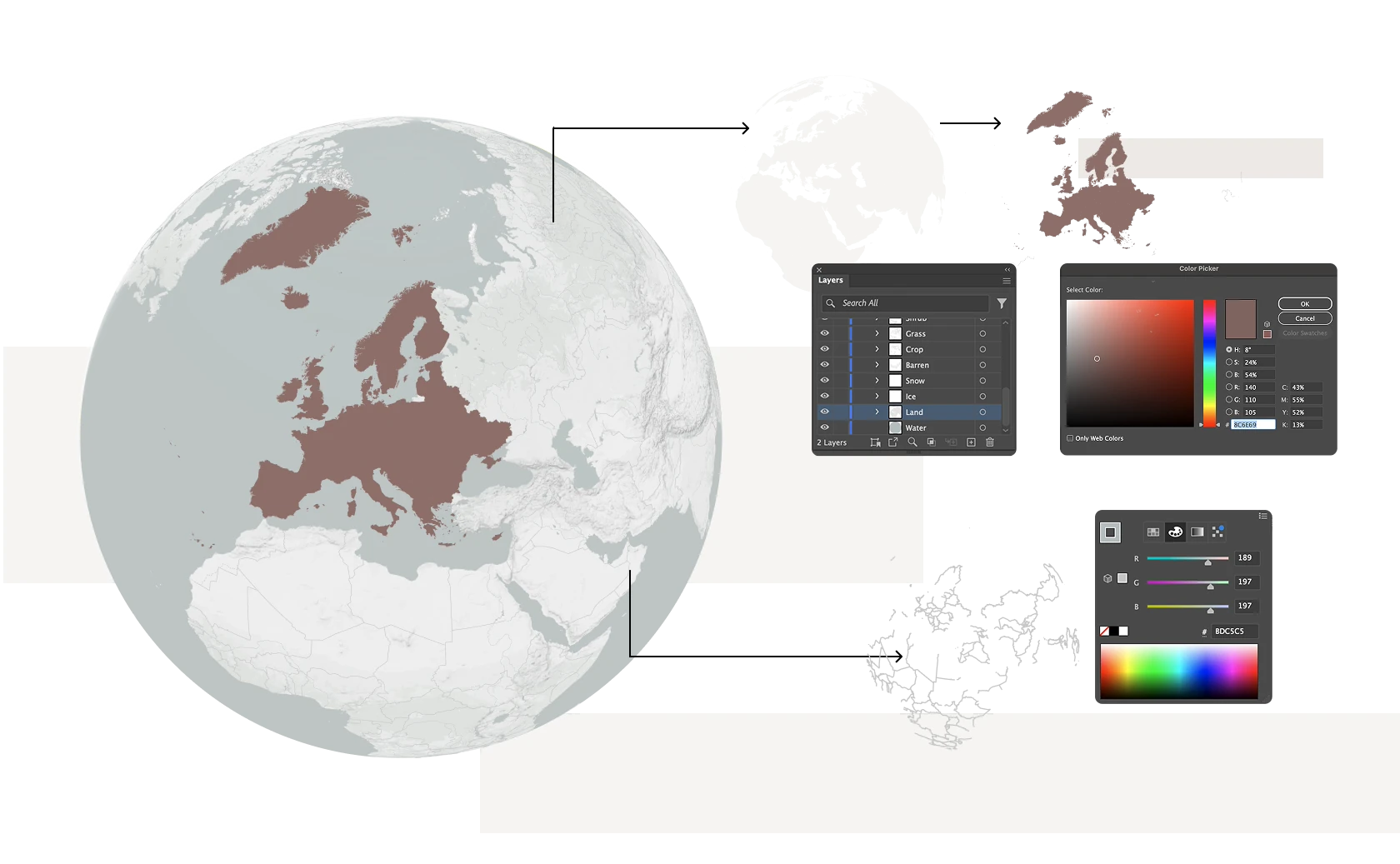














Adobe After Effects Extension
Create professional map animations directly in After Effects. Each map includes ready-made animation templates, like fade-ins and typewriter effects, which our team can tailor to your brand or broadcast style. Enjoy faster workflows, consistent visuals, and real-time editing — all powered by Mapcreator’s high-quality vector maps. Customize them to match your style and produce broadcast-ready visuals in minutes.
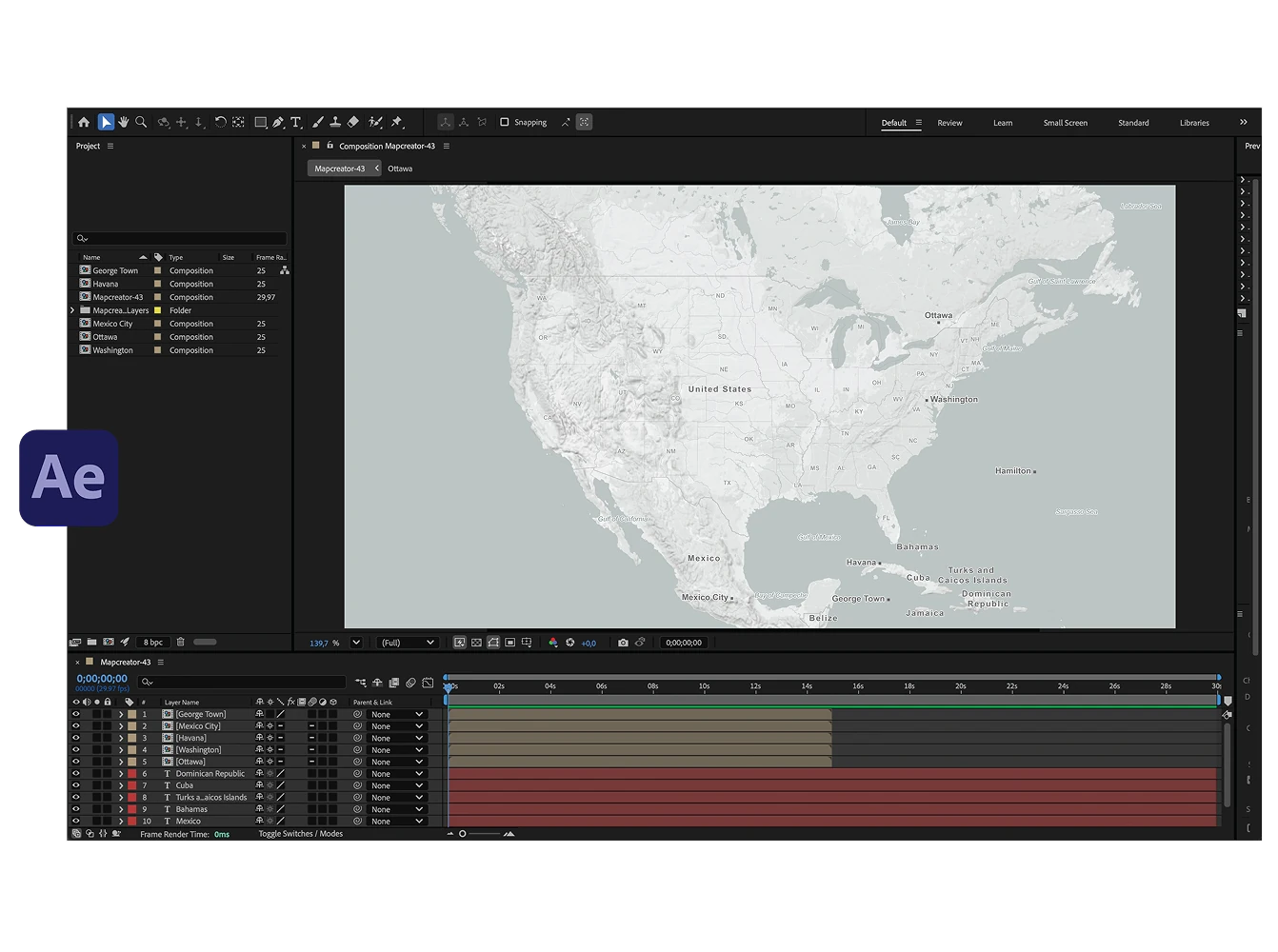
Adobe Illustrator Extension
Create layered maps right inside Adobe Illustrator with the Mapcreator extension. Define your area, choose a style, and generate a fully editable vector map directly on your artboard without switching tools. Each element is neatly organized in layers for effortless post-editing, giving designers full creative control while keeping every detail accurate.
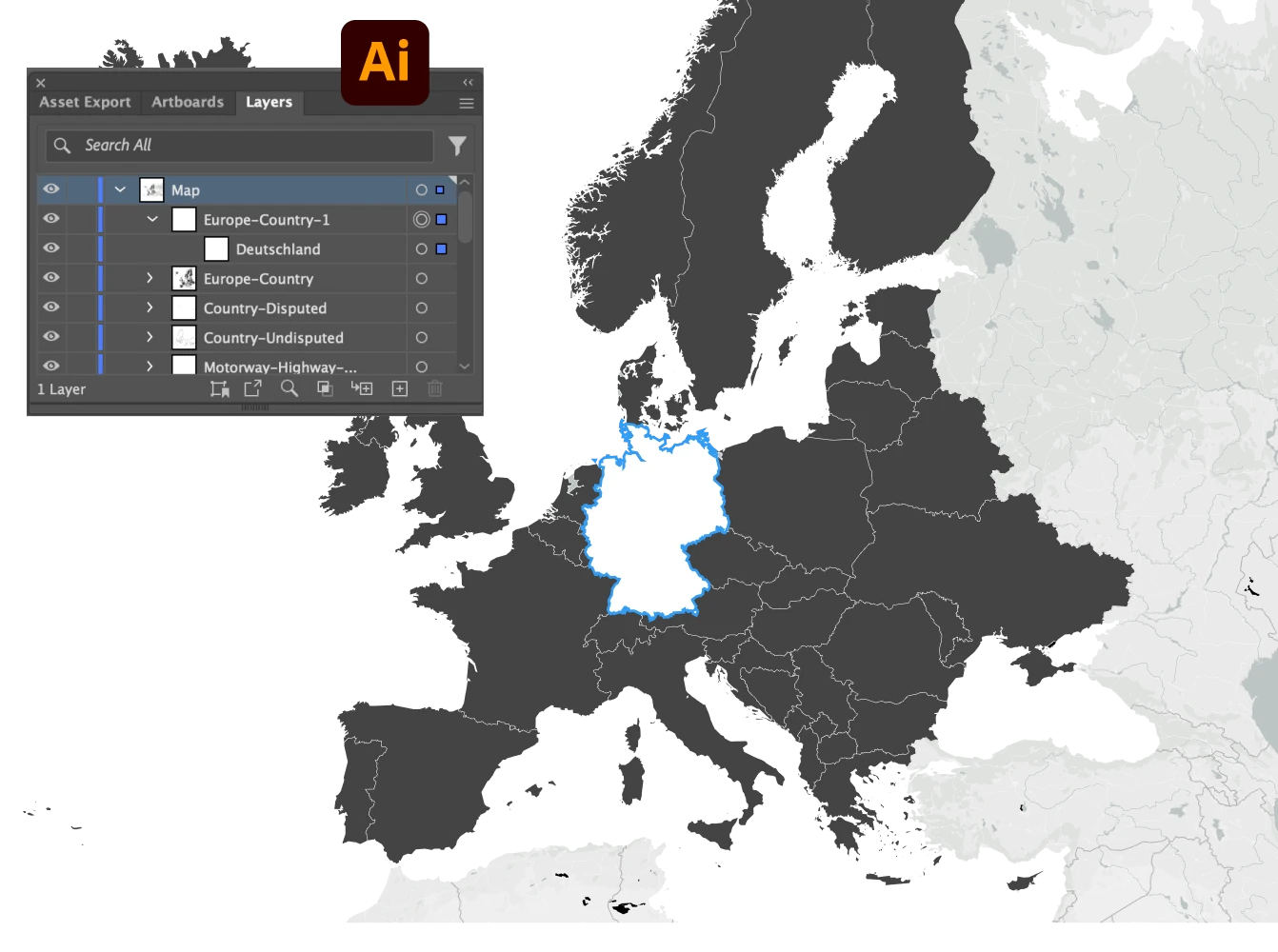
Mapcreator’s Adobe Illustrator Scripts
Our Illustrator scripts make editing effortless. They fix common issues automatically, helping you work faster and keep your files organized for print or animation.
Available scripts:
- Text on Path: reconnects road or water names into editable text paths.
- Groups to Layers: converts grouped elements into separate layers.
- Replace Fonts: replaces incorrectly mapped fonts in one click.
- RGB to CMYK: converts digital color values for print-ready results.
Download them for free on GitHub or visit our Knowledge Base for setup instructions.
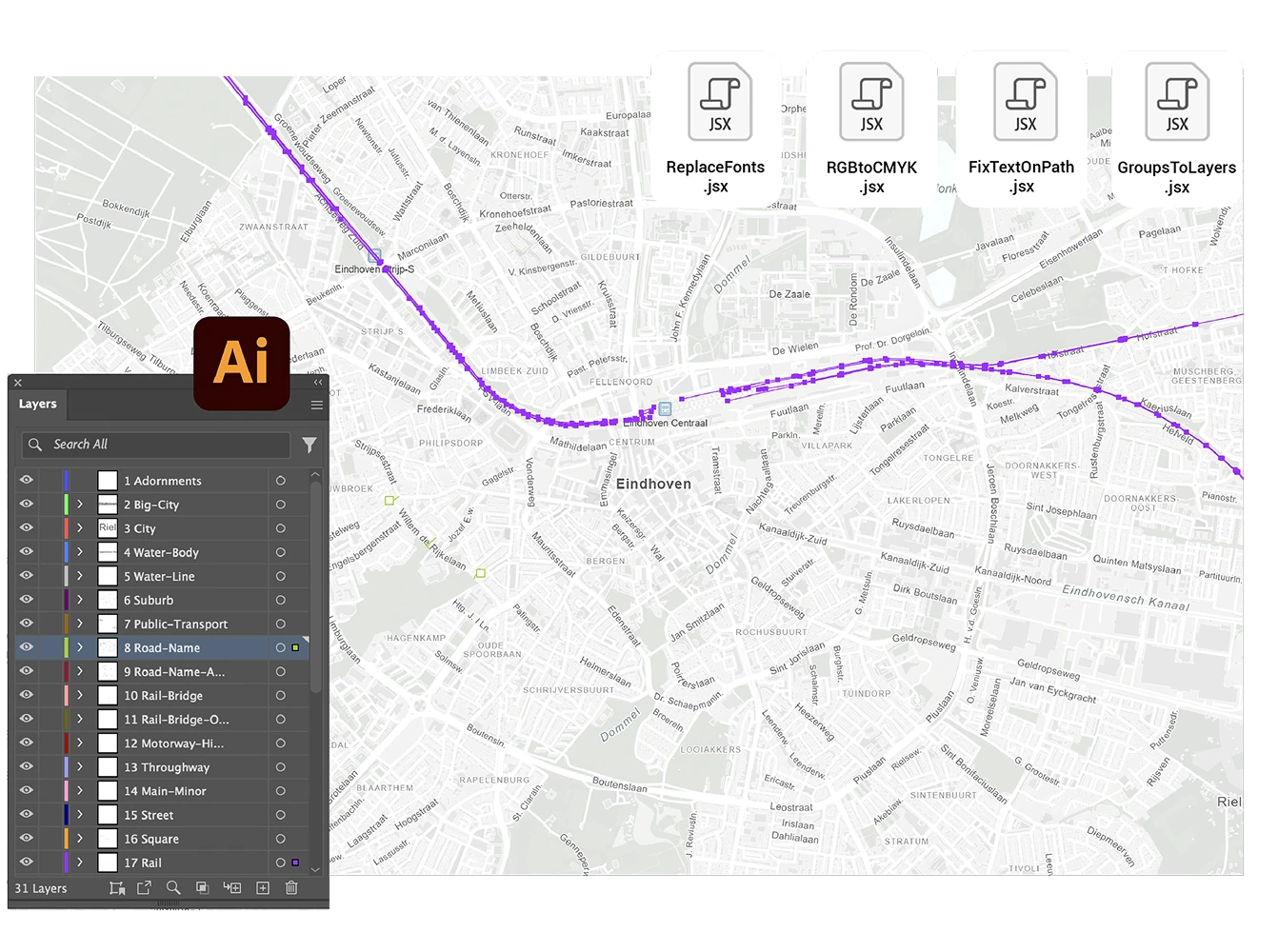
Combine Mapcreator and Adobe
Prefer creating your map in Mapcreator? No problem. Once your design is ready, bring it into Adobe for the finishing touch. Export fully layered vector files for Illustrator to refine every detail, or choose animation exports with null tracking data for After Effects to link icons and layers automatically. This streamlined workflow combines Mapcreator’s precision with Adobe’s creative flexibility, giving you complete control from data to design.
Map smarter now.
No spam, just high-quality mapping insights. Unsubscribe anytime.
Frequently asked questions
Got a question? Start with these essential FAQs, or explore our Knowledge Base for more Mapcreator guidance.
Can I create maps directly inside Adobe Illustrator or After Effects?
Yes. Mapcreator’s Adobe extensions let you generate, edit, and animate maps directly inside Illustrator and After Effects. You can create new maps, import layered vector exports, and keep your map workflow inside the Adobe tools your team already uses.
What can I do with the Illustrator extension?
You can define your map area, choose a style, and generate a fully editable vector map directly on your Illustrator artboard. Map elements are organized in layers, so designers can adjust labels, colors, roads, borders, and other details for print or digital design.
What can I do with the After Effects extension?
You can generate maps for After Effects and apply predefined animation setups created by Mapcreator. These setups can be customized to match your workflow, for example with typewriter effects for country labels, fade-ins for capital labels, or other branded motion styles. This helps teams produce consistent map animations faster, without rebuilding effects manually each time.
Can I combine Mapcreator with my existing Adobe workflow?
Yes. You can create a map in Mapcreator, export it as a layered vector file, and refine it in Illustrator. For animation work, you can export map animations with null tracking data for After Effects, making it easier to post-edit icons, labels, and other animated elements.
How often is the map data updated?
Mapcreator tiles are based on OpenStreetMap data and are updated daily. This gives your team reliable, current map content for interactive maps, dashboards, editorial products, and location-based applications. Backed by nearly two decades of mapping expertise, Mapcreator combines fresh data with proven geospatial experience.