


Map tiles for seamless integration
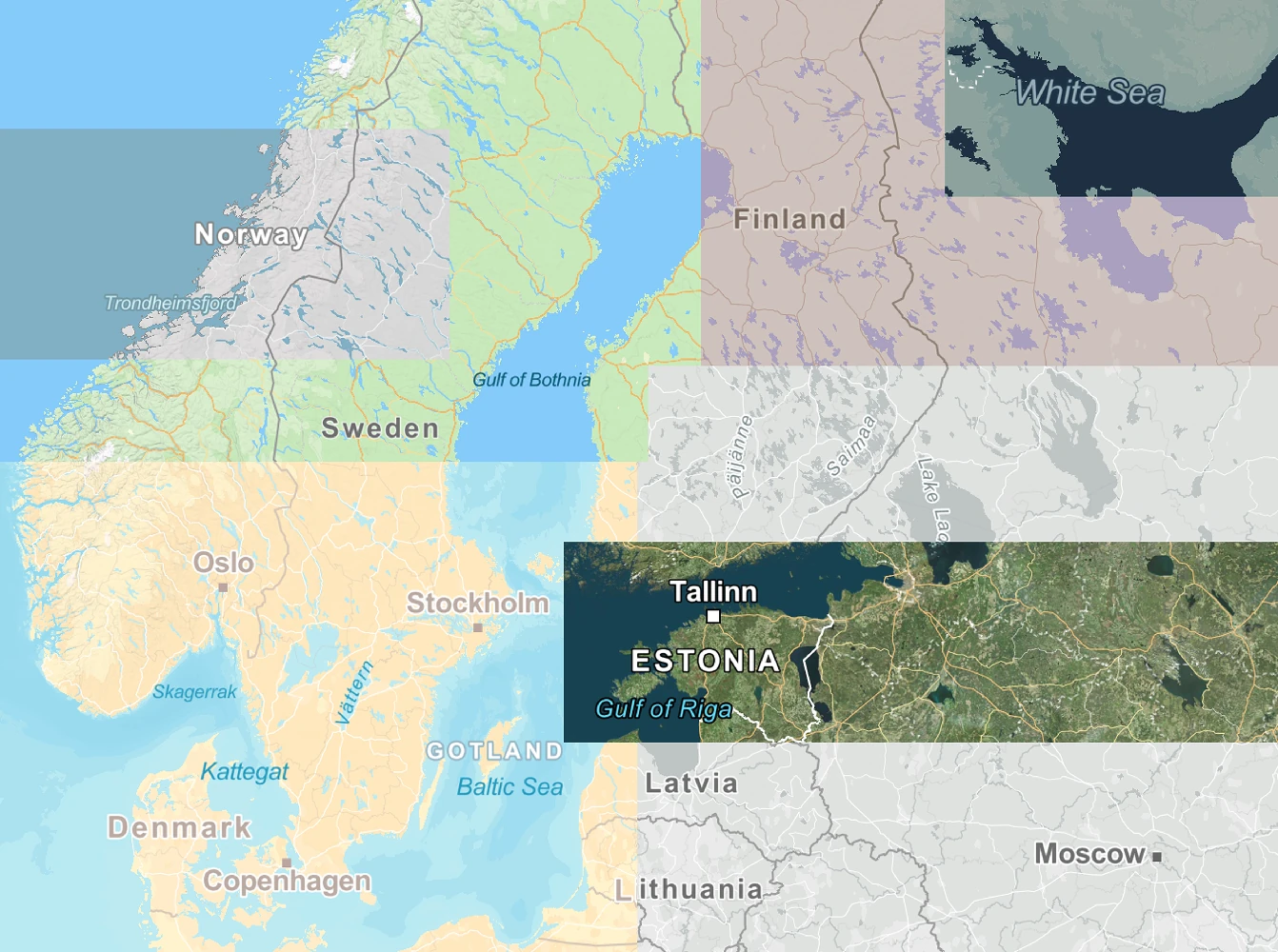
Integrate Mapcreator’s map tiles directly into your apps and websites. Built with over 20 years of cartographic expertise, our tiles combine precision, performance, and flexibility. Fully compatible with Mapbox GL JS and MapLibre GL JS, they connect effortlessly to your existing setup.
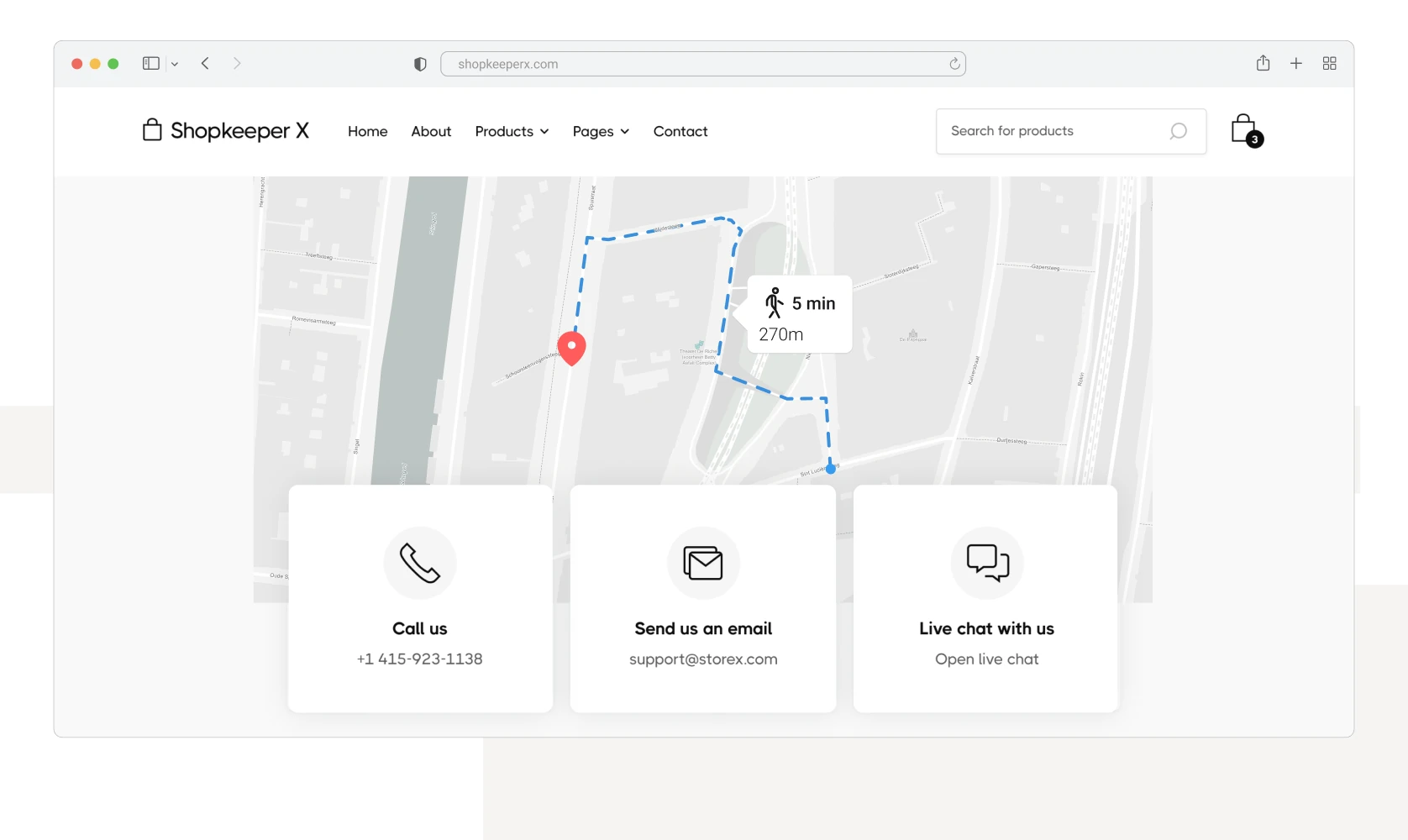






Simple setup, transparent pricing
Tired of complex pay-per-tile models? Mapcreator offers a clear, flat-fee subscription without hidden costs. Our Map Tiles integrate seamlessly with just a few lines of code and deliver consistent, high-quality map rendering for web, mobile, and CMS environments.
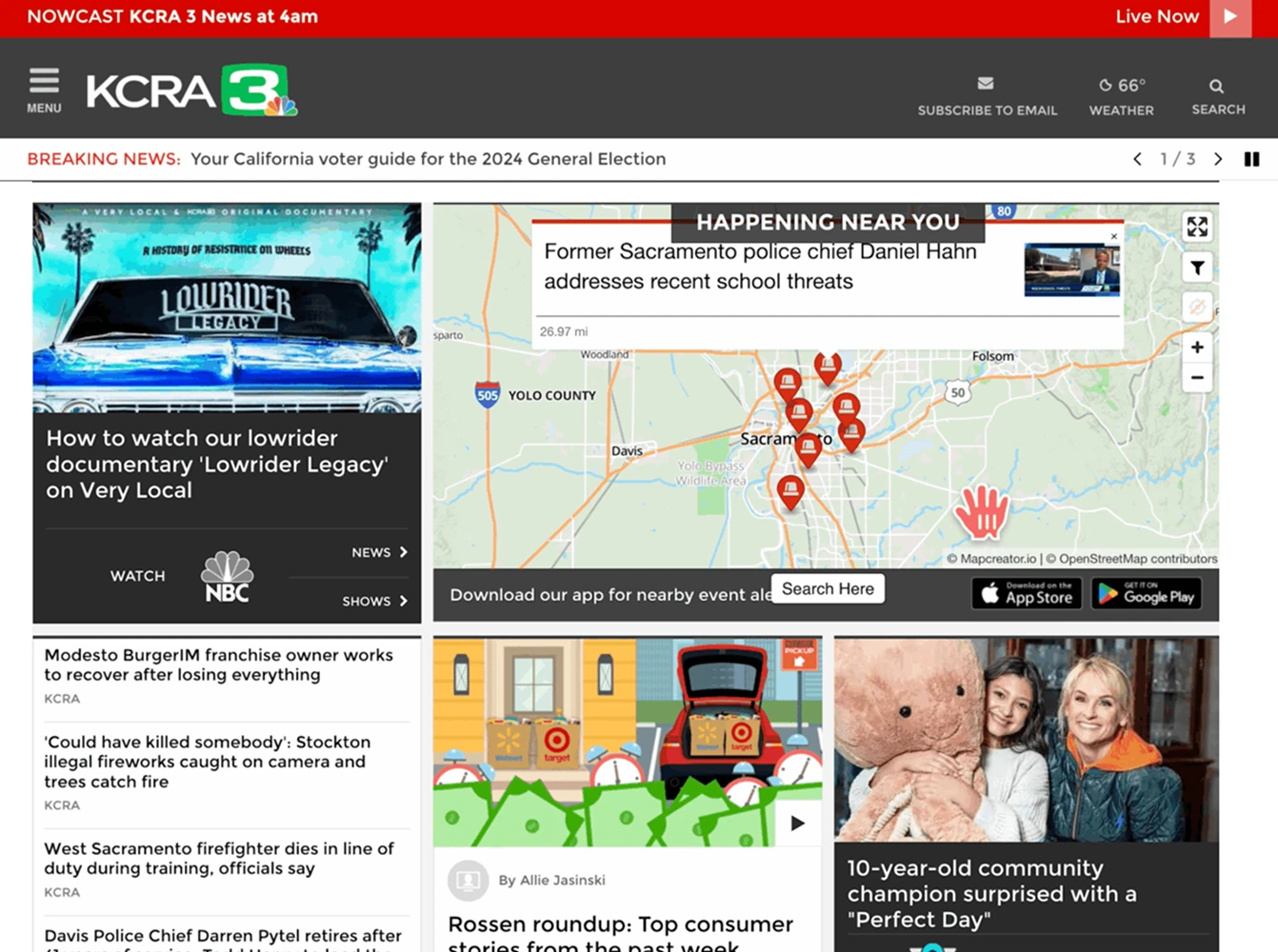
Built to work with your data
Our Map Tiles are built on the trusted OpenStreetMap foundation and update daily. Merge them with your own datasets, overlay POIs, or display routes and boundaries. Whether you’re visualizing logistics, stories, or spatial data, Mapcreator gives you the flexibility to make your maps your own.
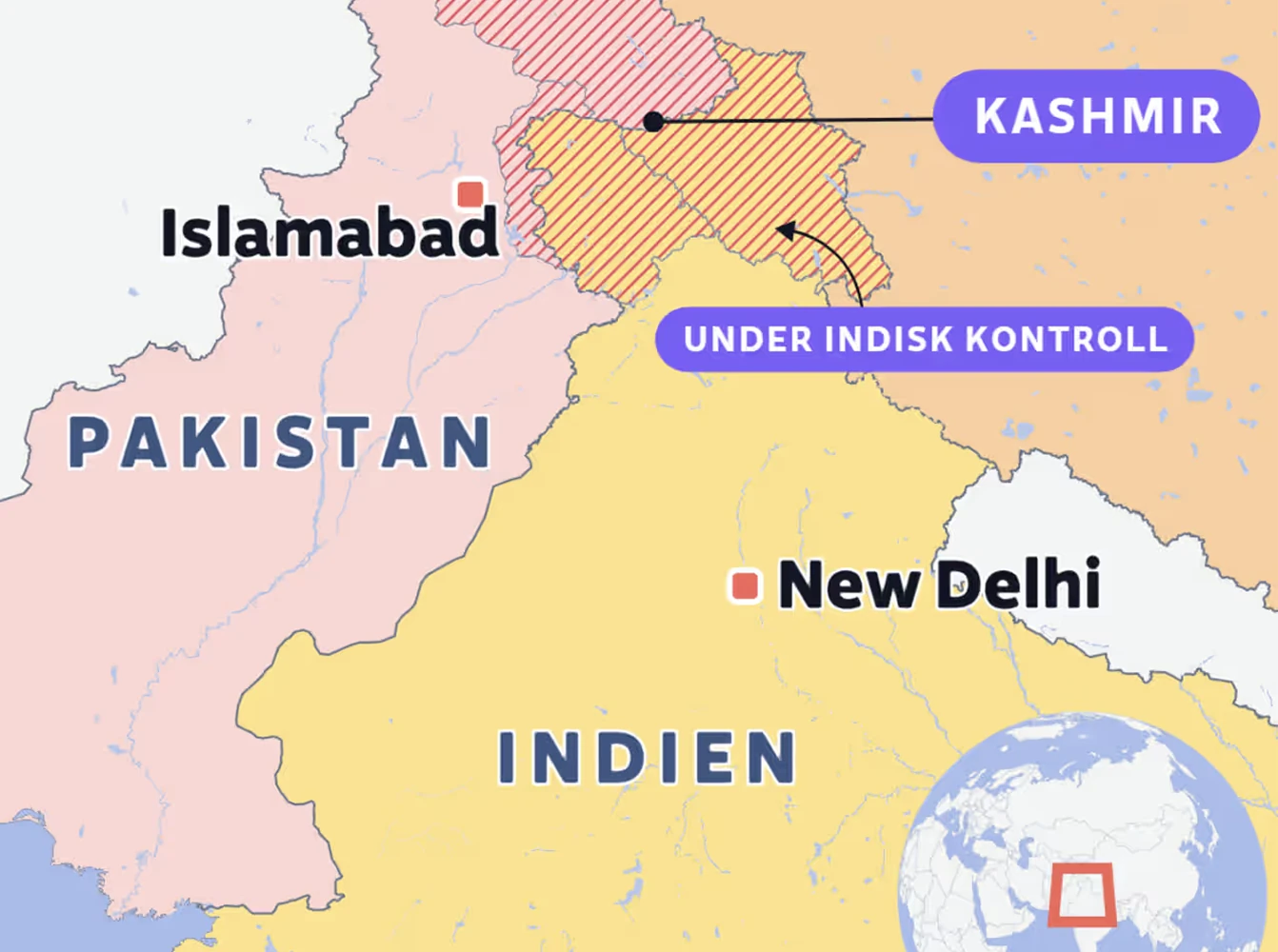
Customize your map style
Adjust fonts, colors, and labels to reflect your visual identity. Work with Maputnik to fine-tune every layer, or let our design team create a custom style for your organization. From editorial design to enterprise dashboards, your maps stay cohesive and on-brand.
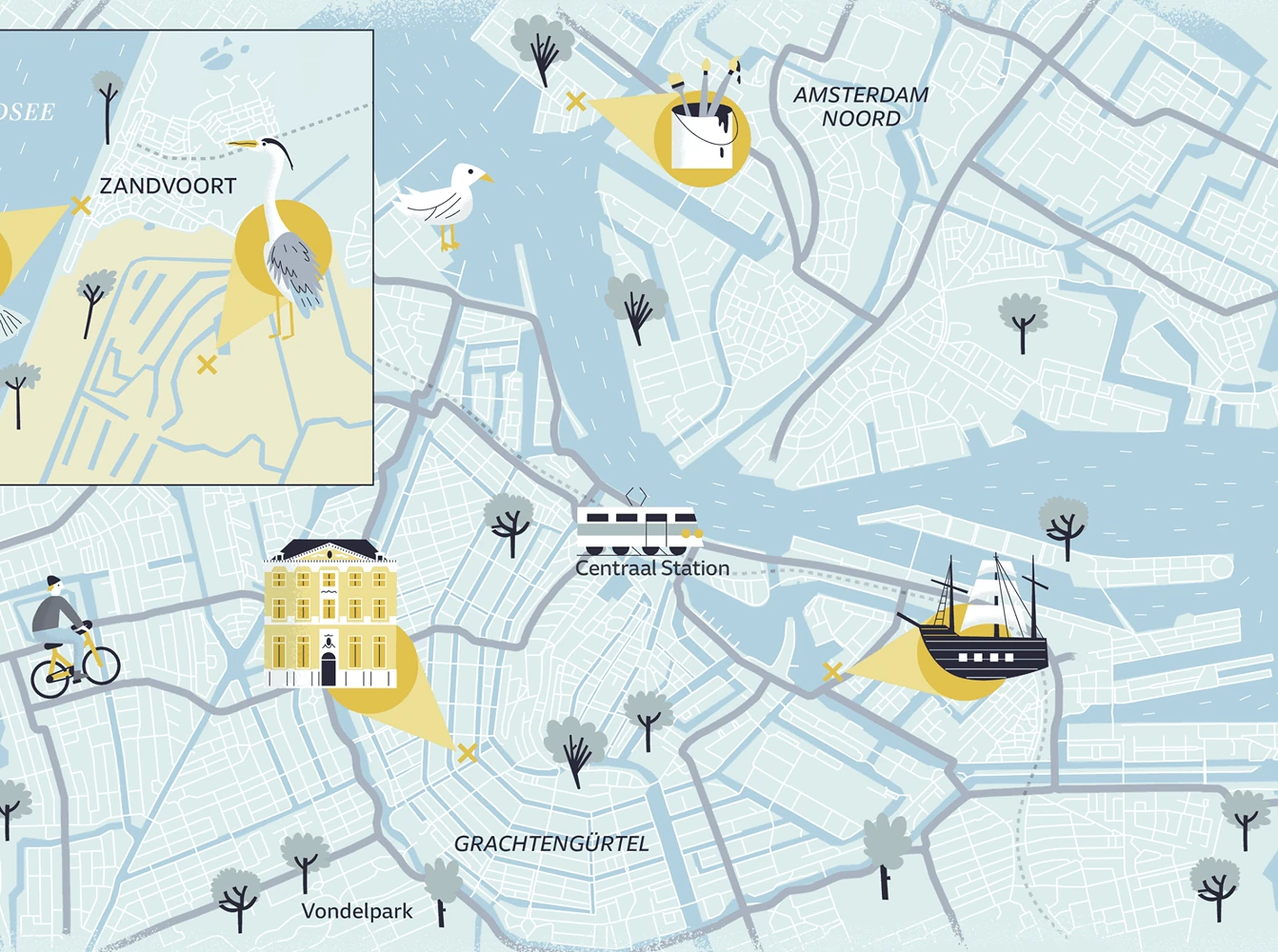
Build from scratch with MapLibre GL JS
Use MapLibre GL JS to define your map’s starting point, zoom, interactions, and overlays. Combine it with Mapcreator’s customizable tiles to create dynamic, high-performance maps tailored to your needs. Explore, build, and innovate with open-source flexibility backed by professional cartography.
Ready for production systems
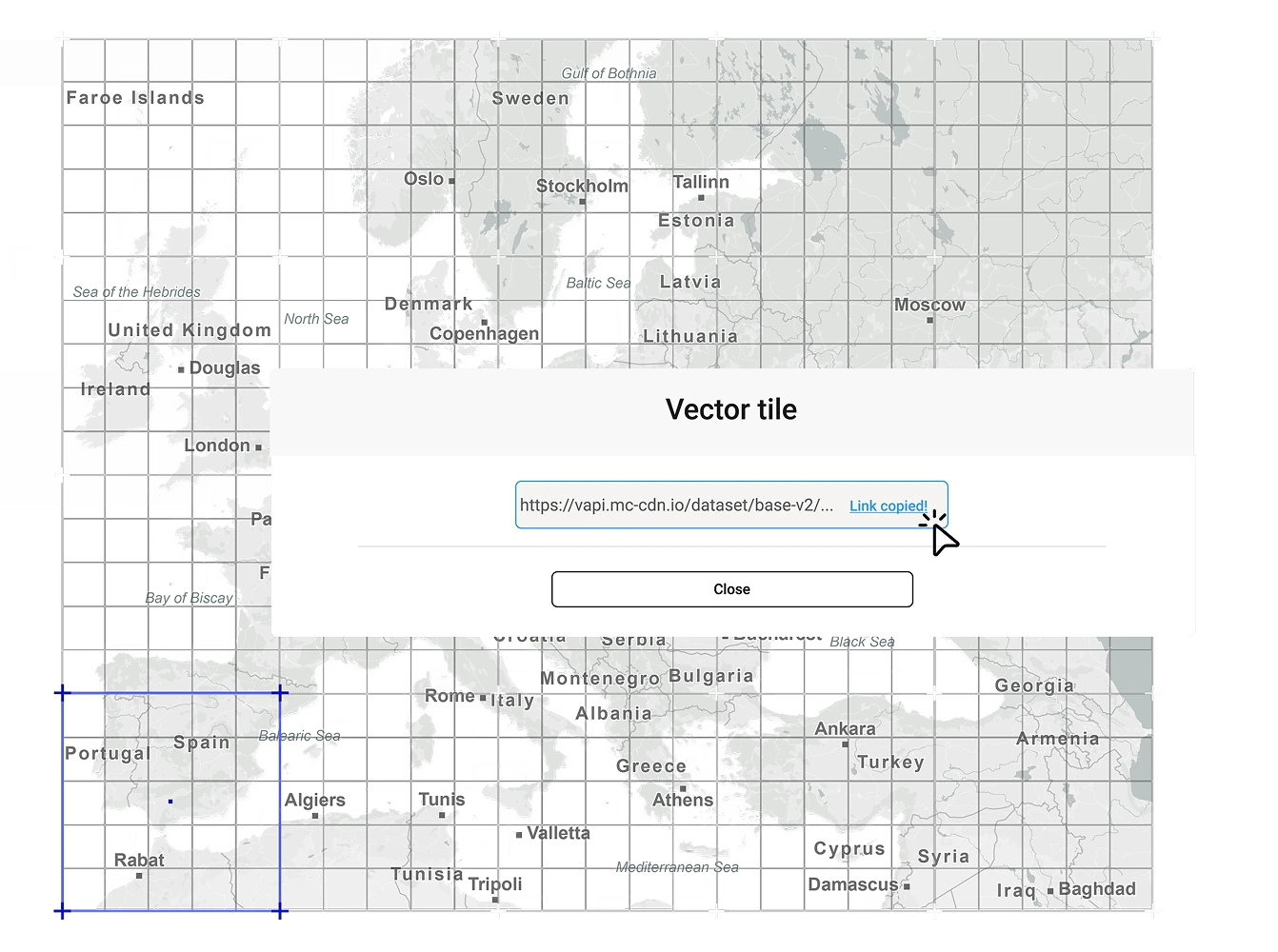
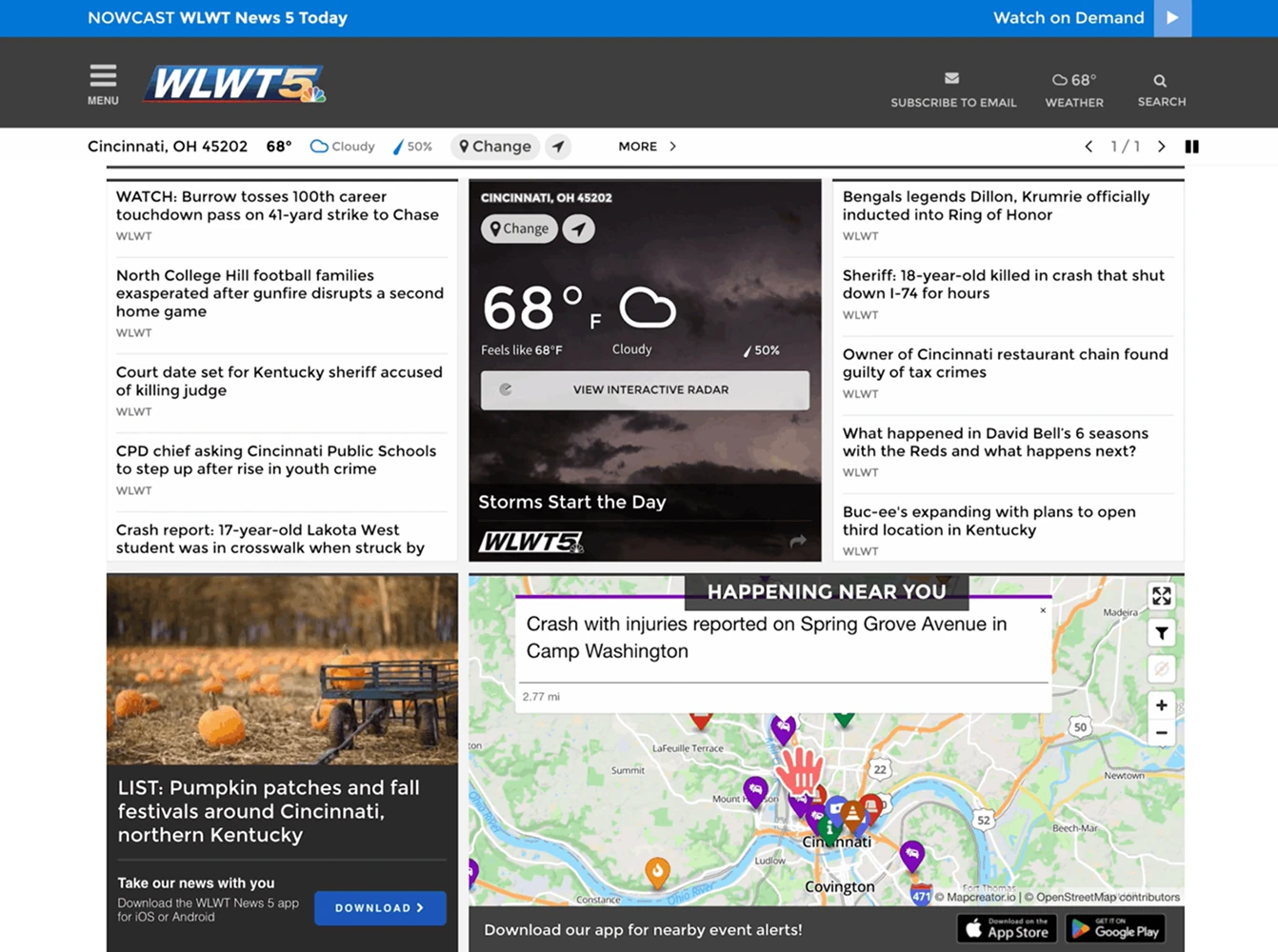
Integrate Mapcreator tiles directly into your CMS or web applications. Convert tiles to static SVG or PDF maps on the fly and export them instantly for print or digital use. Our mapping API ensures reliability and scalability for large-scale production environments.
Why teams choose Mapcreator tiles
- Simple integration with Mapbox and MapLibre
- Flat-fee pricing, no per-tile surprises
- Custom mapstyles to match your branding
- Compatible with CMS and production systems
- Reliable data, updated daily
Map smarter now.
No spam, just high-quality mapping insights. Unsubscribe anytime.
Frequently asked questions
Got a question? Start with these essential FAQs, or explore our Knowledge Base for more Mapcreator guidance.
Can I use Mapcreator tiles in my own app or website?
Yes. Mapcreator map tiles are built for integration into custom websites, apps, CMS platforms, and production systems. They are compatible with Mapbox GL JS and MapLibre GL JS, so developers can connect them to existing map setups with minimal changes.
Can I customize the style of my map tiles?
Yes. You can adjust fonts, colors, labels, and map layers to match your brand or product design. You can fine-tune styles with Maputnik, or Mapcreator’s design team can create a custom tile style for your organization.
How often is the map data updated?
Mapcreator tiles are based on OpenStreetMap data and are updated daily. This gives your team reliable, current map content for interactive maps, dashboards, editorial products, and location-based applications. Backed by nearly two decades of mapping expertise, Mapcreator combines fresh data with proven geospatial experience.
How is pricing handled for Mapcreator map tiles?
Mapcreator offers flat-fee subscription pricing for map tiles, instead of complex pay-per-tile models or hidden usage surprises. This makes costs easier to predict for teams running high-traffic websites, apps, or production workflows.




