


How to create a flight map in Mapcreator
From breaking news stories to travel magazines, flight maps help audiences visualize movement, distance, and connection at a single glance. From complex routes through various locations or simply moving a curved line from A to B, Mapcreator makes it easy to create a flight map in minutes.
In this short guide, we’ll walk you through a simple story: plotting a flight from A to B—and adding the visual polish to make it publication-ready. You’ll also see how to animate it later if needed.


Plot your route
Let’s say you want to map out a flight route regarding a recent breaking news story or a new travel itinerary. Once you have your locations in mind, you start by drawing a line on the map to represent your route using the line tool. Click directly on the map to set your path. Want to show stopovers or multi-leg flights? Just keep adding points along the way.
Next, you can make it feel more like a real flight path. Click on the line to reveal anchor points, and drag them to curve the route. Then, style it with your preferred color and stroke width, and drop in an airplane icon to indicate the path.
Prefer to base your map on more accurate data? You can also search for specific start and end locations, or place pins manually to give more context to your visual. Or, if you have a KML or GPX file, just drag & drop it in—Mapcreator will automatically display your route(s).
Customize your flight map
Once your flight path is down, it’s time to make it yours. Mapcreator offers plenty of styling tools to match your visual identity or editorial style.
- Highlight areas such as countries, regions, or cities to make them stand out
- Choose custom colors for lines, markers and areas
- Adjust stroke thickness and switch it to dashed or dotted styles
- Toggle on globe view to provide a 3D perspective of long-distance routes

Animate it?
This guide is all about static flight maps, but if you want to create a map animation following the line, or even have an icon move along the line, continue reading this article here.
Share your flight map everywhere
Once your map is ready, export it as a high-resolution SVG for digital publications or a PDF in CMYK for a print-ready graphic. Whether this is for a breaking news segment or a travel guide, your maps are ready in no time.
Try it out now!
With just a few clicks, you can create a sleek, curved flight map with custom styling, icons, and labels. Trust Mapcreator’s design and geolocation function while you focus on the story. Maps are the perfect way to add visuals and meaning to your story—even when it stays still. Did you know Mapcreator’s €99 a month personal plan offers unlimited SVGs & PDF as a temporary offer? Click here to learn more!
Don't forget to share this post!
Deeper understanding of maps
For mapping tips, updates, and deep dives for the cartographically curious.
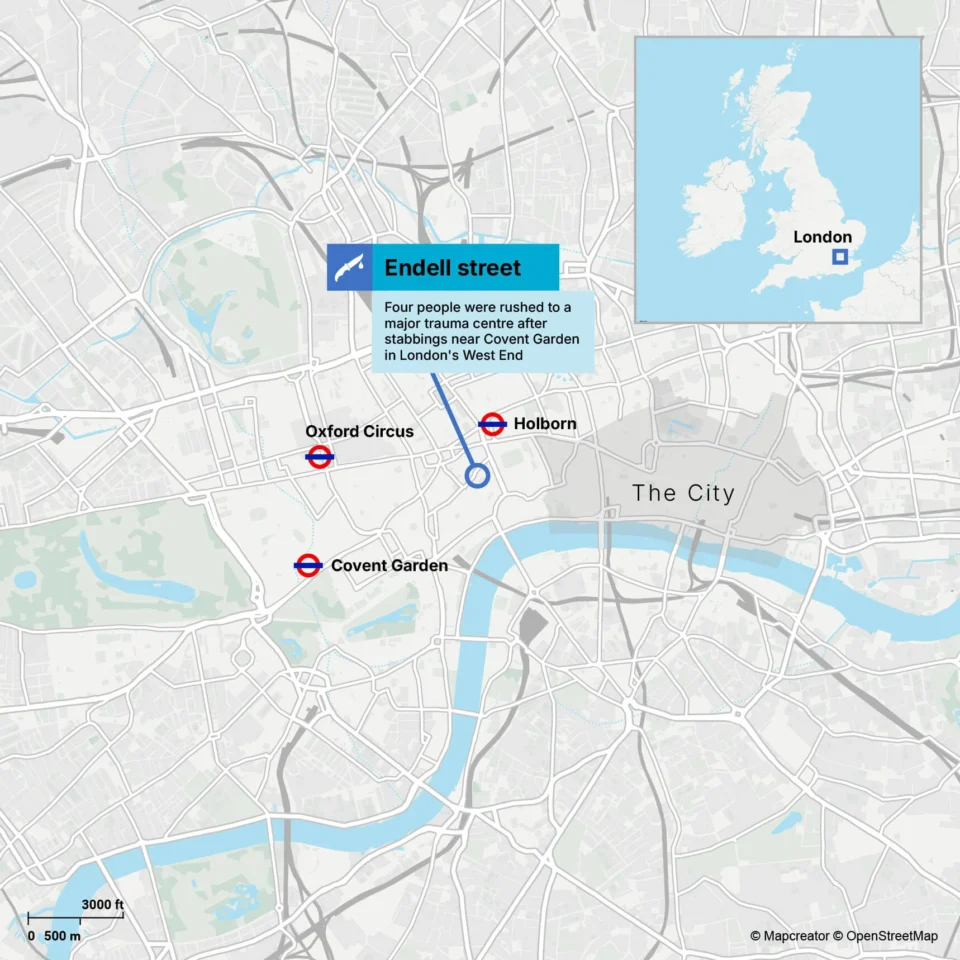
POV: Should have been a static map
Interactive maps are powerful. They let readers zoom, pan, click, explore, and discover details at their own pace. But not...
Read more
How influencers create maps that start conversations
Graphic designer, geo-influencer and Mapcreator ambassador Frans van der Vleuten uses maps to turn curiosity into conversation. We spoke with...
Read more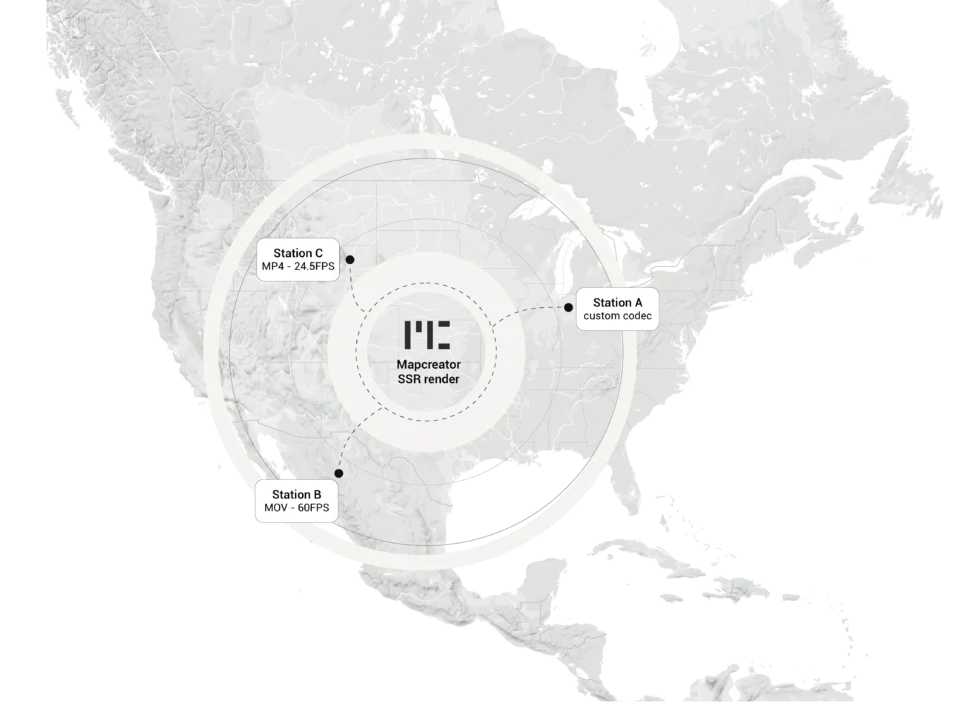
Cloud Rendering: size and speed do matter
For years, Mapcreator has made it easy to get maps out of the tool in whatever format your production workflow...
Read more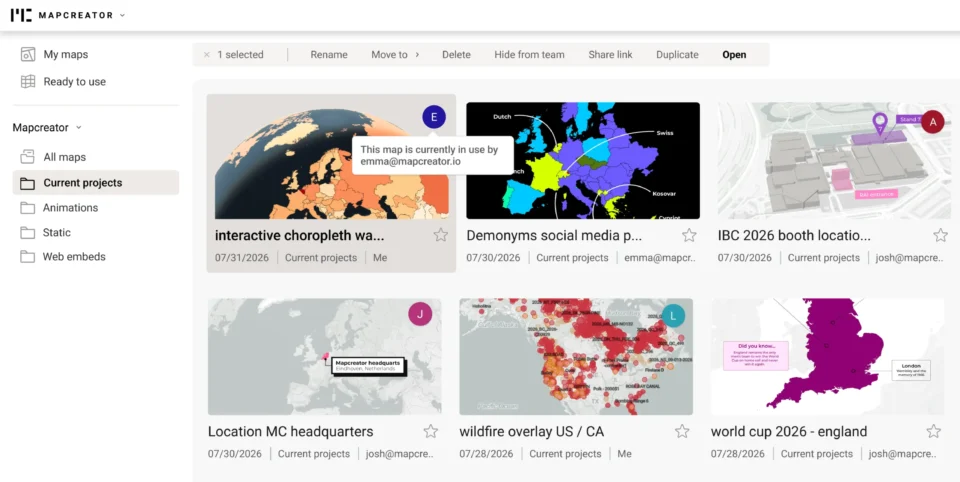
Co-editing is here: Maps now move between teammates
Some map designs start with one person and stay that way. Nice and tidy. Others? Not so much. Maps rarely...
Read more
Choropleth maps in Mapcreator just got easier
A choropleth map is a color-coded map that shows how values differ between geographic areas, such as countries, regions, or...
Read more
Why bringing your own data can make for better maps
Some maps do not begin as maps. They begin as bits and pieces of information waiting to make sense together....
Read more


