Seamless CMS & NRCS integration
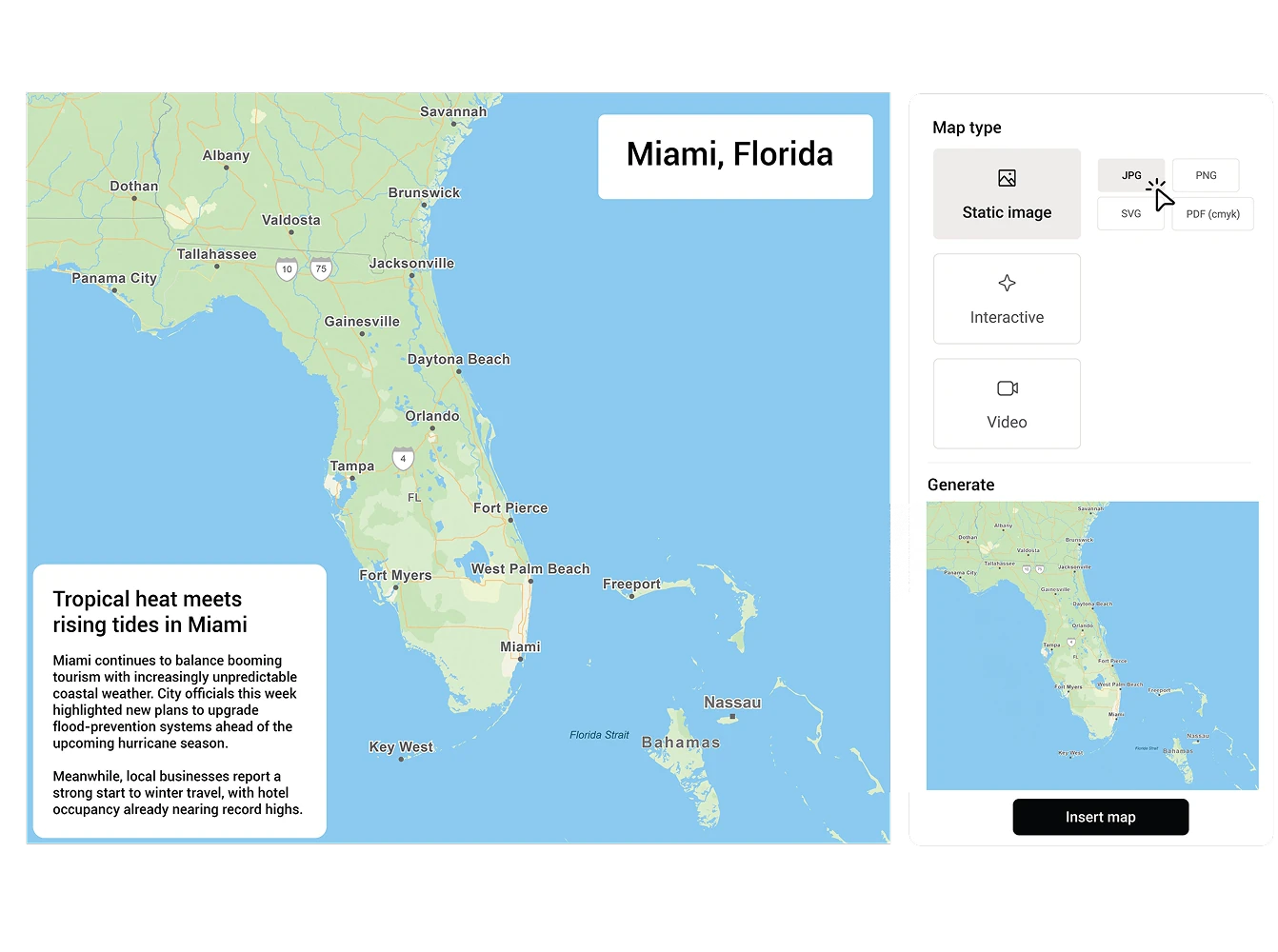
Mapcreator integrates seamlessly with your existing production and content management systems, enabling teams to create, edit, and publish ready-to-air locator maps without leaving their workflow.
This integration brings professional-grade mapping tools to editors, reporters, and producers — making visual storytelling faster, simpler, and more consistent.
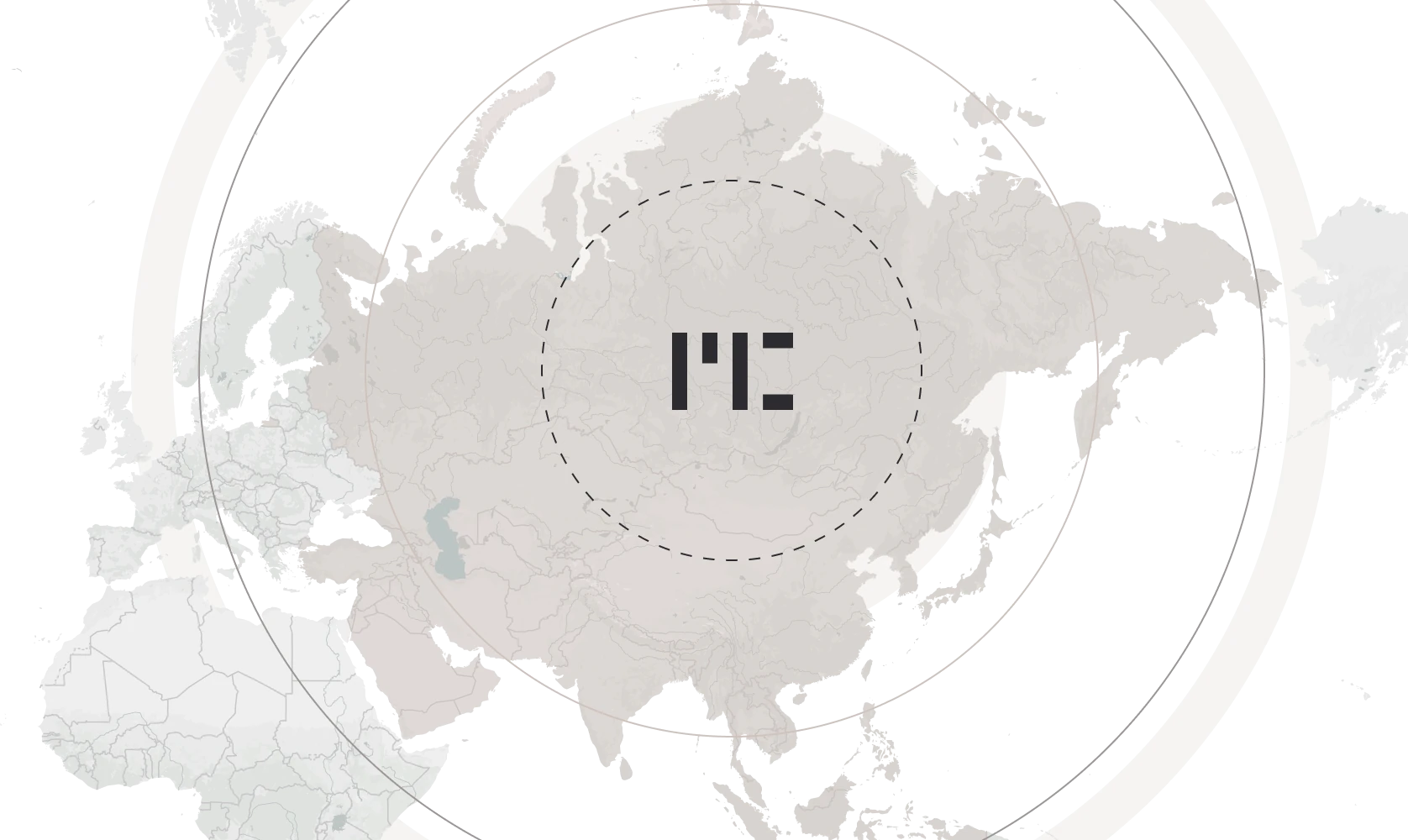










Integrated mapping made easy
Integrate Mapcreator’s HTML-based map solution directly into your newsroom or CMS environment. Reporters and editors can generate static, interactive, or animated maps in minutes, using pre-defined templates and brand styles. The result: fast, consistent visuals that enhance every story while freeing design teams to focus on more complex productions.
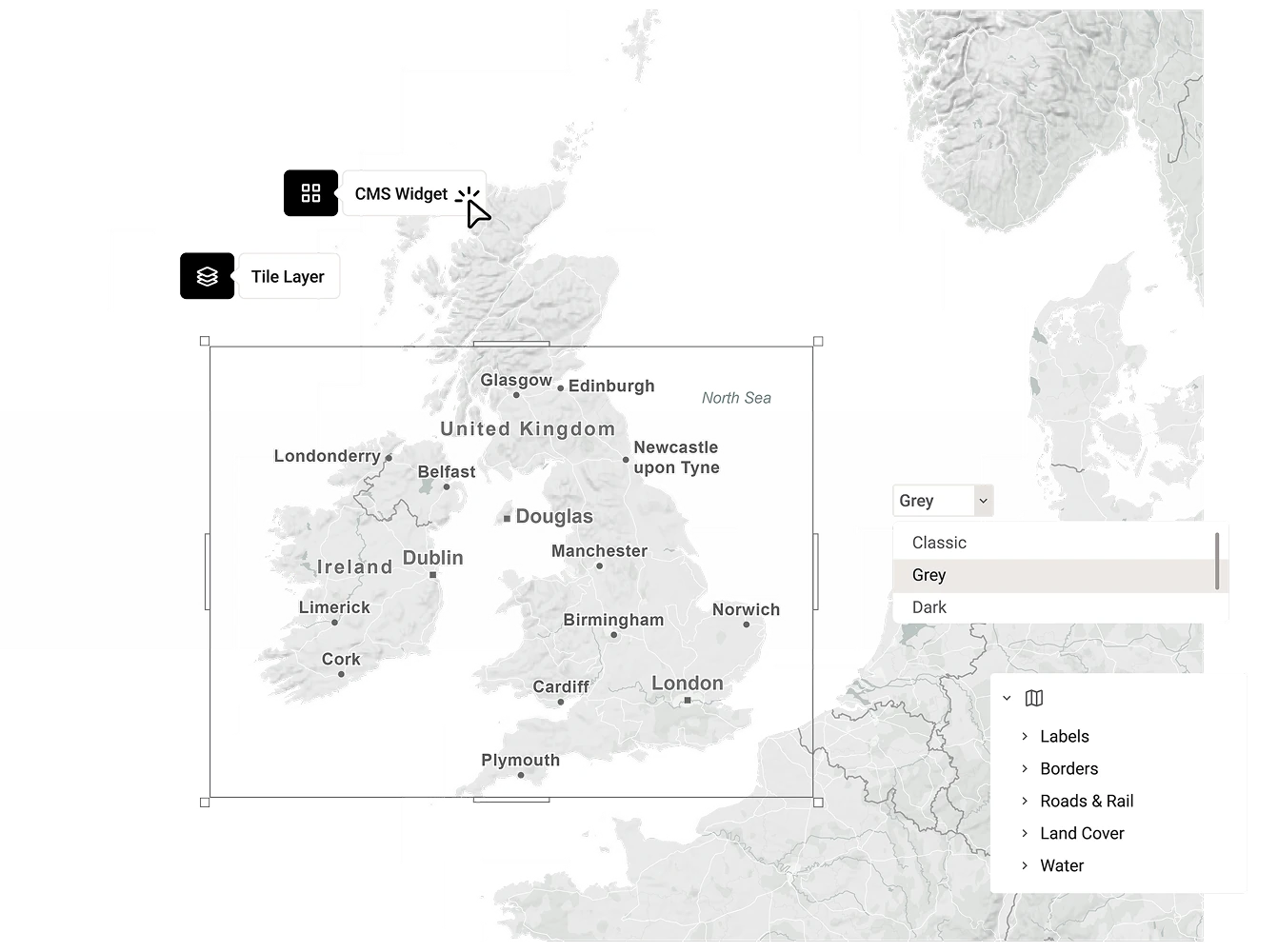
Reliable and broadcast-ready
Mapcreator’s maps are optimized for broadcast production and digital publishing. Whether used for on-air graphics, data-driven reports, or online content, every map meets professional quality standards. Integrated data layers and real-time updates ensure that visuals reflect the latest information, ready to go live whenever your newsroom is.
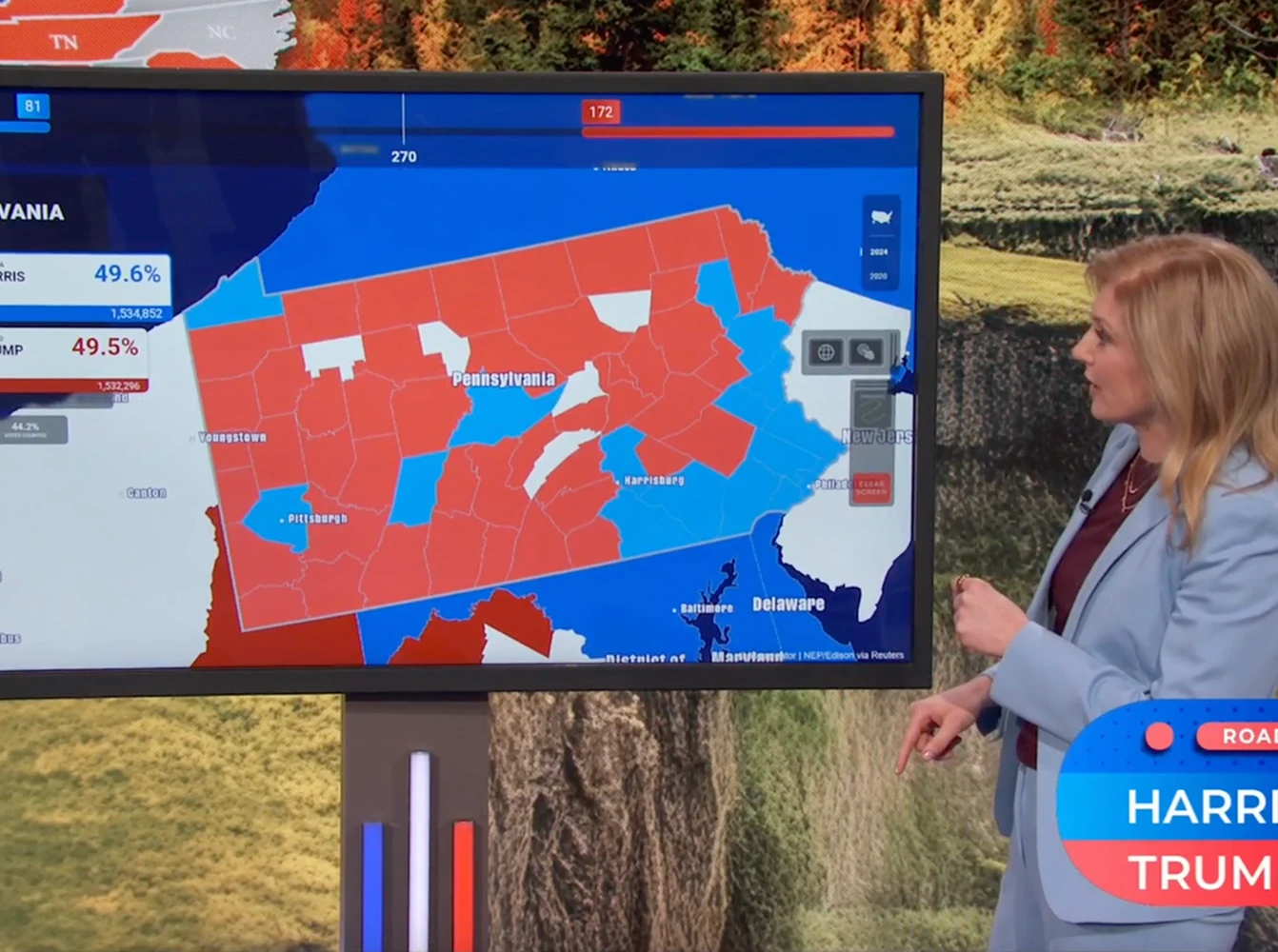
Cross-platform efficiency
With Mapcreator’s integrations, the same visual can be used across broadcast, web, and internal systems. Maps created for on-air use can be embedded online or shared within your team for updates and archiving. This helps maintain brand consistency and reduces production time across all platforms.
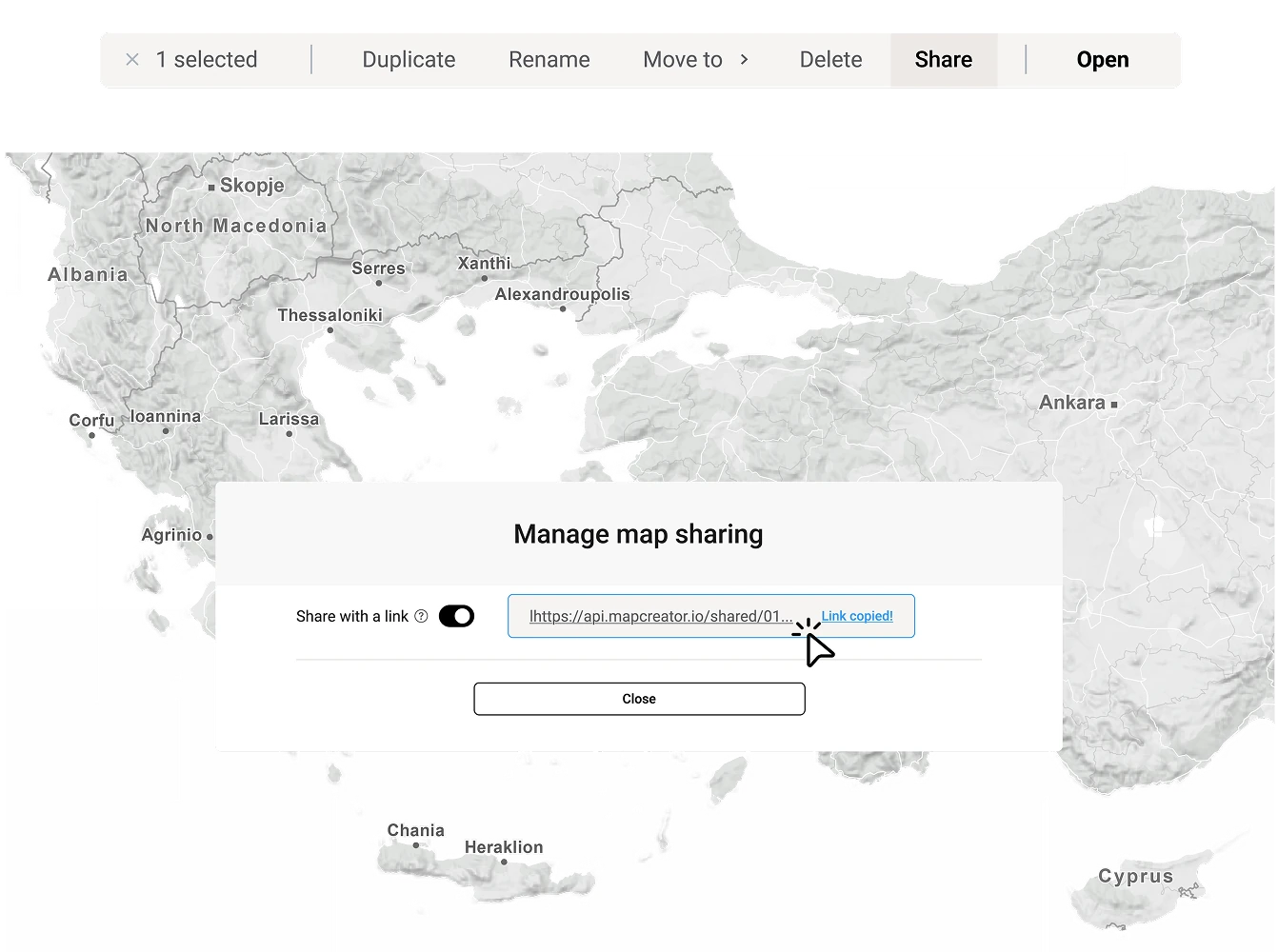
Customizable and scalable
Our integration framework is fully flexible, supporting a wide range of CMS and NRCS. Whether you need to complement your existing map widget with our up-to-date map tiles, or if you need to upgrade your map creation toolkit as a whole, our mix-and-match approach ensures you get a solution that aligns precisely with your workflow and requirements.
Map smarter now.
No spam, just high-quality mapping insights. Unsubscribe anytime.
Frequently asked questions
Got a question? Start with these essential FAQs, or explore our Knowledge Base for more Mapcreator guidance.
Can Mapcreator integrate with our newsroom system?
Yes. Mapcreator can be integrated into newsroom systems, CMS platforms, and NRCS workflows, so editors and producers can create maps without leaving their existing production environment.
What kind of maps can our newsroom create through the integration?
Teams can create static, interactive, and animated maps using predefined templates and brand styles. This helps reporters, editors, and producers quickly generate consistent maps for breaking news, live coverage, digital stories, and broadcast graphics.
Can we manage newsroom users with SSO?
Yes. Mapcreator can support Single Sign-On through providers such as Okta, helping organizations manage access across users, groups, and workspaces from one central identity system. This makes it easier to onboard newsroom teams, control permissions, and apply existing security policies such as multi-factor authentication.
Can maps be used for both broadcast and online publishing?
Yes. A map created through Mapcreator can be used across broadcast, web, and internal workflows. Maps can be prepared for on-air use, embedded online, shared with team members, or archived for future updates.
Can the integration be customized to fit our workflow?
Yes. Mapcreator’s integration framework is flexible and can be tailored to your newsroom, CMS, or NRCS setup. Whether you need map tiles, a dedicated map widget, or a full map creation workflow, the integration can be adapted to your requirements.