


Mapping tool for organizations and governments
Mapcreator helps governments, not-for-profit enterprises, and international organizations turn complex data into understandable, shareable visuals. Keep your citizens, teams, and stakeholders informed — in real time and on brand.
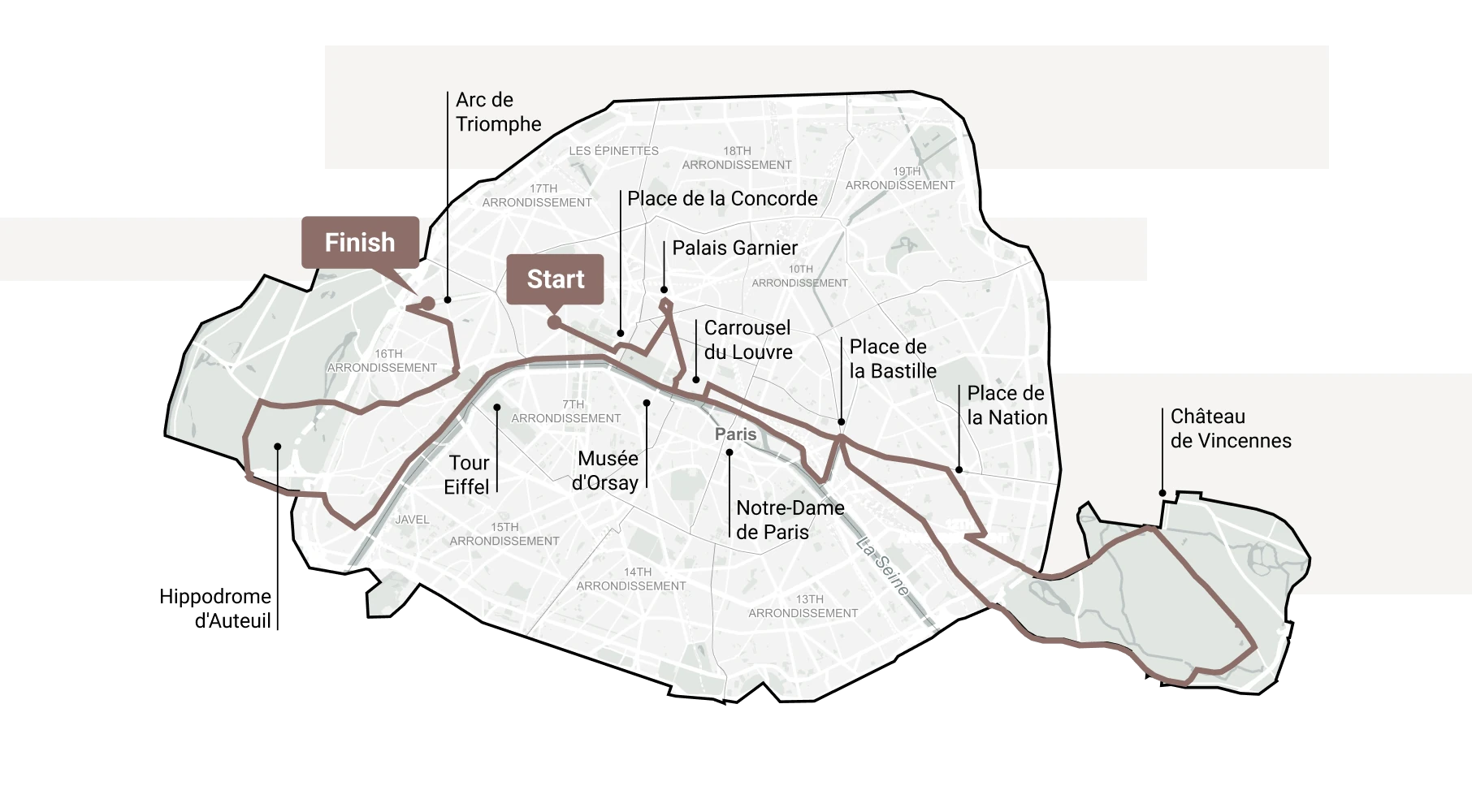






Communicate and inform with maps
Draw routes, lines, or polygons to highlight key areas and points of interest. Share interactive content like video, images, or links. Embed the maps on your website or distribute them as part of your newsletters, reports, digitally or printed.
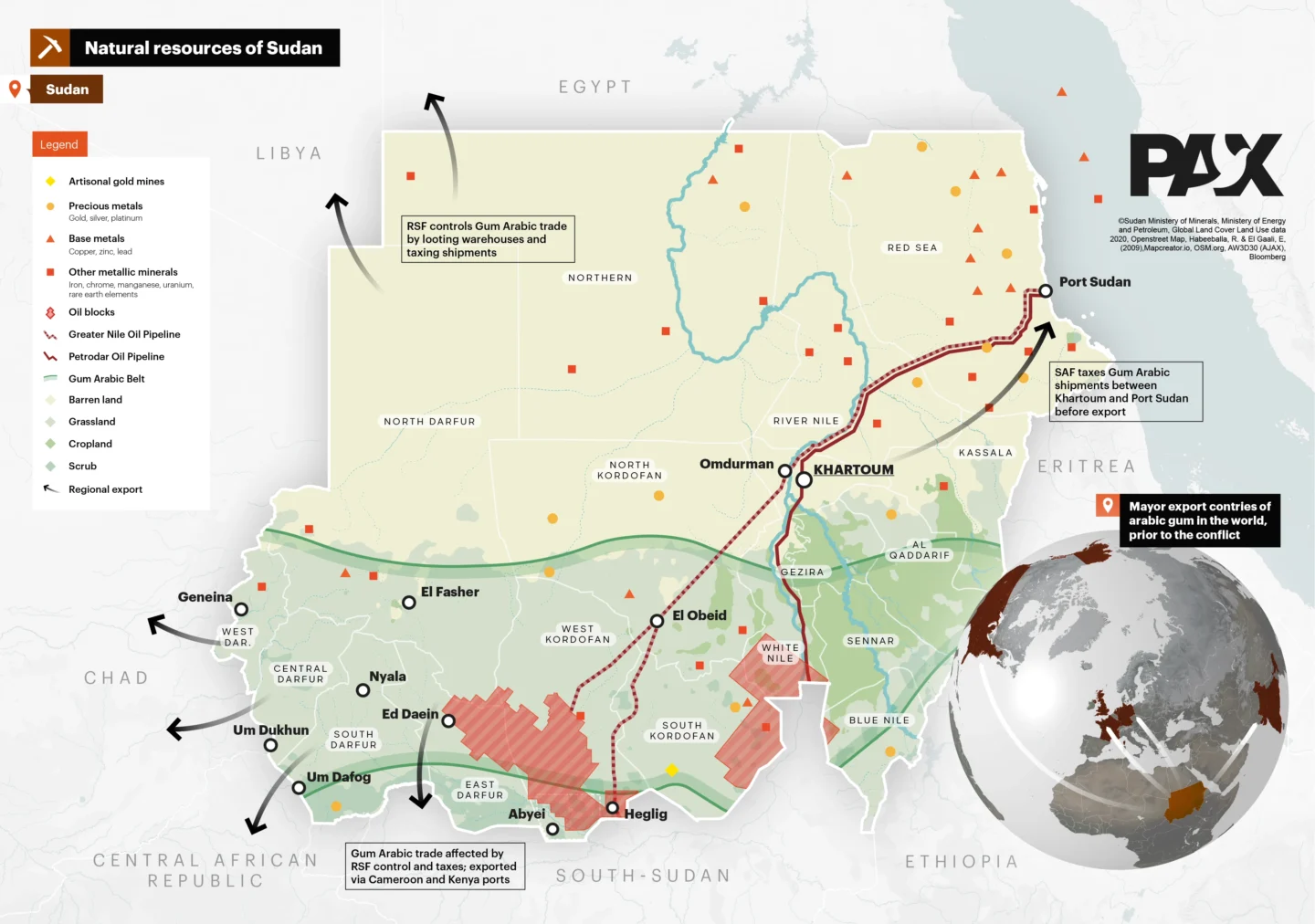
Support decision-making with visual data
Enhance your reports and projects with data-driven visuals. Mapcreator enables you to analyze, present, and communicate complex information clearly — anywhere location is part of your story.

Simplify complex information
Import your XLSX, KML, GPX, or GeoJSON files via drag and drop and see your locations, coordinates, and statistics come to life instantly. Or use Mapcreator’s live data library for real-time updates for natural events such as hurricanes, wildfires, and earthquakes. Live data is continuously refreshed from trusted sources like USGS and NOAA every 30-60 minutes. Create static or interactive maps that explain your data clearly, helping decision-makers and the public understand issues at a glance.
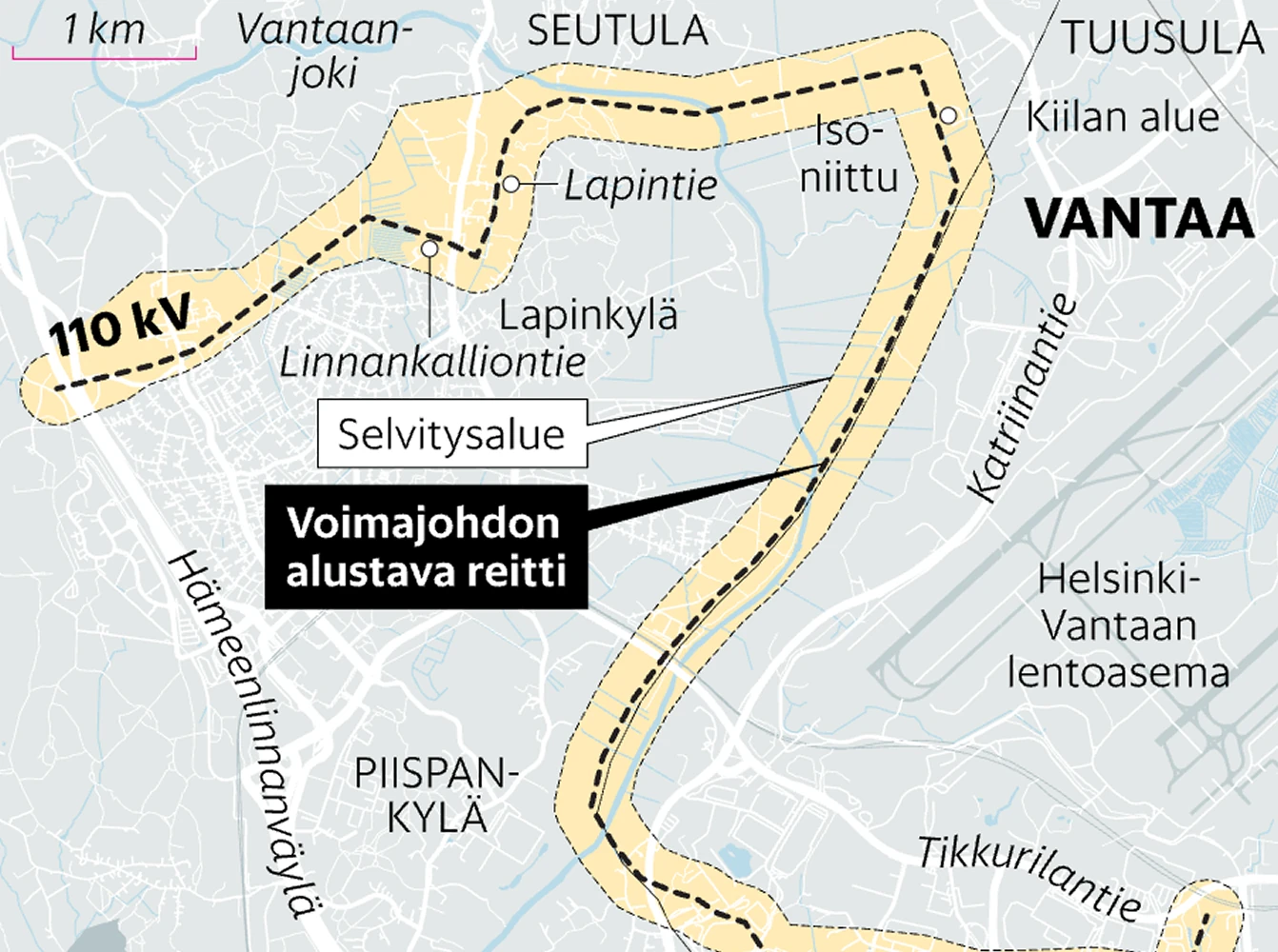
Create maps without code
No coding, GIS software, or design background needed. Mapcreator is a no-code solution designed for national, state, and local authorities. Create professional maps in minutes, whether you’re preparing internal reports or communicating updates to citizens.
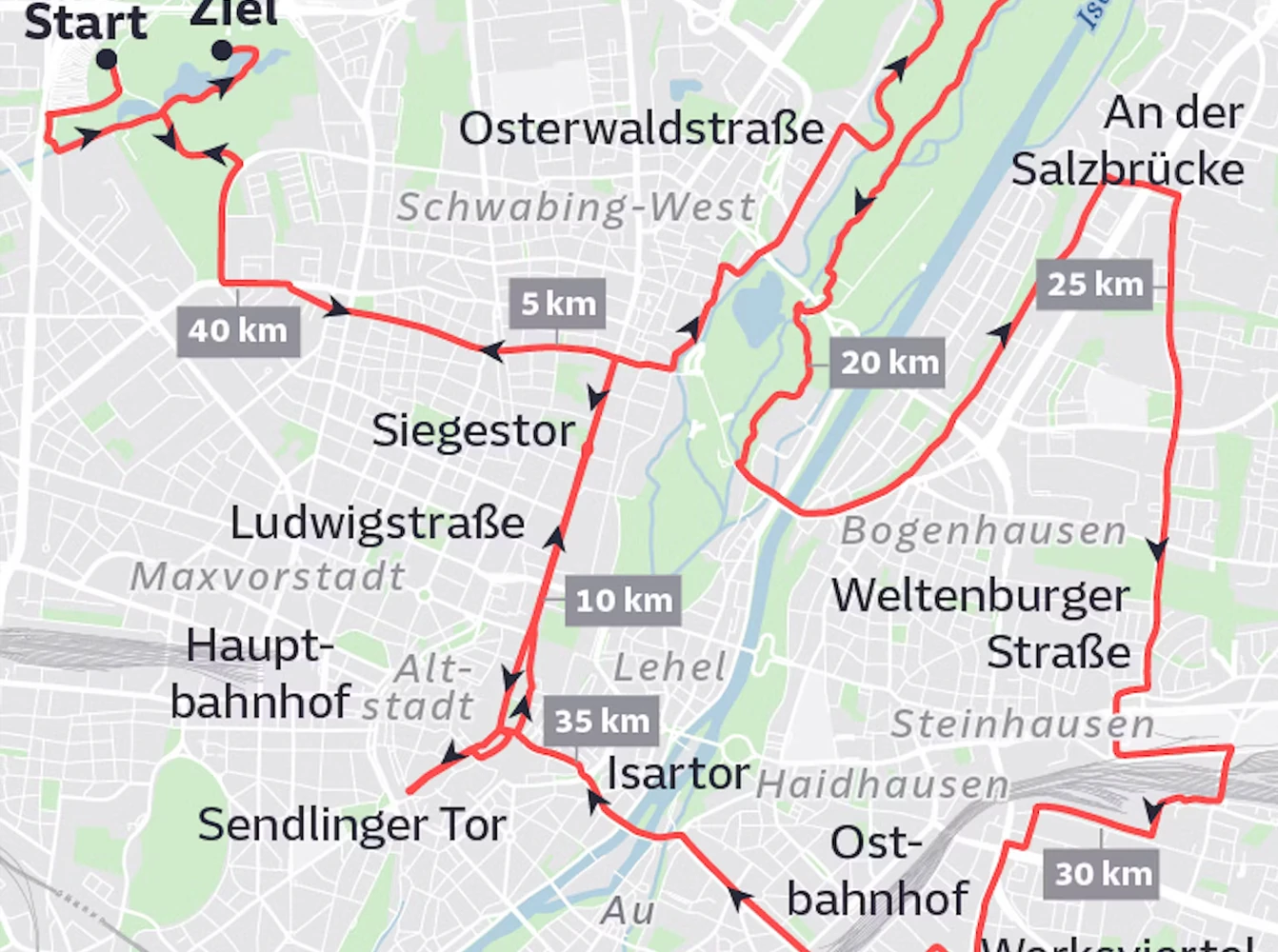
SDK for advanced teams
Need more control? Mapcreator’s SDK lets your developers integrate maps directly into your systems and manage data, styles, and settings at scale.
Automate updates, streamline workflows, and create dynamic maps perfectly tailored to your organization’s needs.
Map smarter now.
No spam, just high-quality mapping insights. Unsubscribe anytime.
Frequently asked questions
Got a question? Start with these essential FAQs, or explore our Knowledge Base for more Mapcreator guidance.
Which Mapcreator plan is best for government and public-sector teams?
The right plan depends on your team size, map types, and level of customization. You can try Mapcreator for free to explore the tool. Enterprise pricing is tailored around users, integrations, and custom map styles. Mapcreator does not charge based on the number of maps created. Get in touch for a custom quote.
Can departments outside the GIS team use Mapcreator?
Yes. Mapcreator is useful for communications, policy, planning, emergency response, public information, and leadership teams that need clear maps without working directly in complex GIS software. GIS teams can still provide the source data, while other departments use Mapcreator to create polished maps for reports, websites, briefings, and public updates.
Can we use Mapcreator for both public communication and internal briefings?
Yes. You can create public-facing maps for websites, reports, newsletters, and citizen updates, as well as internal maps for planning, coordination, stakeholder briefings, or decision-making. Maps can be exported as static visuals, embedded online, or shared as interactive web maps.
Can Mapcreator help make government data easier to understand?
Yes. You can turn service areas, infrastructure, routes, facilities, boundaries, statistics, or emergency information into clear visual maps. This helps citizens, partners, and decision-makers understand location-based information without needing to interpret raw data or technical GIS layers.
Can Mapcreator support custom or more advanced public-sector workflows?
Yes. For teams that need more than standard map creation, Mapcreator can support custom styles, live data, integrations, and department-specific workflows. This is useful for organizations that need consistent mapping across multiple teams, systems, or public-facing channels.




