


Put your destinations on the map
Mapcreator is the fast, intuitive online map tool for tour operators, agencies and bloggers. Show routes, POIs, attractions, and destination maps that turn wanderlust into bookings in just a few clicks.
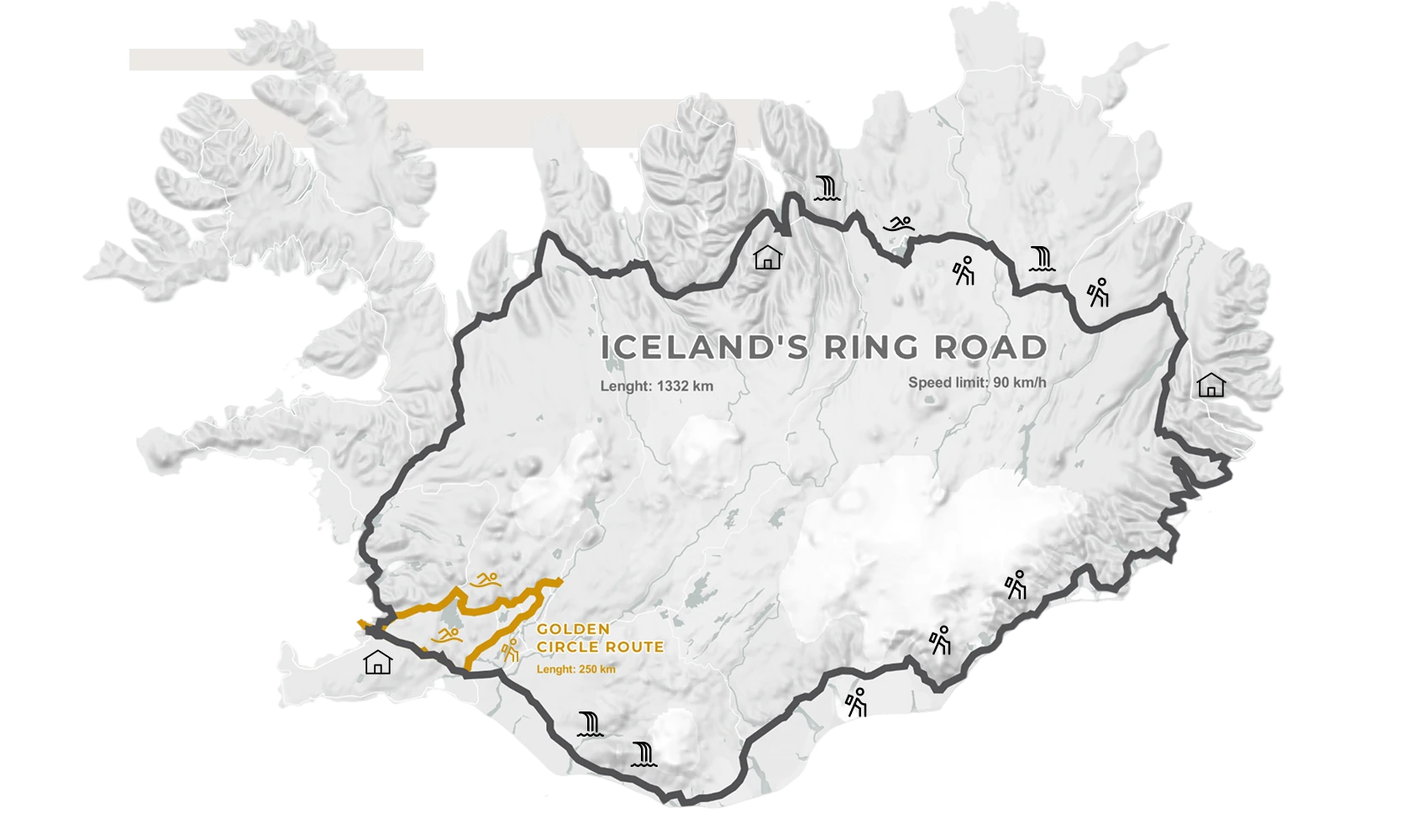









Easy mapping for travel professionals
Export for print or web — from true vector and CMYK PDFs to interactive embeds. Need something more dynamic? Create eye-catching animation exports for video or social media to showcase routes, destinations, and highlights in motion. Give travelers more ways to explore your world.
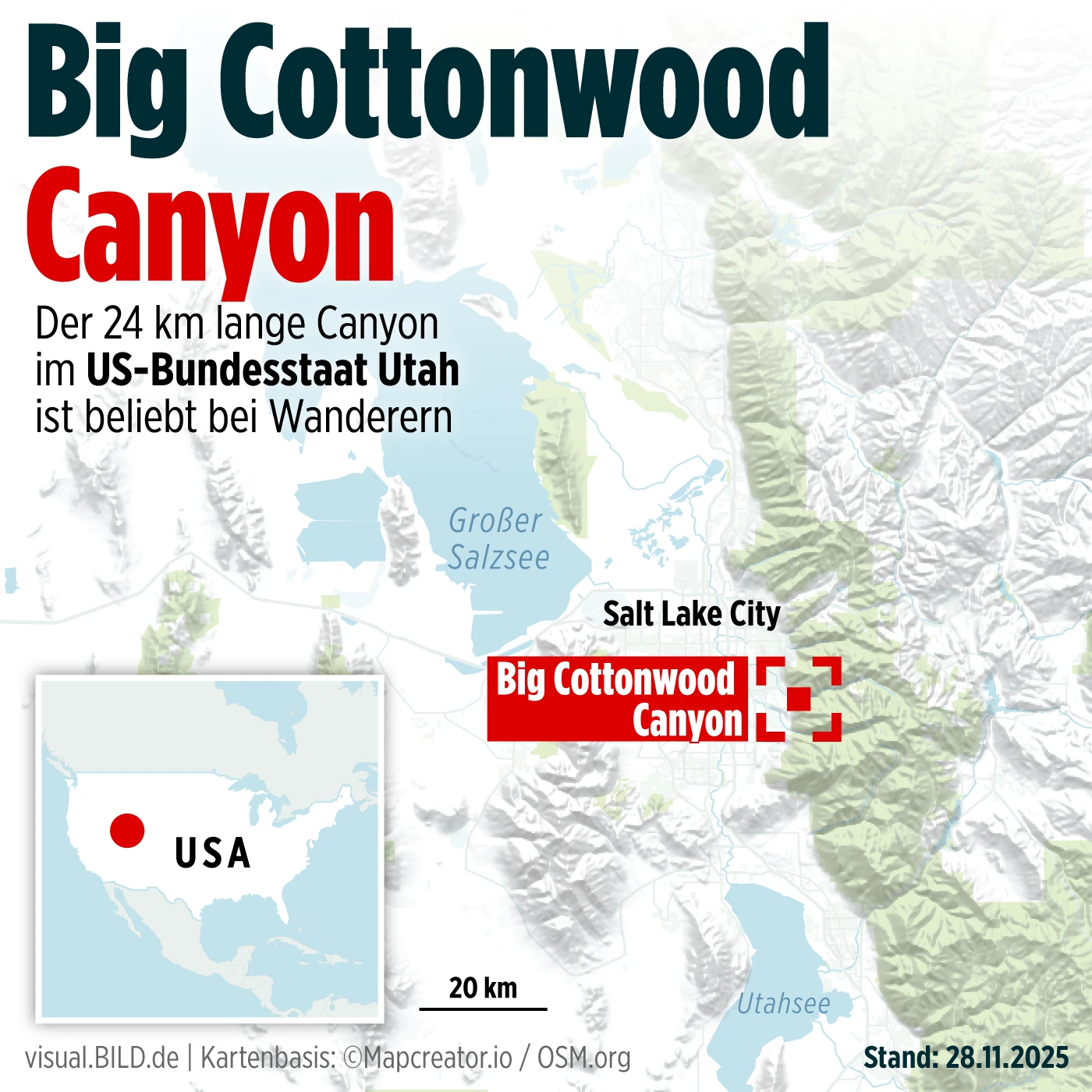
Visualize routes and experiences
Draw or import routes directly onto your map. Add locations, landmarks, or points of interest instantly. Bring your routes to life with smooth Auto-keyframe animations and icons that follow the journey, whether it’s a plane, train, or cruise ship.
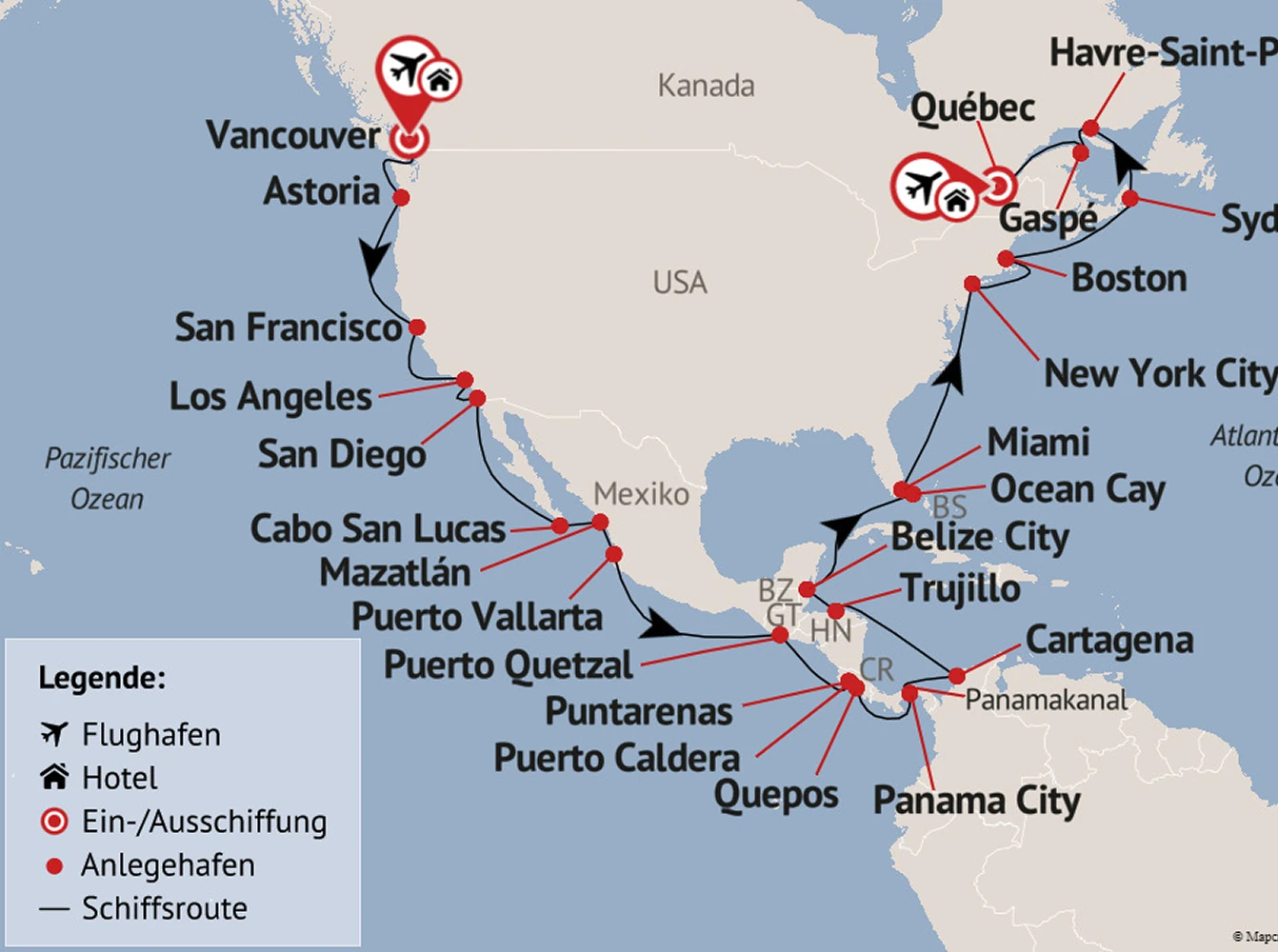
Import your own data
Enhance your travel maps with local data, think nearby attractions, landmarks, and hidden gems. Use Mapcreator’s POI data overlays to do the work for you or import your own details and locations with our powerful spreadsheet feature to upload up to 1.000 data points.
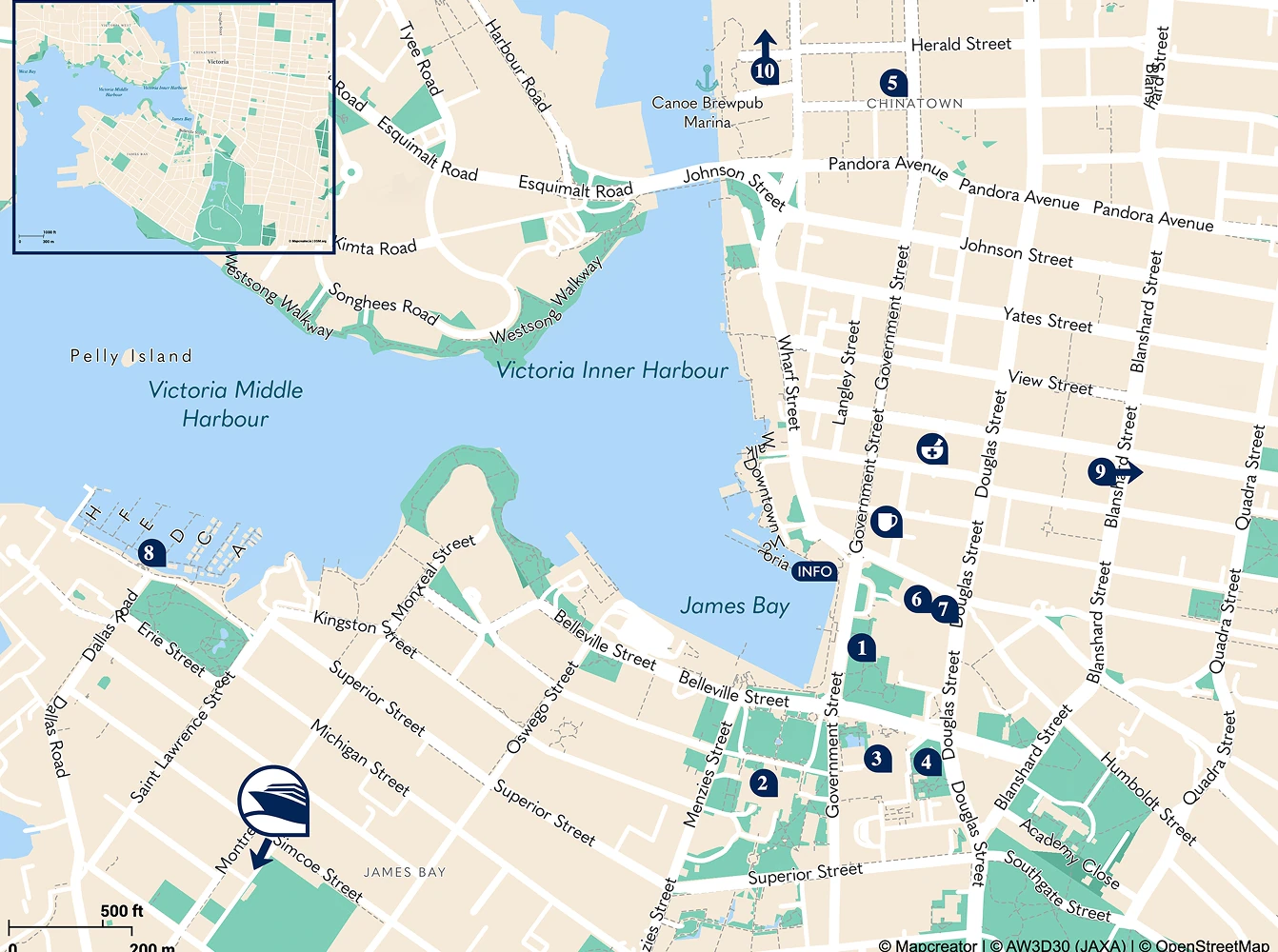
Interactive maps for every device
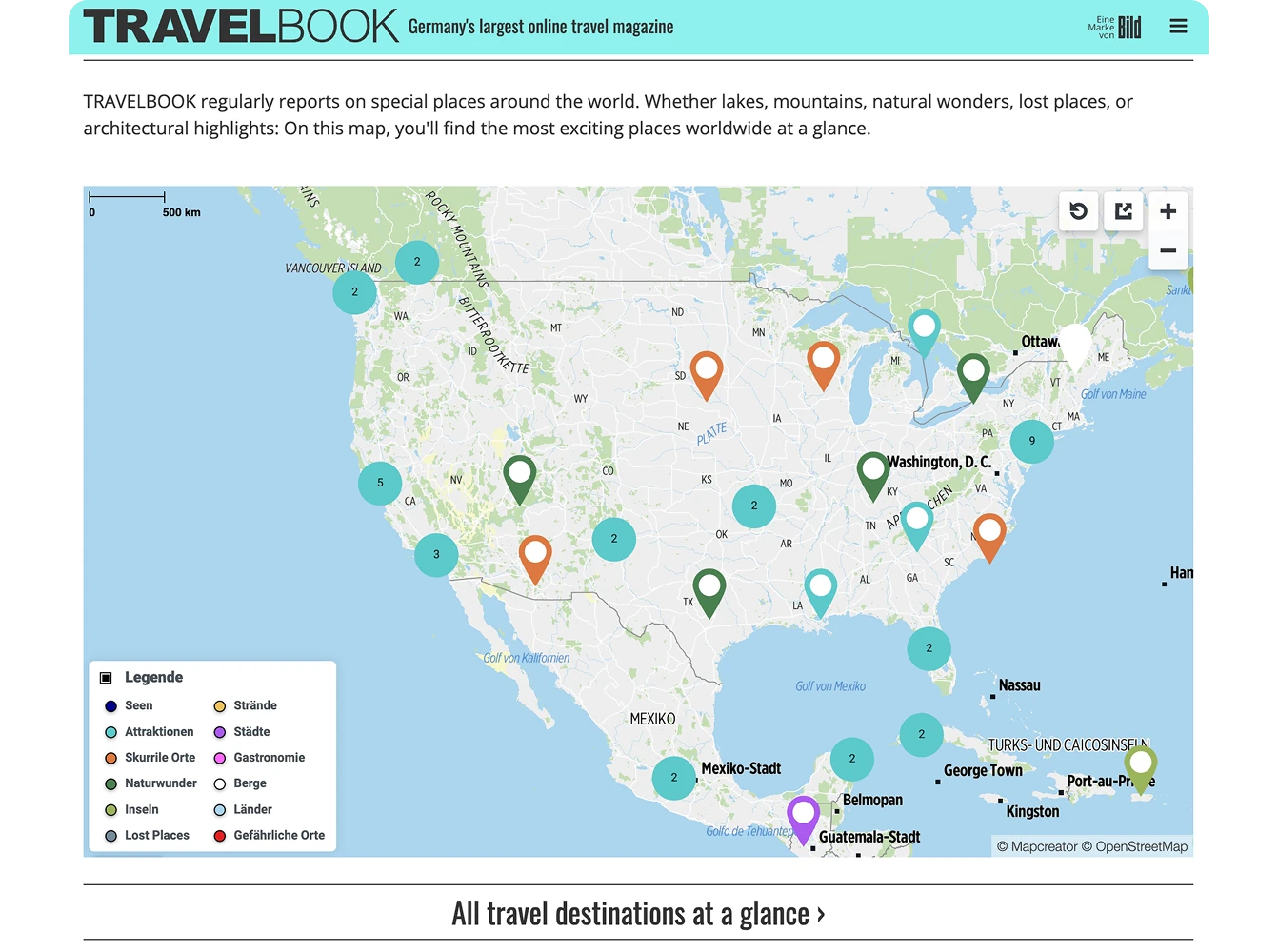
With Mapcreator’s pop-up feature, you can enrich each destination with images, videos, links, or hotel details — all dynamically linked from your spreadsheet data. Whether you’re showcasing resorts, routes, or travel packages, our maps stay engaging and informative while they’re easy to update within seconds.
Map smarter now.
No spam, just high-quality mapping insights. Unsubscribe anytime.
Frequently asked questions
Got a question? Start with these essential FAQs, or explore our Knowledge Base for more Mapcreator guidance.
Which Mapcreator plan is best for tourism teams?
Can we use Mapcreator for both visitor inspiration and practical travel information?
Yes. Tourism teams can create maps for destination guides, itineraries, attractions, routes, travel packages, and local recommendations. Maps can help visitors understand where to go, what to see, and how different locations connect.
Can we turn our destination content into an interactive map?
Yes. You can upload locations from a spreadsheet and use data binding to control labels, colors, icons, and popups. Popups can include images, videos, links, hotel details, package information, or attraction descriptions, making the map more useful for trip planning.
Can maps match our destination brand or campaign style?
Yes. You can customize colors, fonts, icons, labels, routes, and map styles to match your destination, region, campaign, or travel brand. This helps maps feel consistent across websites, brochures, visitor guides, social media, and presentations.
Can the same map content be used across print, web, and video?
Yes. Mapcreator supports print-ready files, interactive web embeds, and animated map exports. This makes it easier to reuse destination maps across brochures, websites, travel guides, social content, presentations, and promotional videos.




