


New! Map animations, now on autopilot with auto-keyframe
We’ve all been there: you want to animate a camera smoothly along a winding route (or just from point A to B), but manually setting every single keyframe feels like… a lot. That’s why we built an auto-keyframe generator. Welcome your new favorite time-saver.
Draw or import a path, click one button, and Mapcreator does the heavy lifting. Your camera follows the route automatically, with tilt, rotation, and zoom that you can adjust to taste. The result? Professional-grade animations with zero fuss. Or, as we like to say, it all happens automagically.
Why this is something to get excited about
Until now, smooth camera animations meant creating everything manually. Each zoom, tilt, and rotation had to be added in every single keyframe. If you wanted to follow a line across multiple locations, you had to carefully set one keyframe after another: a time-consuming, detail-heavy process that slowed you down.
Auto-keyframe changes that. Now you can:
- Generate complete camera flows in seconds: Import or draw a route and then create all the intermediate keyframes automatically. Once they’re generated, you can even remove the line itself and keep only the smooth camera sequence.
- Follow any path: Whether you’ve imported a complex KML or GPX file with multiple stops or quickly drew a simple line from A to B to C, your camera will track it seamlessly. You can follow a static or animated line, depending on your project’s needs.
- Focus on storytelling, not mechanics: The tilt, rotation, and zoom effects that once required tedious keyframe-by-keyframe selections are now fully baked in.
In other words, what used to take hours now takes seconds; while looking better than ever.
Pro tip: Pair auto-keyframe with 3D terrain and our refined sky view — endless horizons await…
How it works
It really is as simple as it sounds:
1. Draw or import your path
This could be a bezier flight route, a road trip, a complex file — you decide.
2. Click “Auto-generate keyframes”
Mapcreator will automatically create all the intermediate keyframes along the path.
Optional: Select & animate your route
By default, the animation will be growing, perfect for following the emerging line, but you can also make changes in the animation settings. You can skip the animation step, if you follow a static line or just use the line as a guidance path to be removed later.
3. That’s it!
Your animation is now ready to go, whether for social posts, live data visualizations, or long-form storytelling.
Live now!
Auto-keyframe means you can go from a moving line on a still map to a full cinematic fly-through that follows the route. And the best part? It takes seconds, not hours. Each method shines in its own way: sometimes a static map with a line drawing itself is the clearest way to tell the story, while other times letting the camera travel along the route makes the narrative feel dynamic. With Mapcreator, one doesn’t require more effort than the other. You get the flexibility without the extra workload.
Don't forget to share this post!
Deeper understanding of maps
For mapping tips, updates, and deep dives for the cartographically curious.
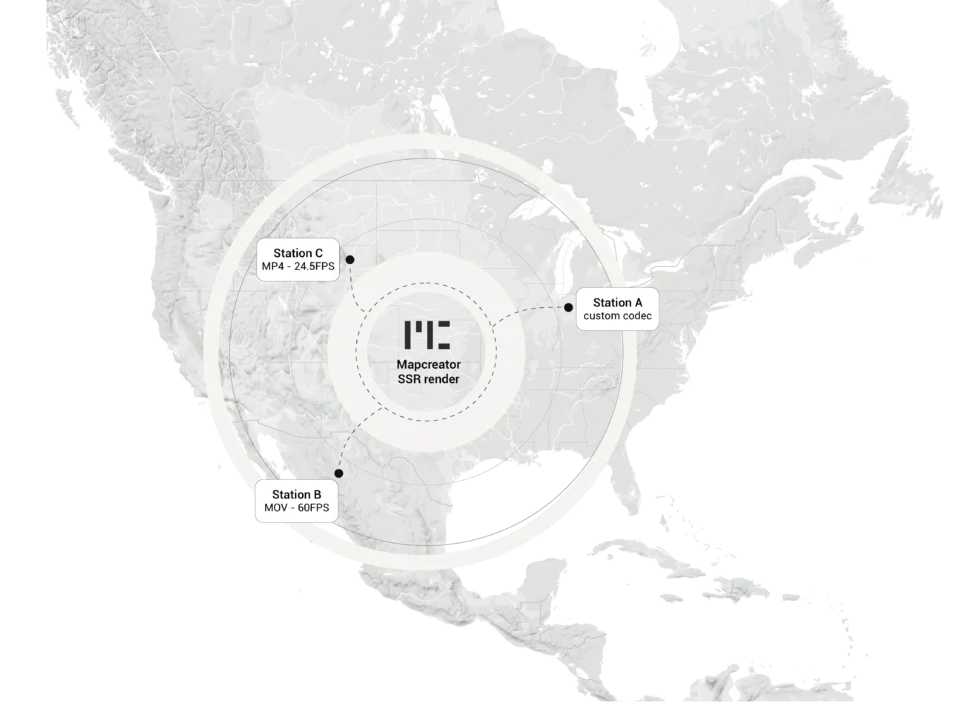
Cloud Rendering: size and speed do matter
For years, Mapcreator has made it easy to get maps out of the tool in whatever format your production workflow...
Read more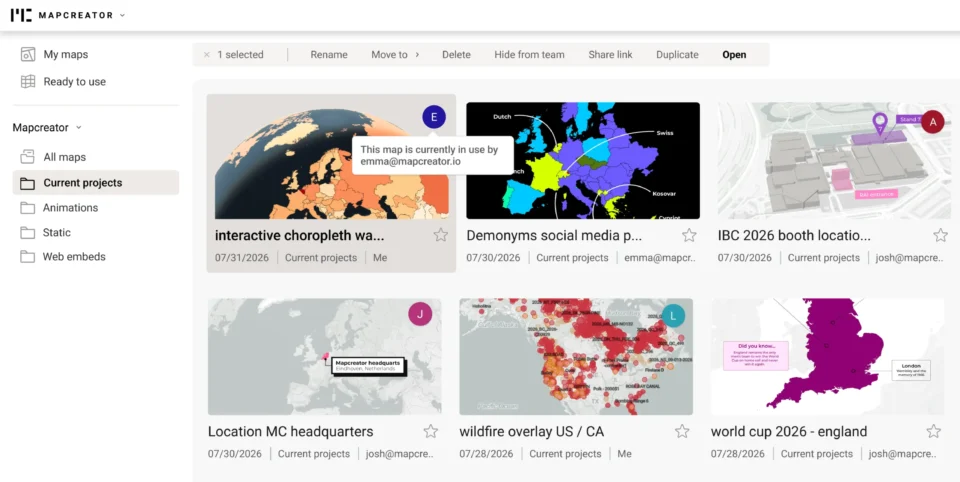
Co-editing is here: Maps now move between teammates
Some map designs start with one person and stay that way. Nice and tidy. Others? Not so much. Maps rarely...
Read more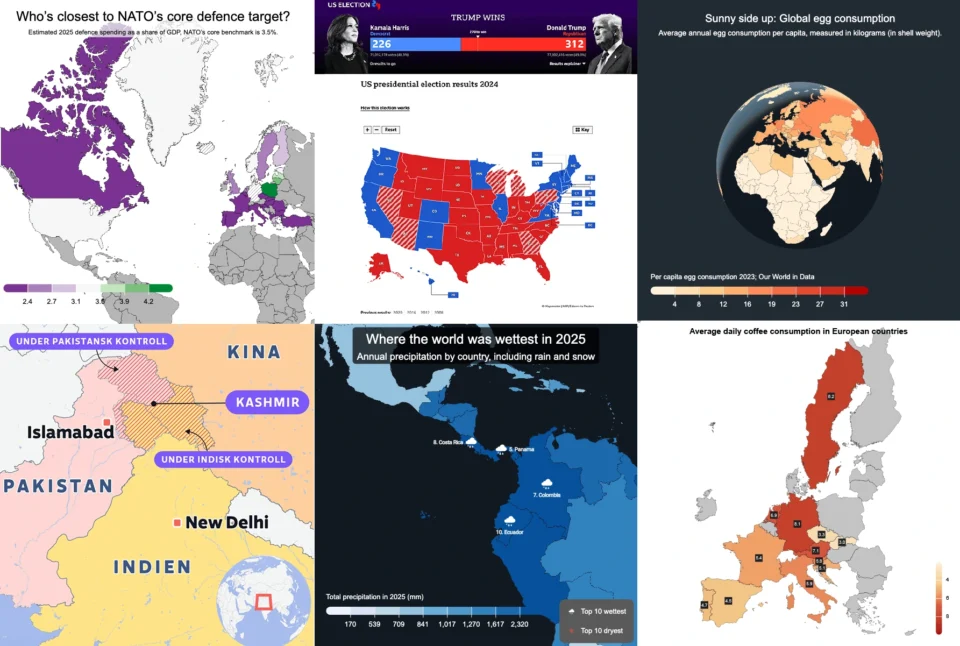
Choropleth maps in Mapcreator just got easier
A choropleth map is a color-coded map that shows how values differ between geographic areas, such as countries, regions, or...
Read more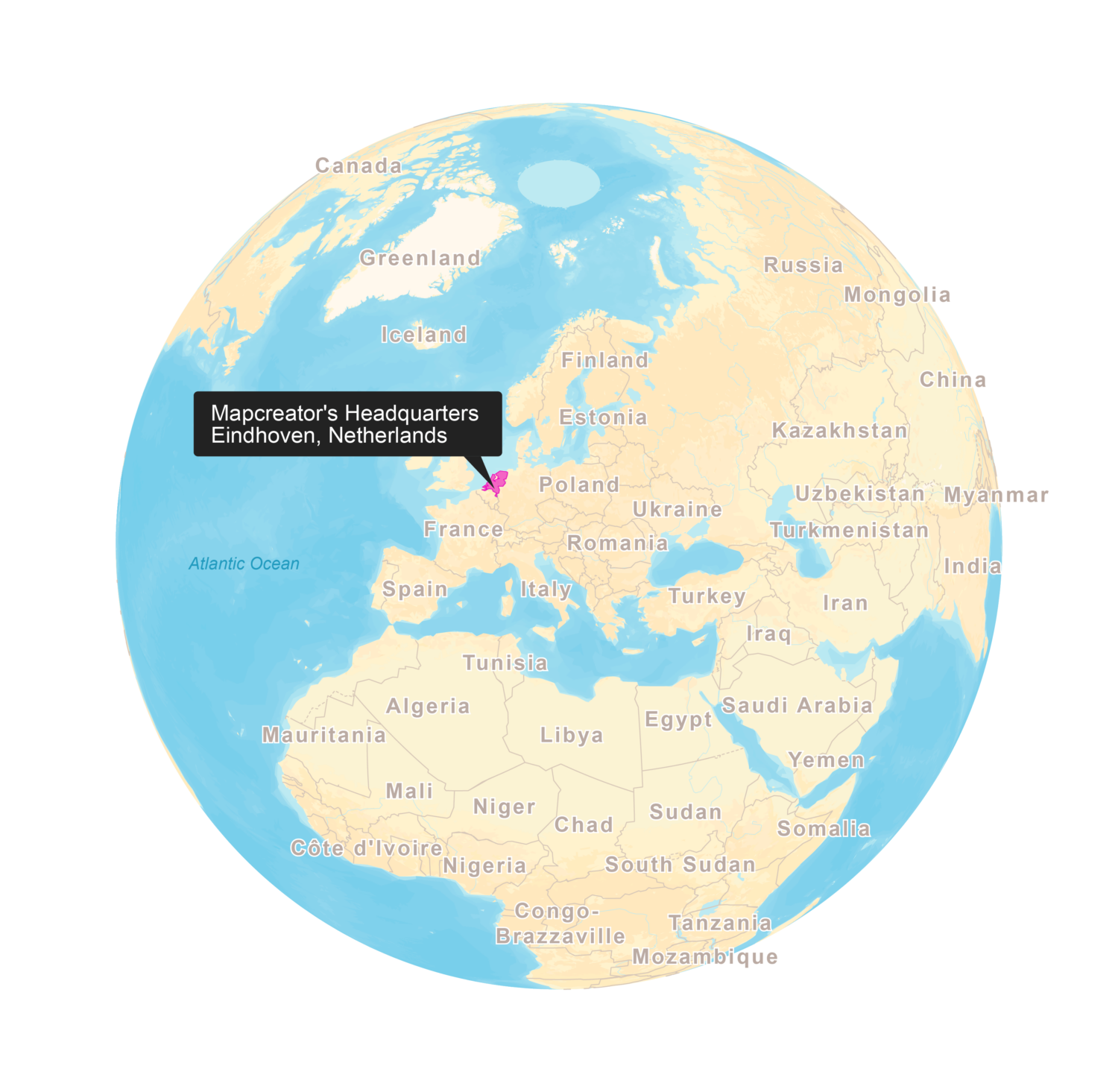
New! Render Globe Maps as Vector Files
We don't like world maps. There, we said it. Most world maps you come across are distorted. When you flatten...
Read more
Import a spreadsheet with automatically numbered icons
If you’re manually placing numbered icons one by one onto a map, stop right there; we need to have a...
Read more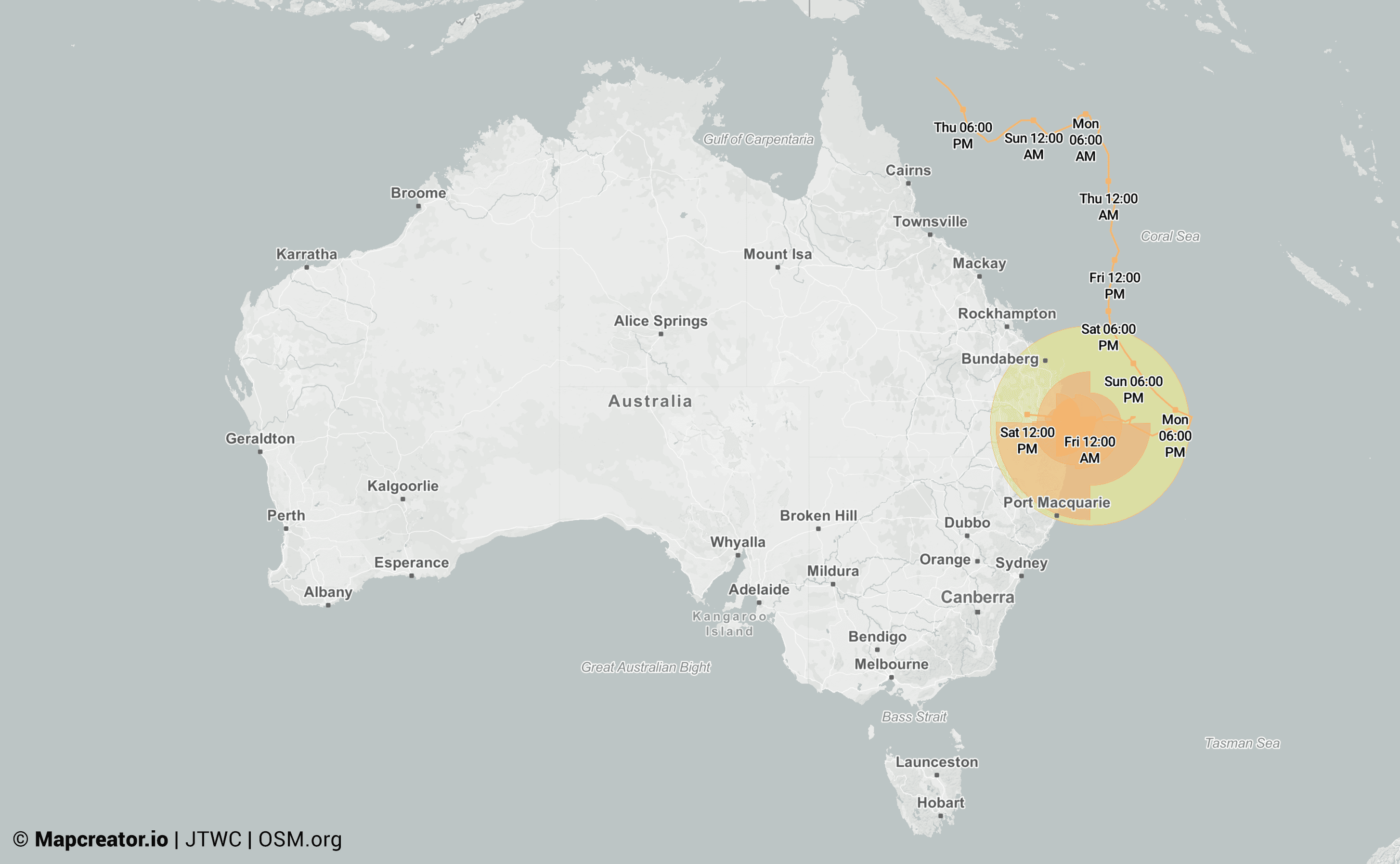
Cyclone and typhoon live data overlay in Mapcreator
With cyclone and typhoon season coming closer, staying ahead of severe weather events is more important than ever. Mapcreator’s new...
Read more


