Make your maps move
Turn your static maps into captivating map animations in just a few clicks. Mapcreator gives you all the tools you need to transform ideas into motion without any post-production.










Fine-tune every detail
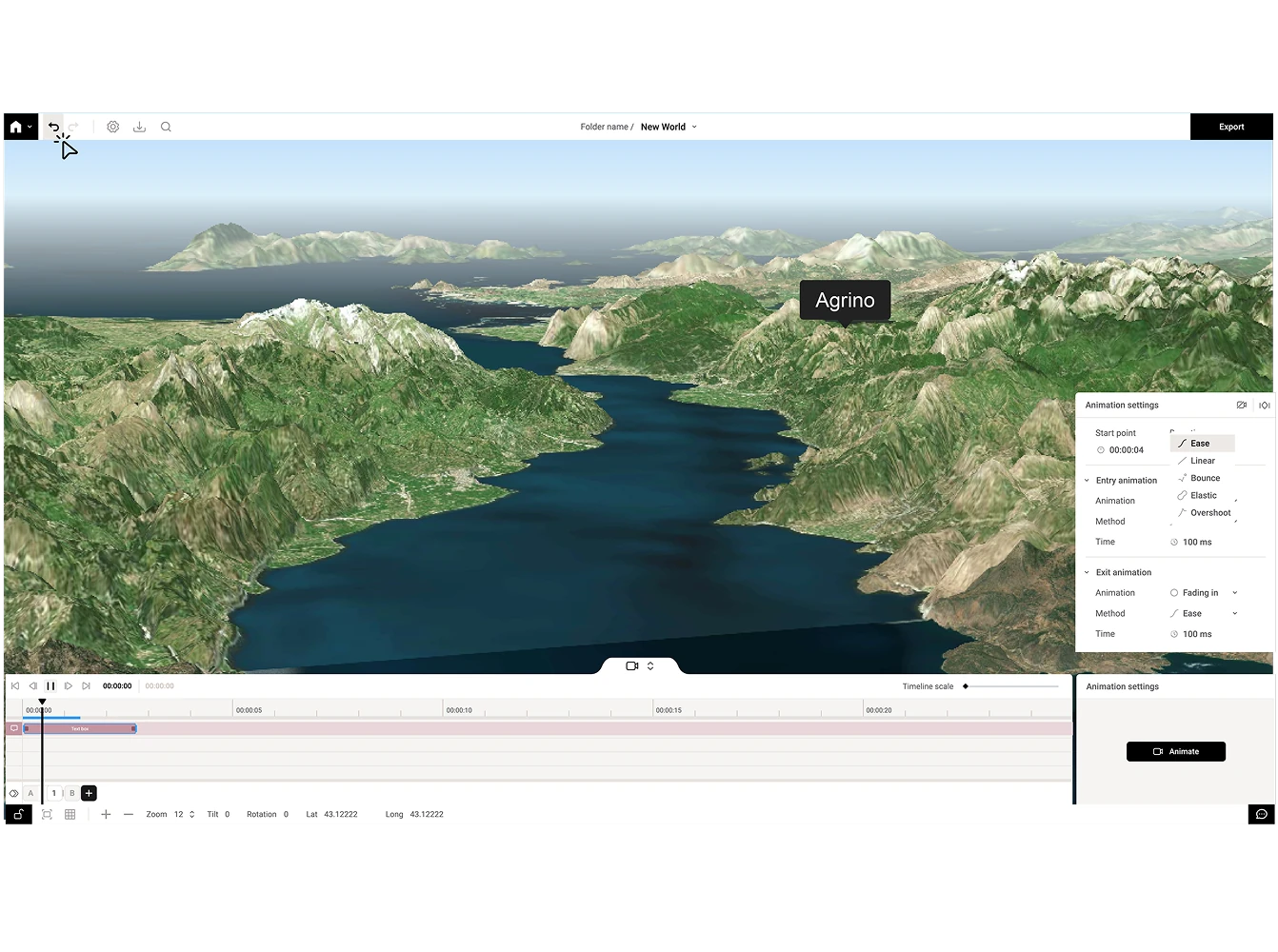
Animate icons, paths, circles, and areas with full control over color, timing, and effects. Hide or reveal map labels between transitions, tilt the camera, and add glow effects for a cinematic look. Enable 3D terrain to add depth and realism, or customize styles and elements to match your visual identity. The draggable timeline and real-time preview make refining every movement simple and precise.
Everything you need in one platform
Everything from map creation to animation happens in one place. Design, style, and animate directly inside Mapcreator without switching software. Add annotations, motions and, transitions, then export instantly for web, social, or broadcast. No external editing required.
Made for broadcasters and creators
Mapcreator animations are broadcast-ready and OGraf-compatible, giving you real-time control during live shows. Choose transitions, camera angles, and motion paths that match your production style. Export in HD or 4K to ensure your maps look flawless on any screen. Keep your visuals consistent and your audience engaged with clean, brand-ready designs made for on-air use.
Animate directly in Adobe After Effects
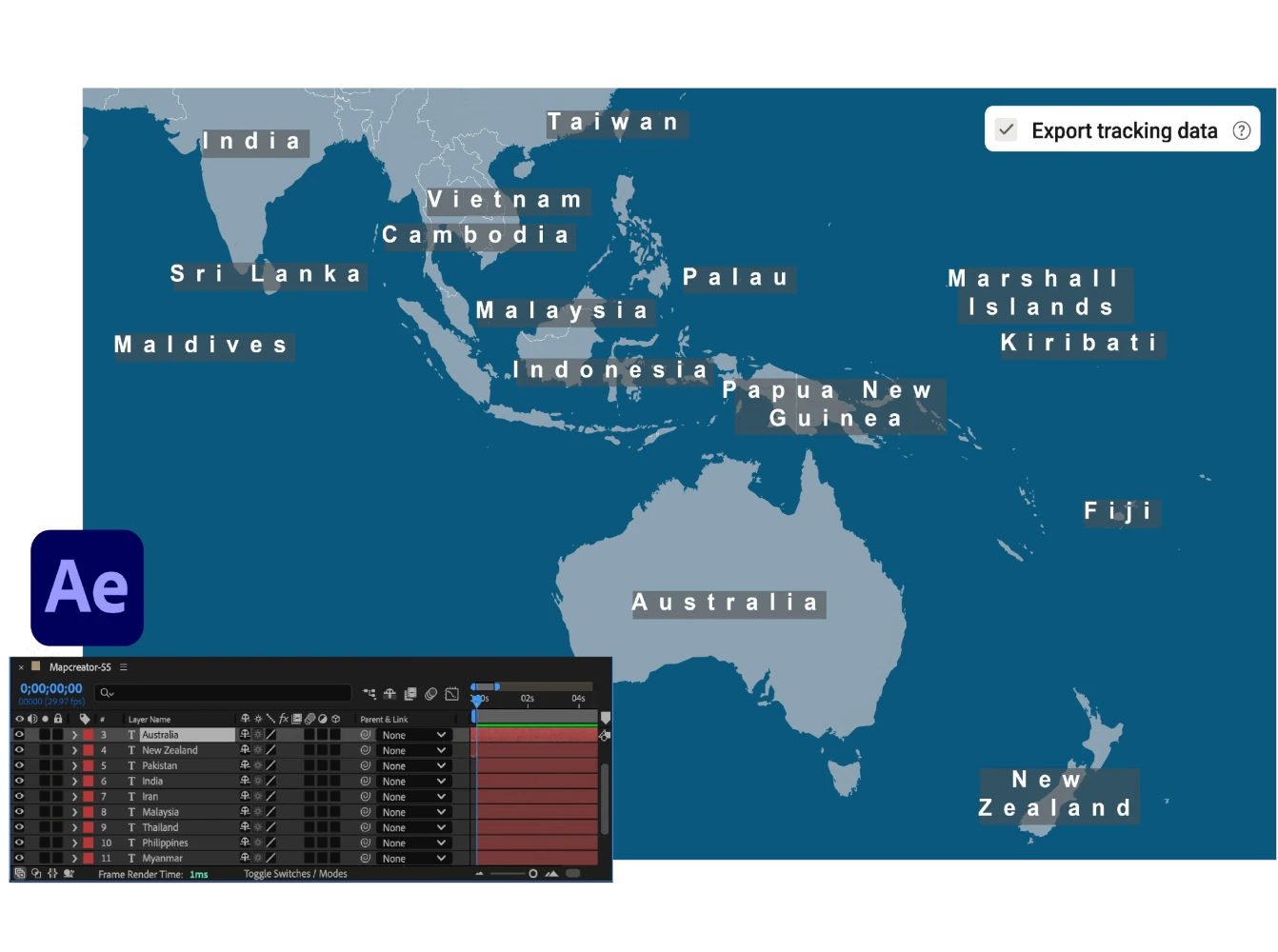
The Mapcreator After Effects extension lets you design and animate maps without leaving your workspace. Generate layers, labels, and motion templates directly inside AE. Importing a project from Mapcreator into After Effects? Icons with tracking data automatically link to their null layers, making post-editing fast and accurate.
Customize effects, maintain brand consistency, and skip the tedious import steps. It also supports alpha-channel rendering, so your exported PNG sequence includes full transparency for seamless compositing.
Animate routes & lines
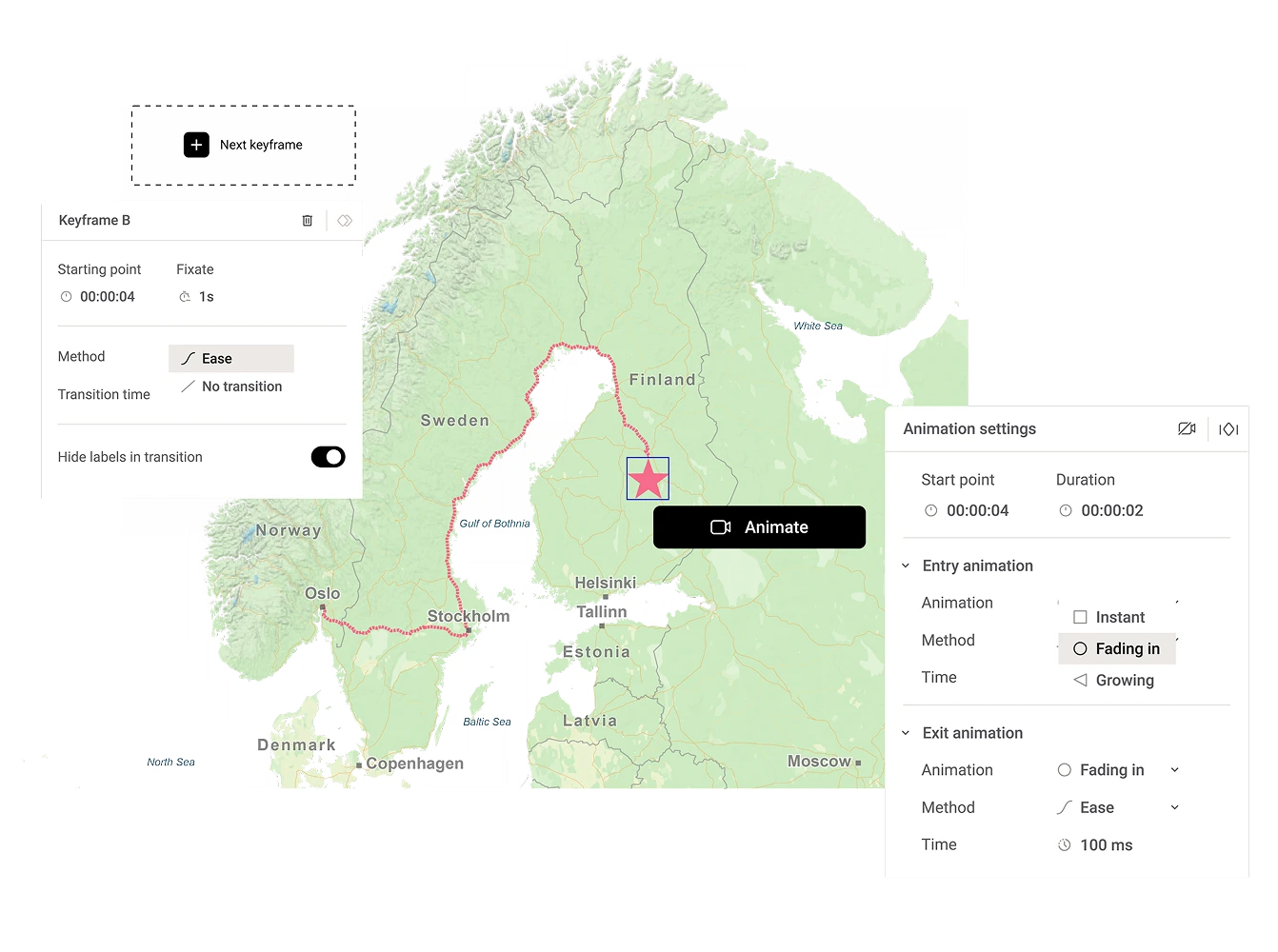
Bring journeys to life by animating lines and routes that guide viewers from start to finish. With auto-keyframe generation, the camera follows the path automatically, adjusting movement and timing for a natural flow. Choose between a static or progressive line style and even attach an icon to travel along the route for clear, dynamic storytelling.
Map smarter now.
No spam, just high-quality mapping insights. Unsubscribe anytime.
Frequently asked questions
Got a question? Start with these essential FAQs, or explore our Knowledge Base for more Mapcreator guidance.
Can I create animated maps without video editing software?
Yes. You can design, style, animate, preview, and export your map directly in Mapcreator. Add motion paths, transitions, labels, icons, and camera movement without needing separate post-production software.
Which elements can be animated in Mapcreator?
You can animate routes, lines, icons, circles, areas, labels, and camera movements. You can also use effects like zoom, tilt, rotation, glow, 3D terrain, and progressive route animations to make map stories easier to follow.
Which video formats can I export?
You can render map animations as MOV or MP4, or export them as an image sequence for more control in your own video workflow. Exports can be used for web, social, presentations, and broadcast. If you need more tailored rendering settings, such as 720p or 1080i, we can set these up for your team too.
Can I use Mapcreator animations for broadcast?
Yes. Mapcreator supports broadcast-ready animated maps, including HD and 4K exports. For live production workflows, animations can also be OGraf-compatible and used with real-time broadcast setups.